
 spa
 EN
 pt
 vie
 th
 est
 lav
 aze
 ukr
 bel
 ru
Equipping schools with interactive flat panels in Kazakhstan requires more than choosing a screen size or comparing product prices. Public education projects must first check applicable national equipment requirements and tender specifications, then match them with documented hardware, software, warranty and delivery conditions. For private schools and education groups, the same technical framework can support a more flexible classroom renewal plan.
This guide explains how schools, education departments and system integrators can evaluate interactive flat panels, prepare procurement specifications and plan classroom deployment in Kazakhstan.
1. What Is Driving School Equipment and Classroom Digitalization in Kazakhstan?
School digitalization involves more than installing computers or connecting classrooms to the internet. A practical renewal program may include classroom displays, teacher computers, network infrastructure, educational software, audio-visual equipment and teacher training.
For schools evaluating interactive flat panels in Kazakhstan, the first step is to distinguish between national education policy objectives and specific equipment requirements. A general digitalization strategy does not automatically mean that every school must purchase the same display or use an identical classroom configuration.
One important reference for public education procurement is the joint order issued by Kazakhstan's Ministry of Education and Ministry of Digital Development:
- Joint Order No. 208 and No. 475/НҚ: adopted in September 2025.
- Subject: minimum requirements for computer and interactive equipment in state education organizations delivering primary, basic secondary, general secondary, special, technical and vocational education programs.
- Procurement relevance: the attached requirements specify technical characteristics for interactive equipment, computer equipment, software and related accessories.
Buyers can consult the official legal text through the Kazakhstan legal information system: Kazakhstan Joint Order No. 208 / No. 475/НҚ.
The order applies to the state education organizations identified in its scope. Private schools, independent education groups and other buyers should check their own procurement documents and applicable contractual requirements rather than assuming that every provision automatically applies to them.
School equipment planning should therefore use three separate references: national policy documents for the broader direction, applicable technical requirements for equipment selection, and the individual tender or purchase specification for the actual delivery obligation.
2. What Are the Minimum Interactive Equipment Requirements for Public Schools?
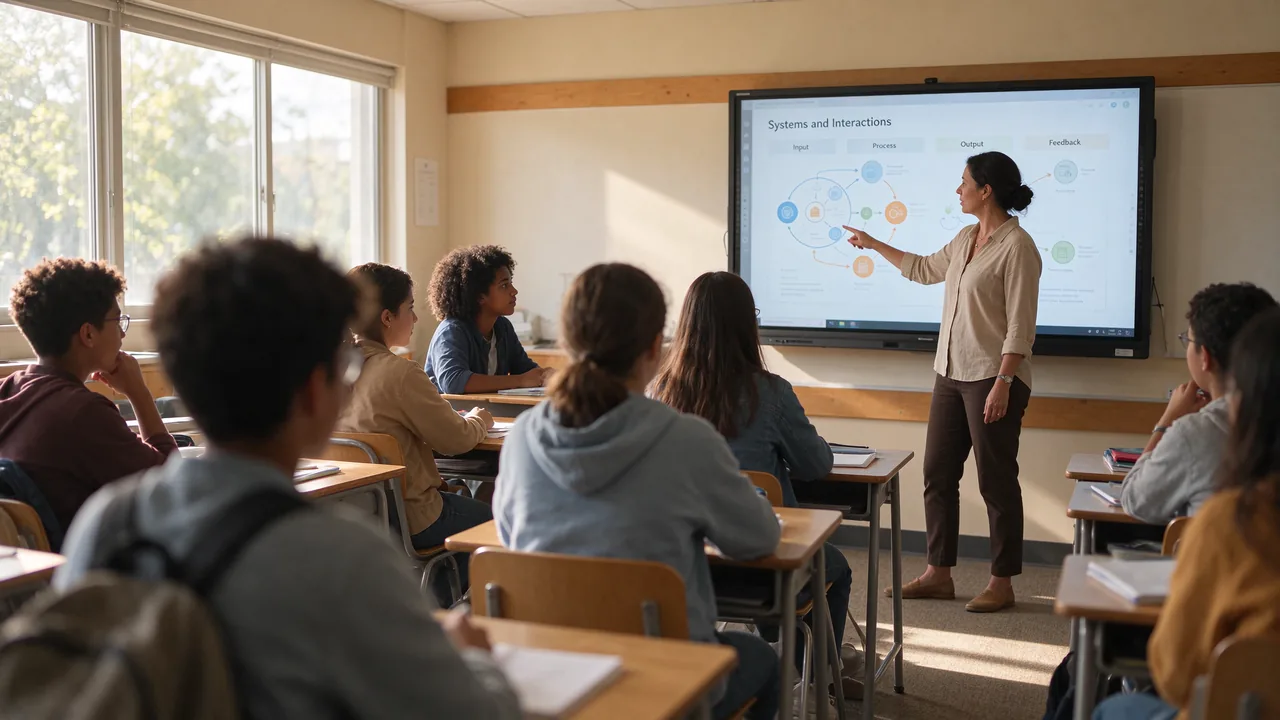
The 2025 joint order provides a concrete starting point for public-school equipment procurement. Its interactive equipment section specifies minimum requirements for panel size, display performance, touch functions, built-in computing resources, connectivity, software, accessories and warranty.
The following table summarizes the interactive panel requirements stated in the order. It is a procurement reference, not a declaration that any particular commercial model automatically complies.
| Requirement category | Minimum requirement in the order | What buyers should verify |
|---|---|---|
| Panel size and aspect ratio | At least 75 inches; aspect ratio of at least 16:9 | Exact model size and display specification |
| Resolution and brightness | At least 3840 × 2160 (4K UHD); at least 350 cd/m² | Model-specific technical datasheet and supporting documentation |
| Altavoces incorporados | At least two speakers, each rated at 15 W or higher | Speaker quantity and rated output |
| Rendimiento táctil | At least 20 simultaneous touch points; touch accuracy no greater than 1 mm | Touch-point specification and evidence of accuracy |
| Touch recognition | Stylus, finger touch and palm erasing | Demonstration of all required interaction methods |
| Built-in computer | At least 8 CPU cores, 8 GB RAM and 64 GB internal storage | Exact processor, memory and storage configuration |
| Conectividad | HDMI, LAN input and output, at least two USB-A 3.0 ports, at least one USB-C port, Wi-Fi 802.11ac, Bluetooth 5.0 and VGA | Physical interface layout and supported wireless standards |
| Built-in application software | Lecture whiteboard, annotation, timer, random-order generator, screen capture, screen sharing, browser, PDF reader and media player | Software availability and functional demonstration |
| OPS computer | Specified processor, memory and storage requirements under the order | Exact OPS configuration and compatibility with the panel |
| Operating system and office software | Licensed software with Kazakh and Russian language requirements and specified authorization documentation | License type, language support and authorization documents |
| Lesson software | Mouse control, annotation, saving, graphics, animation, drawing and geometry tools, on-screen keyboard and export | Software functions and practical operation |
| Included accessory | Stand móvil | Whether the stand is included in the quoted delivery scope |
| Garantía | At least three years | Written warranty period, coverage, service procedure and logistics responsibility |
Buyers should read the complete legal text and its appendix rather than relying only on a summary table. A tender may also add requirements concerning delivery, installation, documentation, acceptance testing or other project-specific conditions.
Important distinction: a product specification that lists a 1 mm touch activation height does not, by itself, prove compliance with a requirement for touch accuracy of no greater than 1 mm. Buyers should request evidence for the exact measurement named in the procurement specification.
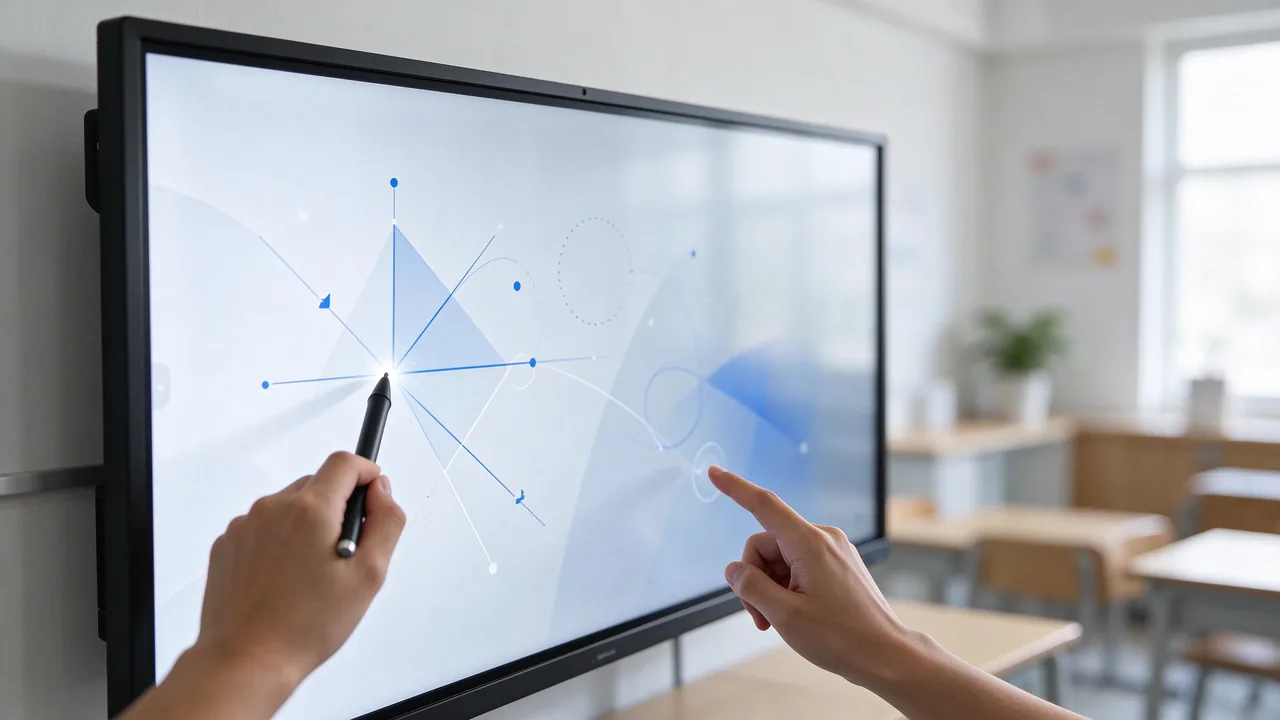
For a broader view of education display options, review Qtenboard's interactive whiteboard range for education y el education interactive flat panel product and configuration information. Final compliance must still be checked against the exact model and bill of materials offered for the project.
3. How Should Schools Match Interactive Flat Panels to Classroom Requirements?
Once the applicable requirements are understood, the next step is to translate them into classroom configurations. A school may have standard teaching rooms, science laboratories, language classrooms, computer rooms and larger collaborative learning spaces. Their display needs and peripheral equipment may differ.
| Classroom type | Typical teaching activities | Configuration considerations |
|---|---|---|
| Aula estándar | Lesson presentation, digital textbooks, annotation and classroom discussion | Applicable minimum panel size, 4K display, multi-touch, teaching software and suitable mounting |
| Science and STEM classroom | Diagrams, formulas, simulations, educational videos and collaborative problem-solving | Clear 4K content, reliable external device connections and software compatibility testing |
| Language classroom | Audio-visual materials, reading exercises, presentations and interactive learning activities | Suitable audio output, media playback, file compatibility and language input requirements |
| Computer-supported classroom | Presentations and lessons using existing Windows applications or school computers | OPS requirements, HDMI and touch return connections, operating system and application compatibility |
| Large teaching space | Lectures, group demonstrations and shared visual content | Viewing distance, screen position, audio coverage and possible additional AV equipment |
Screen size should be selected according to room dimensions, seating layout, viewing distance and the content being displayed. A larger panel is not automatically the best choice if it is installed too high or if the classroom layout prevents students from viewing it comfortably.
Qtenboard provides an interactive flat panel size selection calculator to help buyers estimate a suitable display size based on room dimensions and user numbers. The result should be treated as a planning reference and confirmed through an actual site survey.
Schools planning a wider classroom upgrade can also review the Qtenboard education solution, which describes how interactive displays can work alongside classroom audio, cameras, lecture capture, device management and installation hardware.
4. How Can Buyers Verify Product Compliance Before Procurement?
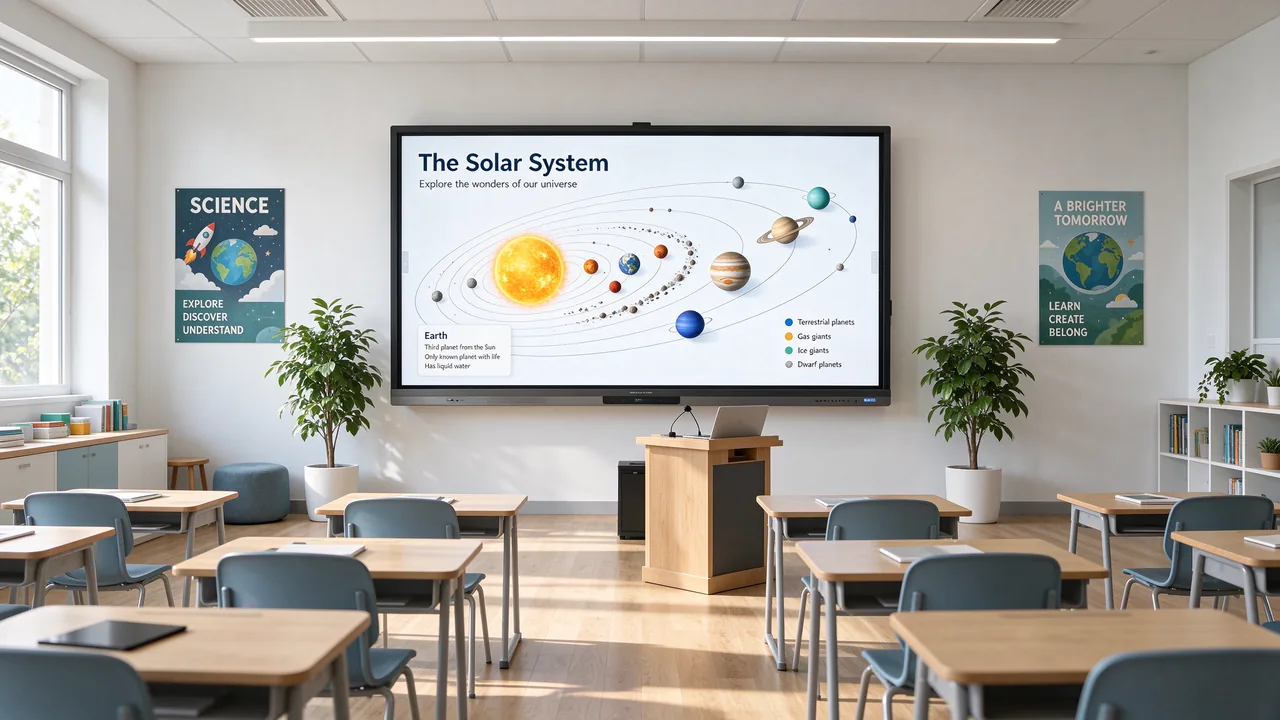
A product catalogue is useful for initial screening, but it is not sufficient evidence for a public procurement submission. Buyers should compare the tender specification with the technical documents for the exact model, configuration and accessories included in the supplier's quotation.
A practical compliance review should cover the following areas:
- Model identity: confirm the exact model number, screen size, hardware revision and configuration.
- Display performance: request resolution, brightness and other relevant panel specifications.
- Touch performance: verify simultaneous touch points, touch accuracy, stylus operation, finger recognition and palm erasing.
- Computing configuration: confirm processor, RAM, storage, operating system and whether an OPS computer is included.
- Conectividad: compare each required physical port and wireless protocol with the actual product.
- Software: request a function list or demonstration covering the required teaching tools, file handling and screen sharing.
- Language and licensing: verify Kazakh and Russian interfaces, software licensing and any required authorization letters.
- Accessories: confirm the mobile stand, cables, mounting hardware and other items included in delivery.
- Garantía: confirm the selected warranty period, coverage, exclusions, claim procedure and shipping responsibilities in writing.
For external device connections, buyers should also review Qtenboard's interactive flat panel ports and buttons guide. HDMI, USB, USB-C and touch connections should be evaluated as part of the classroom workflow rather than as isolated items on a specification sheet.
For supplier due diligence, the interactive flat panel OEM quality checklist discusses panel quality, batch consistency, inspection records, burn-in testing and commercial terms. The factory audit and verification guide provides another reference for evaluating manufacturing and quality-control capabilities.
Where a project requires third-party inspection, the inspection scope and acceptance criteria should be agreed before production or shipment. A sample demonstration should not replace a written acceptance procedure for the full batch.

5. What Does a School-Wide Interactive Panel Deployment Plan Include?
Large school equipment programs need a deployment process that connects procurement specifications with actual classroom use. A phased approach helps schools identify technical or operational problems before expanding the installation to more classrooms.
| Deployment stage | Main activities | Expected output |
|---|---|---|
| 1. School assessment | Review classroom dimensions, existing equipment, network conditions, teaching activities and power access | Room inventory and preliminary equipment requirements |
| 2. Technical specification | Map legal and tender requirements to model-level specifications and accessories | Approved technical specification and compliance checklist |
| 3. Sample or pilot evaluation | Test display quality, touch operation, software, connectivity and classroom usability | Documented pilot results and configuration adjustments |
| 4. Batch production and inspection | Confirm the production configuration, inspect the batch and prepare delivery documents | Approved shipment and inspection records |
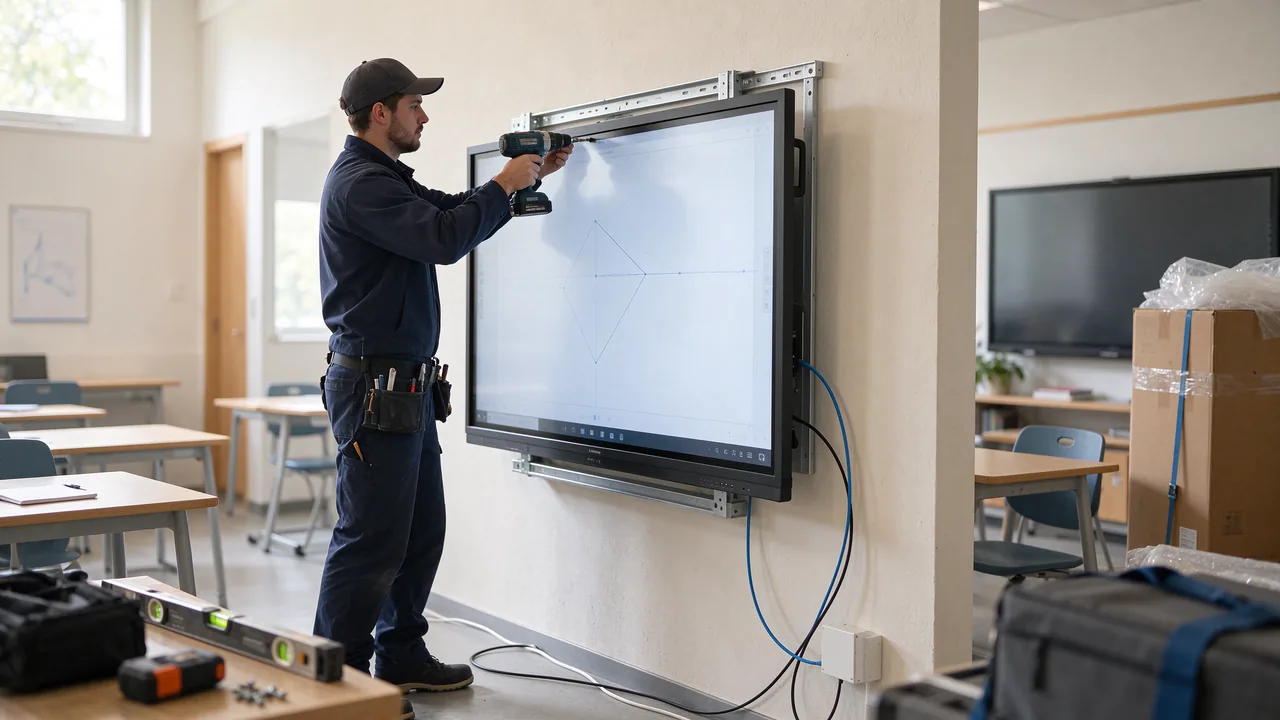
| 5. Installation and commissioning | Install displays, connect peripherals, check software and verify room operation | Completed installation and acceptance records |
| 6. Teacher and IT training | Explain daily operation, file handling, classroom tools and basic troubleshooting | Trained users and handover materials |
| 7. Ongoing support | Manage warranty claims, spare parts, software updates and technical communication | Documented support responsibilities and escalation process |
For multi-school deployments, buyers should also confirm whether all classrooms will receive the same hardware configuration or whether different room types require different specifications. Standardizing model numbers and software versions can simplify training, inventory management and future maintenance.
Qtenboard & #039;sinteractive whiteboard for school solution guide discusses common classroom use cases, while the education project reference page provides examples of education deployments in other markets. These examples can help buyers understand possible project structures, but they should not be presented as completed Kazakhstan projects.
6. How Should Buyers Calculate the Total Cost of a School Equipment Project?
Comparing interactive flat panel quotations only by unit price can leave important project costs outside the original budget. A complete procurement estimate should include the equipment, required accessories, software, logistics, installation, training and warranty arrangements.
| Categoría de costo | Elementos a incluir | Questions to confirm |
|---|---|---|
| Interactive panel | Display, touch system, built-in computer and speakers | Does the quotation match the required model and specification? |
| OPS computer | Windows OPS module and required storage or memory configuration | Is OPS mandatory, optional or supplied separately? |
| Accesorios | Mobile stand, wall mount, cables and peripheral devices | Are all required accessories included? |
| Software and licensing | Operating system, office software and teaching applications | Are licenses perpetual or subscription-based, and which languages are supported? |
| Logistics and customs | International freight, insurance, customs clearance and local delivery | Which party handles each cost and document? |
| Instalación | Mounting, cabling, network setup and commissioning | Who provides local installation and site acceptance? |
| Entrenamiento | Teacher onboarding, IT training and user documentation | Is training included, remote or delivered on-site? |
| Warranty and support | Selected 1–3-year warranty option, spare parts, shipping and technical assistance | Does the selected warranty period meet the project requirement, and what does the coverage include? |
Schools and integrators should request a quotation that separates the panel from optional OPS modules, stands, software, logistics, installation and warranty options. This makes it easier to compare suppliers on the same delivery scope and identify costs that may otherwise appear after the purchase order is signed.
For larger orders, buyers can also discuss factory-direct supply, OEM/ODM configuration or CKD/SKD arrangements where appropriate. Qtenboard explains its manufacturing and customization options in its OEM/ODM solution overview.
7. What Should Kazakhstan Schools and Integrators Confirm Before Ordering?
Before issuing a purchase order, project teams should review local operating conditions and define responsibilities between the school, integrator, logistics provider and equipment manufacturer.
- Kazakh and Russian language support: confirm the required interface languages, keyboard input, software language options and any licensing documentation. Do not assume that general multilingual capability proves compliance with a specific operating-system requirement.
- Network conditions: check Wi-Fi availability, wired network access, firewall restrictions and whether teaching applications can operate under the school's network policies.
- Existing teaching software: test the actual applications and file formats used by teachers rather than relying on a general compatibility statement.
- Room installation: confirm wall structure, mounting height, power access, cable routing and whether a mobile stand is required.
- Delivery and acceptance: agree on model identification, serial-number records, inspection procedures, packaging condition and required handover documents.
- Local service responsibilities: identify who will carry out installation, first-line troubleshooting, replacement and warranty logistics within Kazakhstan.
- Período de garantía: select the required one-, two- or three-year warranty option and ensure that the agreed period is recorded in the quotation and contract.
For buyers evaluating a supplier's production background, Qtenboard has published information about its Shenzhen and Guangzhou factory upgrades, including manufacturing facilities and production workflow. See the Qtenboard factory expansion and manufacturing update.
Warranty planning for public-school projects: Qtenboard supports 1–3-year warranty options, depending on the product model, project requirements and contractual agreement. Where the applicable Kazakhstan procurement requirement specifies a minimum three-year warranty, buyers should request the three-year option and confirm the coverage, exclusions, claim procedure, spare parts arrangements and international shipping responsibilities in the project quotation and contract.
8. Why Consider Qtenboard for School Equipment Projects?
Qtenboard is an interactive display manufacturer offering interactive flat panels and education-oriented classroom configurations. Its published education product range includes multiple screen sizes, 4K display options, multi-touch configurations and Android-based systems, with optional Windows OPS configurations depending on the model.

For school groups, distributors and system integrators, project discussions can cover:
- Screen size and hardware configuration matched to the classroom and procurement specification.
- Android and optional Windows OPS configurations, subject to model availability and software compatibility.
- Teaching software, wireless presentation and classroom AV integration options.
- OEM/ODM customization for branding, user interface, language packs and project-specific configuration, subject to technical review.
- Technical documentation, installation guidance and remote technical communication.
- Batch inspection, packaging and delivery coordination for multi-unit orders.
- One-, two- or three-year warranty options, subject to the selected model and written project agreement.
Qtenboard's manufacturing background and production capabilities are introduced in its factory development announcement. Buyers considering customized hardware or software can also review the OEM/ODM manufacturing options.
For project warranty planning, buyers can review the Qtenboard warranty policy and request written confirmation of the warranty period and coverage applicable to their selected model and order.
For an initial product review, visit the interactive whiteboard for education page. For a broader classroom equipment discussion, see the education solution page.
9. Preguntas frecuentes
What are the minimum interactive panel requirements for public schools in Kazakhstan?
The 2025 joint order specifies requirements including a panel of at least 75 inches, 4K UHD resolution, brightness of at least 350 cd/m², at least 20 simultaneous touch points, specified built-in computing resources, connectivity, software functions, a mobile stand and a minimum three-year warranty. Buyers should consult the official order and applicable tender documents for the full requirements.
Do private schools need to follow the same interactive equipment requirements?
The cited joint order is written for the state education organizations identified in its scope. Private schools and education groups should check their own applicable legal obligations, funding conditions and procurement specifications before deciding which requirements apply to their projects.
Can 65-inch interactive panels be used in Kazakhstan school projects?
A 65-inch panel may suit some private education or non-regulated applications, depending on the room and buyer's specification. However, it does not meet the 75-inch minimum panel size stated in the cited order for the covered public education organizations.
Can Qtenboard provide a three-year warranty for school equipment projects?
Qtenboard supports warranty options from one to three years, depending on the model and project agreement. For a public-school project requiring at least three years, buyers should request the three-year option and confirm the warranty period, coverage, exclusions and service responsibilities in writing before ordering.
What documents should buyers request before accepting a shipment?
Buyers should agree on the model specification, configuration list, serial-number records, inspection documents, software and licensing information, accessory list, warranty terms and delivery records. Any additional documents required by the tender or local import process should be confirmed before shipment.
10. Plan Your School Equipment Project with a Verified Specification
A successful school equipment program starts with a clear specification, not simply a screen-size preference or a unit-price comparison. Schools and integrators should identify the applicable requirements, confirm model-level evidence, test the software environment and agree on installation, acceptance and warranty responsibilities before placing a bulk order.
For projects with a three-year warranty requirement, the selected warranty option should be included in the quotation and contract. Buyers should also confirm whether the warranty covers parts, labor, replacement procedures, spare parts logistics and international shipping.
To discuss an education project with Qtenboard, prepare the target school or classroom quantity, required panel sizes, technical specification, preferred operating system, accessory list, delivery destination and warranty requirements. These details help the team review the appropriate configuration and identify any requirements that need additional confirmation.
Discuss Your Interactive Flat Panel Project
Whether you are equipping individual classrooms, renewing a school network or preparing an education equipment tender, Qtenboard can review your project requirements and discuss suitable interactive display configurations.
Contact Qtenboard for an education project consultation
Explore the education interactive whiteboard range or review the Solución de aula inteligente before submitting your project details.
Regulatory reference: Kazakhstan Joint Order No. 208 / No. 475/НҚ. This article is an equipment procurement guide, not legal advice. Buyers should verify the current official legal text, amendments and project-specific tender requirements before making a procurement decision.