
 pt
 EN
 spa
 vie
 th
 est
 lav
 aze
 ukr
 bel
 ru
4K & 100 Inch Interactive Whiteboard Buyer & #039;s Guia para Negócios e Educação
Um guia de compras no nível do projeto para quadros interativos 4K de grande formato-tamanho, toque, áudio, transporte, instalação, TCO e seleção de fornecedores para implantações de 98 a 110 polegadas.
Comprar um quadro interativo 4K de grande formato não é o mesmo que escolher uma tela maior. É uma decisão de aquisição no nível do projeto. Antes de comparar os preços do painel, você precisa resolver a geometria da sala, a distância de visualização, o desempenho do toque, a arquitetura do sistema, a cobertura de áudio, o acesso ao transporte, as condições de instalação e o suporte a longo prazo do ciclo de vida-porque cada um deles pode alterar o custo total e a usabilidade diária da instalação.
Um quadro interativo de 100 polegadas não é automaticamente a escolha certa para cada sala de reunião. Em uma sala padrão de 6 a 12 pessoas, uma tela de 75 a 86 polegadas geralmente oferece melhor valor e uma instalação mais simples. Um painel de 100 polegadas ou maior ganha seu lugar em salas de reuniões, salas de treinamento, salas de aula, centros de comando e showrooms, onde o público é maior, as distâncias de visualização são maiores e o conteúdo exige detalhes mais legíveis.
A resolução 4K também não significa automaticamente melhor toque, melhor conferência ou melhor software. Você ainda precisa avaliar a tecnologia de toque, sistema operacional, câmera, microfone, alto-falantes, transmissão sem fio e gerenciamento de dispositivos como decisões separadas. Este guia ajuda as equipes de compras, gerentes de TI/AV, integradores e parceiros de canal a estruturar essa avaliação para grandes projetos.
Um painel de grande formato altera a conversa de compras de maneiras concretas. Montagem de hardware, frete, aparelhamento, trabalho elétrico e mudanças de rede muitas vezes somam uma parcela significativa do orçamento do projeto, e eles são fáceis de subestimar quando você compara painéis por preço sozinho. As seções a seguir tratam o painel como um componente de um sistema-ajuste de sala, transporte, instalação, áudio e suporte ao ciclo de vida incluído-para que você possa avaliar todo o projeto, não apenas a tela.
A Qtenboard fornece quadros interativos 4K de 55-110 polegadas com multitoque, fundição sem fio, opções Android e Windows, gerenciamento de dispositivos DMS e suporte OEM/ODM. É apresentado aqui como uma opção, não como uma recomendação exclusiva.
Resposta Rápida: Quem Precisa De Um Quadro Interativo De Grande Formato 4K?
O tamanho certo depende do público, da profundidade da sala e de como as pessoas realmente usarão a tela. Comece com a tabela abaixo e valide-a em relação às medidas da sua sala na próxima seção.
| Cenário | Tamanho recomendado | Configuração indispensável | Direção Qtenboard |
|---|---|---|---|
| Sala de reuniões grande (12-20) | 98–100" | 4K, anti-reflexo, fundição segura, câmera/áudio | 98 "painel 4K interativo |
| Sala de formação corporativa (15-30) | 98–105" | 4K, toque do ponto 20-40, whiteboard, mic/câmera | 98/105 "painel interativo |
| Grande oficina (20) | 100–110" | 4K, toque de 40-50 pontos, quadro branco multiusuário | 105/110 "painel interativo |
| Revisão de engenharia | 98–110" | 4K, toque preciso, USB-C, Windows OPS | Display interativo 4K |
| Universidade palestra espaço | 100–110" | 4K, software didático, periféricos para aprendizagem remota | 105/110 "painel interativo |
| Sala comando do governo | 98–110" | 4K, rede segura, acesso controlado, DMS | 98/105/110 "com DMS |
| Showroom/centro demo | 98–110" | 4K, toque, UI de marca, multimídia de alta qualidade | Painel interativo de 98/105/110 polegadas |
Conclusões rápidas:
- Salas de reuniões e grandes salas para 12-20 pessoas: 98-100 polegadas.
- Salas de treinamento para 15-30 pessoas: 98-105 polegadas.
- Palestras e salas de treinamento acima de 20 pessoas: 100-110 polegadas, ou um layout multi-tela.
- Requisitos principais: 4K nativo, anti-reflexo, toque de baixa latência, fundição sem fio, compatibilidade com plataforma UC e DMS.
- Opcional por projeto: OPS Windows, recursos de reunião AI, UI personalizado, OEM/ODM, CKD/SKD.
Navegação Rápida por Função
- Equipas Compras Comparação de tamanhos, estrutura TCO, avaliação de fornecedores e um processo de compra passo a passo.
- TI/AV gestores Arquitetura do sistema, segurança, DMS, planejamento de rede e design de áudio/vídeo.
- Integradores -Interfaces, OPS, protocolos de controle, transporte e instalação e suporte a projetos.
- Distribuidores e parceiros OEM -OEM/ODM, MOQ, certificações, prazos de produção, embalagem e CKD/SKD.
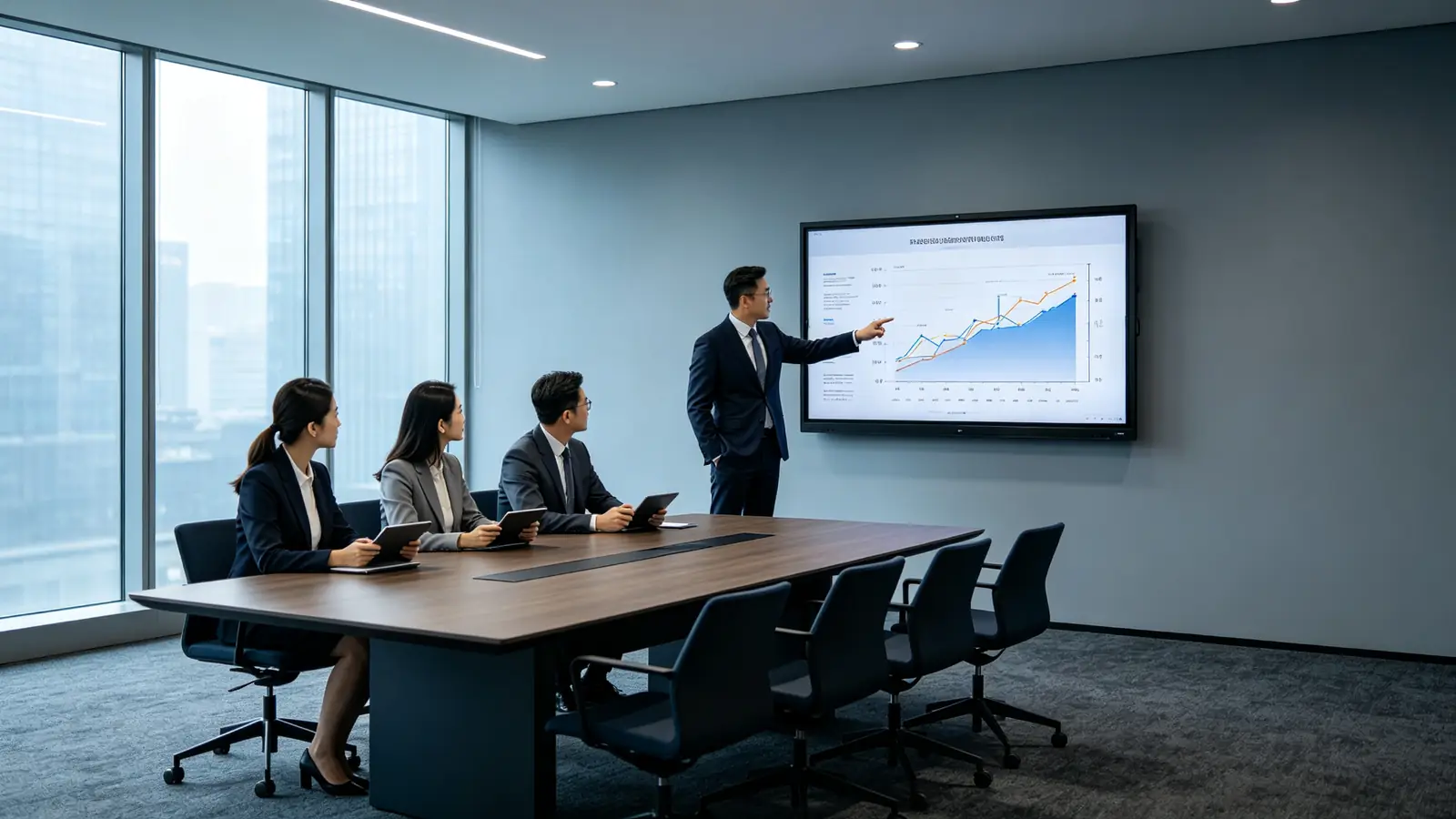
O que os compradores B2B devem avaliar antes de selecionar um IWB de grande formato 4K
Quando um monitor de 100 polegadas é (e não é) a chamada certa
Um painel de classe de 100 polegadas merece uma avaliação séria quando você tiver qualquer uma dessas condições:
- Diretorias com 12-20 participantes e um layout de mesa profundo.
- Salas de treinamento corporativas com 15 a 30 formandos que precisam ler pequenos textos e executar exercícios interativos.
- Universidades salas de aula ou auditórios onde a fileira de trás está longe da tela.
- Showrooms e demo centers onde o impacto visual importa.
- Salas de comando, controle ou operações com painéis densos e trabalho com várias janelas.
- Grandes espaços de colaboração onde várias pessoas escrevem e anotam ao mesmo tempo.
Você provavelmente não precisa de 100 polegadas quando a sala tem 2-6 pessoas em um layout huddle, quando 6-12 pessoas se sentam perto de uma mesa de reunião padrão, ou quando o conteúdo é principalmente slides vistos de uma curta distância. Os fatores decisivos são a distância de visualização mais distante, o menor tamanho de fonte que você deve ler, a necessidade de exibir o Excel, desenhos de engenharia ou várias janelas e o número de pessoas que operarão a tela simultaneamente.
Anote a base de decisão para o seu quarto: a distância de visualização mais distante medida, o menor tamanho de fonte que deve permanecer legível, o maior número de janelas que você planeja mostrar lado a lado e o número máximo de gravadores simultâneos. Se suas respostas apontam para 98 polegadas ou 110 polegadas em vez de 100 polegadas, siga os números-o rótulo é um termo de pesquisa, não uma especificação.
100 polegadas vs 98 polegadas vs 105 polegadas vs 110 polegadas
| Tamanho do ecrã | Melhor para | Público típico | Vantagem principal | Consideração principal |
|---|---|---|---|---|
| 86 polegadas | Grandes salas standard reuniões | 8 a 16 pessoas | Balanço de visibilidade, custo, instalação | Pode ser limitado para salas profundas |
| 98 polegadas | Salas grandes e salas formação | 12 a 20 pessoas | Melhor legibilidade de longa distância | Parede maior e instalação cuidadosa |
| 100 polegadas | Salas de treinamento, salas de aula | 15 a 30 pessoas | Forte impacto visual e grande área ativa | Transporte, carregamento parede, instalação complexidade |
| 105 polegadas | Salas de colaboração de formato amplo | 15 a 30 pessoas | Fluxos panorâmicos ou com várias janelas | Confirmar proporção e suporte a software |
| 110 polegadas | Salas e salões grandes do treinamento | 20 pessoas | Máxima visibilidade na área de transferência | Maior custo, logística, manutenção |
Polegadas diagonais não são o mesmo que área utilizável. A largura da moldura, a proporção e as dimensões externas diferem entre os modelos, portanto, compare sempre a área de exibição ativa e a pegada física, não apenas a diagonal.
O que 4K realmente significa em tamanhos grandes
4K UHD é 3840 × 2160 pixels-cerca de 8,3 milhões de pixels, quatro vezes o detalhe de 1080p. Em um painel de 98-110 polegadas, a mesma resolução é esticada em uma superfície muito maior, então a densidade de pixels por polegada é menor do que em uma tela pequena. Isso torna o 4K mais importante, não menos importante: ele mantém fontes pequenas, células do Excel, dados financeiros, desenhos de engenharia, visualizações CAD, layouts de várias janelas e vídeos de alta resolução legíveis à distância.
Suporte a entrada 4K vs 4K nativo vs upscaling 4K
| Tipo | Significado | O que confirmar |
|---|---|---|
| 4K nativo | A definição física do painel é 3840 × 2160 | Confirme na folha de especificação do painel |
| Suporte entrada 4K | Aceita um sinal 4K, mas o painel pode ser 1080p | Confirme a resolução real exibida |
| Upscaling 4K | Alonga conteúdo de baixa resolução até 4K | Confirme a qualidade do processamento de imagem |
Riscos comuns em projetos de grande formato
- Choosing by the 100-inch label without verifying the actual active display area.
- Not comparing 98, 100, 105, and 110 inch form factors, weights, and prices.
- Not checking doors, elevators, corridors, and the final installation path.
- Not confirming wall load capacity and the VESA standard.
- Reusing a standard-meeting-room audio configuration in a large training room.
- Assuming built-in speakers can cover a large room by themselves.
- Not testing multi-user writing and touch at the edges of a big screen.
- Ignoring whether the OPS computer or external PC can output real 4K.
- Skipping an evaluation of network bandwidth and video conferencing demand.
- Comparing only the unit price instead of installation, transport, and maintenance.
How to Determine Whether 100 Inches Fits Your Project
Measure Viewing Distance
Start with the real seating and standing positions, not the room's total length. Record the nearest row, the farthest row, the first-row distance, the screen center height, seated and standing eye levels, table length, and room depth. For analytical viewing of data and documents, a common planning rule is about 1–2 times the display width; validate this with your actual font sizes, seat layout, and visual comfort tests before locking the size.
Consider Room Layout
The layout decides the first-row distance, aisle space, and whether one panel is enough. Boardroom long tables, U-shaped layouts, classroom rows, theater seating, cluster tables, semicircle arrangements, and open training spaces each produce different sight lines and reach distances. A large room with a deep center aisle may need the panel raised higher, while a flat room with tight rows may need a 105 or 110 inch option to protect the back rows.
Check Wall Width and Display Height
- Usable wall width, excluding doors, windows, and columns.
- Wall material and load capacity.
- Screen outer dimensions, including the bezel.
- Camera position and whether it clears the room.
- Power and network outlet locations.
- Furniture or equipment below the screen.
- Ceiling lights, air-conditioning outlets, and window reflections.
Verify Transport Access
- Factory packaging dimensions and container loading.
- Unloading equipment at the building entrance.
- Elevator size and door height.
- Corridor width and turning radius.
- Door width and door height on the final route.
- Floor load and the final path from the dock to the wall.
Large panels ship in heavy crates. The route from the delivery truck to the mounting wall is a real gate — measure it before you order.
Compare 98, 100, 105, and 110 Inches
Do not lock onto 100 inches from the start. Compare the active display area, outer dimensions, product weight, installation feasibility, transport conditions, price, lead time, and software and touch capability side by side. Note that 100-inch is a common search expression in the market; most manufacturers, including Qtenboard, offer 98, 105, and 110 inch configurations as standard, and a 100-inch configuration can be confirmed per project.
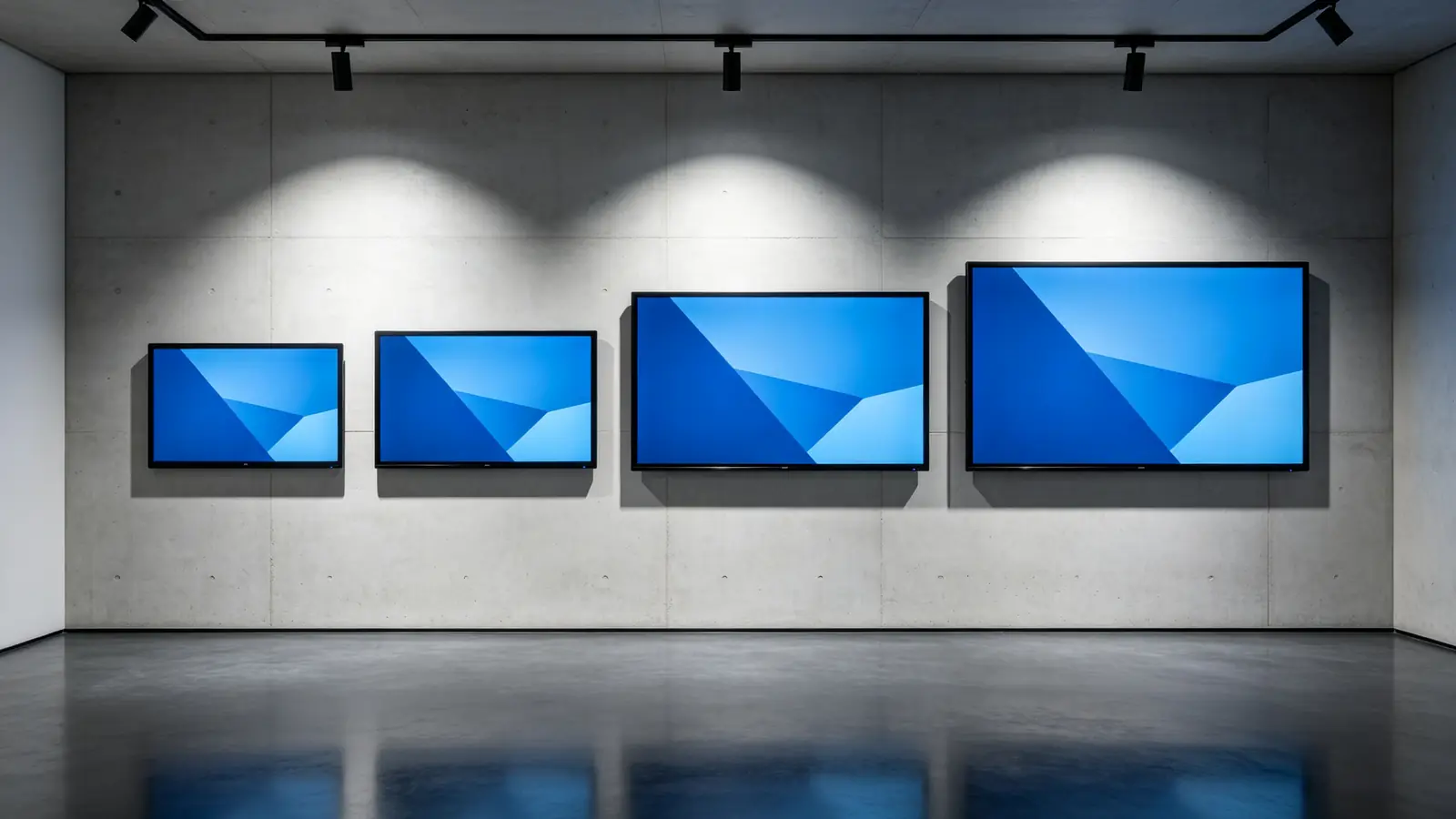
Key Specifications to Compare for Large-Format IWB
Once the size question is settled, the panel's technical stack decides whether the room works in practice. Work through the specifications below as a checklist and record the confirmed values in your tender document, because "4K interactive whiteboard" alone covers a wide range of performance.
Exibir desempenho
For a large room, verify native 4K, brightness, anti-glare treatment, reflection control, color uniformity, contrast, 178° viewing angle, ambient light sensing, and text readability at wide angles. Public specifications for large interactive panels typically cite 4K, 350 cd/m² or higher brightness, an anti-glare surface, and 178° viewing angles to support visibility in large meeting rooms or teaching spaces; set your own minimums based on the actual lighting and project requirements.
Touch Technology and Touch Points
Touch choices — infrared, PCAP, or other technologies — decide how the panel behaves in real work. Check the touch-point count (20, 40, or 50 points), response time, writing latency, touch accuracy, palm rejection, finger/pen/eraser recognition, and how multi-user writing actually performs on both Android and Windows. Vendors quote touch points differently; always test the behavior you will rely on.
| Usage pattern | Recommended touch focus |
|---|---|
| Executive presentation | Accurate pen writing and annotation |
| Treinamento corporativo | 20–40 point multi-touch |
| Workshop and brainstorming | 40–50 point touch, large whiteboard canvas |
| Revisão de engenharia | Touch accuracy, pinch zoom, annotation |
| Exhibition / demo | Multi-user touch, fast response, durability |
Operating System and Computing Performance
Clarify the Android version, how Windows is supported, whether an OPS slot exists, and the CPU, RAM, and storage configuration. Then test 4K UI performance, running multiple apps, browser behavior, and Office file handling, and ask about the firmware update policy. Put the exact configuration into your formal specification — do not accept a vague "supports Windows" statement.
Wireless Sharing and Connectivity
Check compatibility with Windows, macOS, iOS, and Android, plus multi-device casting, split-screen layouts, guest mode, and permission control. For wired connectivity, confirm HDMI, USB-C, USB-A, LAN, Wi-Fi, Bluetooth, HDMI output, audio input and output, RS-232, and support for external control systems that integrators rely on.
Camera, Microphone, and Speaker Integration
For a large room, verify the camera field of view, auto-framing, people tracking, camera height, and whether a PTZ camera is needed. For audio, check microphone pickup distance, array design, far-field capture, echo cancellation, noise suppression, and support for ceiling or desktop microphones. For speakers, check output power, audibility at the back of the room, and whether external amplifiers or a conferencing audio system are required for both video playback and speech clarity.

Commercial Durability and Lifecycle
Confirm the commercial usage rating, aging tests, power stability, touch glass durability, repair path, spare parts availability, firmware update commitments, warranty terms, and expected product lifecycle. For large panels, also ask about the stability of supply for the panel size you plan to standardize on — a discontinued size forces a re-certification of every room design.
Installing and Deploying a Large-Format IWB
Installation is where large-format projects most often slip. A 98–110 inch panel is heavy, needs a rated mount, and must be lifted and positioned by people who have done this before. Budget for the work, schedule it, and verify every step below against your site survey.
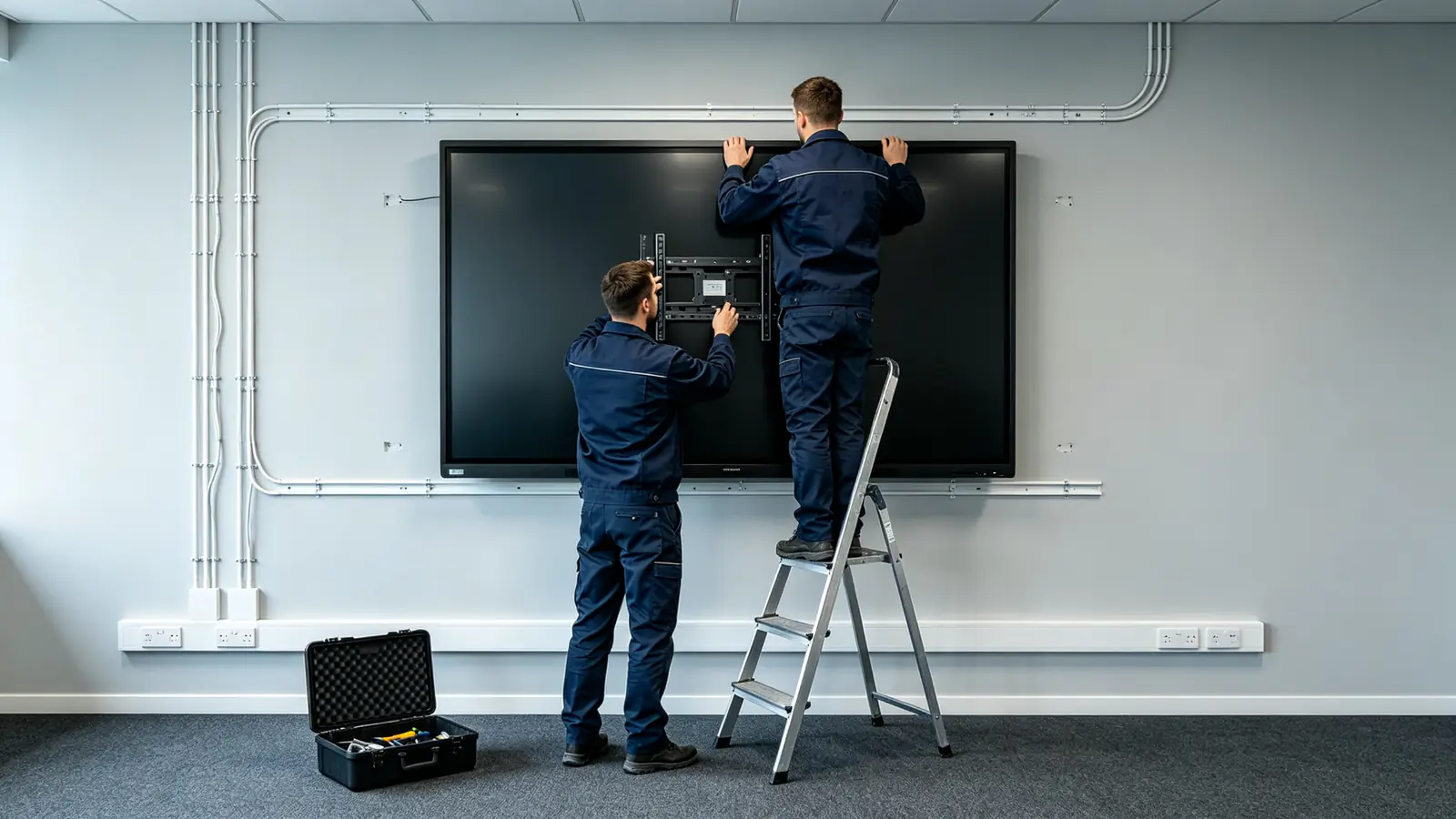
Wall Mounting
Wall mounting a 100-inch class panel is structural work. Confirm the VESA standard, screen weight, wall structure (concrete, brick, steel stud, or wood), the reinforcement plan, screws and anchors, cable routing, clearance above and below for service, and the camera position. The correct mounting height depends on room layout, seated and standing sight lines, accessibility requirements, and the interactive touch zone; as a rule, align the screen center with the primary viewers' eye line.
Instalação móvel do carrinho
If the panel must move between rooms, verify the trolley's rated load, compatible size range, caster locks, tip-over stability, the movement path, power cable safety, camera and audio stability, and anti-collision protection for the screen face. A 100-inch class panel on a trolley is heavy; confirm the floor surface and thresholds on the planned route.
Power and Network Planning
Plan the voltage and plug type, a dedicated power circuit, UPS or voltage stabilizer needs, wired LAN, Wi-Fi coverage, VLAN or network isolation, corporate firewall rules, the casting network, OTA and DMS access, and the bandwidth required by cameras and video conferencing software. A large interactive whiteboard is an endpoint on your network, not an appliance — treat it that way.
Cable Management
Account for HDMI, USB-C, USB touch-back, LAN, power, camera USB, audio, and RS-232 control cables: lengths, in-wall or floor routing, and service slack. Leave enough cable to pull the panel away from the wall for maintenance without disconnecting everything.
Pesquisa local pré-instalação
Before ordering, verify the room measurements, wall construction, door/elevator/transport route, power and network points, lighting and reflection, camera view, audio coverage, mounting height, user workflows, and acceptance criteria. Put the results in writing so the same data drives the spec, the quote, and the acceptance test.
Acceptance Testing
Test after installation: 4K display output, touch accuracy, multi-user writing, screen casting, audio and video, network connectivity, system configuration, installation safety, packaging and appearance, user training, and warranty documents. Fix issues before you sign the acceptance form, not after.
TCO Framework for Large-Format IWB Projects
Compare the full five-year cost rather than the unit price. The cost logic breaks down as follows:
- Replacement value: the panel replaces a projector, camera, microphone, and whiteboard in the same room.
- Meeting and training efficiency: rooms × sessions per week × average minutes saved × attendee hourly cost.
- IT operations savings: centralized device management versus per-room maintenance visits.
- Additional large-size costs: freight, rigging, and installation for 100-inch class panels.
- Volume effects: marginal cost per unit usually declines with a multi-room or multi-site order.
To see how the logic works, take one training room used three times a week for sessions that start fifteen minutes sooner with a reliable large display: the time saved across a year can easily exceed the panel's hardware cost, before counting reduced IT support visits. Treat the example as an illustration — build your own numbers from your room count, usage frequency, and attendee costs.
What's Changing in 2026 for Large-Format IWB Procurement
- Google EDLA certification for Android panels.
- Microsoft Teams and Zoom certification for conferencing readiness.
- Zero-trust security expectations and DMS remote device management.
- USB-C one-cable connection and AV-over-IP for simpler room designs.
- AI meeting notes, AI noise reduction, and auto-framing cameras.
- Standardized multi-room deployment instead of one-off room designs.
- Sustainability and power-consumption requirements in tenders.
- Large-panel supply trends and lead-time visibility.
- Trade compliance, tariffs, and rules of origin affecting landed cost.
How to Evaluate a Large-Format IWB Supplier
The supplier decision is as important as the panel decision. Evaluate manufacturing depth, large-size capability, customization options, quality systems, and after-sales commitments — in that order — before you compare prices across vendors.
Manufacturing Capability
Confirm whether the supplier is a manufacturer with a real factory, an R&D and engineering team, large-size assembly and aging-test capability, and batch consistency controls — not just a trading company repackaging panels.
Large-Size Product Capability
Check whether the supplier offers 86, 98, 105, and 110 inch configurations, native 4K, multi-touch, Android/Windows/OPS options, and integrated camera, microphone, speaker, and DMS capabilities. A vendor whose largest product is 86 inches is not a large-format project partner.
Capacidade OEM/ODM
For branded or channel programs, confirm logo, packaging, UI, language, and preloaded app customization; hardware configuration changes (touch points, camera and audio, interfaces); and structural ODM, custom tooling, and CKD/SKD options. Ask which of these are standard and which require a project agreement.
Quality and Certification
Ask about incoming inspection, in-process quality control, aging tests, pre-shipment inspection, and batch traceability. For target markets, confirm CE, FCC, RoHS, ISO 9001, ISO 14001, and any country-specific certifications before you commit to a tender.
Delivery and After-Sales
Clarify MOQ, sample policy, lead time, and phased delivery for multi-site projects. Then confirm warranty terms, spare parts, firmware upgrades, technical support, and DOA handling, plus local service partners for multi-region deployments.
Supplier Questions Checklist
- Do you offer 98, 100, 105, or 110-inch configurations?
- Can you provide a sample for testing?
- What is your MOQ and lead time?
- Can you customize logo, UI, packaging, and software?
- What certifications are available for our target market?
- What is the warranty and spare parts policy?
- Can you support multi-room or multi-site deployment?
Qtenboard Large-Format Interactive Whiteboard Solutions
Large-Size Product Options
Qtenboard's public interactive whiteboard portfolio covers 55, 65, 75, 86, 98, 105, and 110 inch sizes. For projects that specify 100 inches, use this careful phrasing:
4K Collaboration for Large Rooms
Qtenboard large-format panels combine 4K UHD displays, anti-glare screens, multi-touch, digital whiteboard and annotation, wireless casting, Android/Windows/OPS expansion, integrated camera, microphone, and speaker options, AI meeting and collaboration features, and remote device management for multi-room fleets.
OEM/ODM for Large-Format Projects
For channel and brand projects, Qtenboard supports size and product portfolio choices, touch-point configurations, Android/Windows/dual-system builds, OPS configurations, camera and audio options, logo and boot screen, preloaded software, packaging and manuals, certifications, large-size shipping packaging, CKD/SKD, and project-level delivery and after-sales support.
What Buyers Should Confirm
- Whether a 100-inch model is a stock or mass-production item.
- Active display area and outer dimensions.
- Net weight and packaged weight.
- VESA and mounting hole pattern.
- Touch technology and touch-point count.
- Native 4K resolution.
- Brightness and anti-glare treatment.
- Android version.
- Windows/OPS configuration.
- Camera, microphone, and speaker plan.
- Voltage, plug type, and certifications.
- MOQ, sample policy, and lead time.
- Shipping method for large panels.
- Warranty and spare parts.
| Prioridade do comprador | Proposta do valor do Qtenboard |
|---|---|
| Large-size flexibility | 86/98/105/110" interactive display portfolio |
| Qualidade do ecrã | Painéis comerciais 4K UHD |
| Opções do toque | 20/40/50-point configurations |
| Flexibilidade do sistema | Android, Windows, sistema duplo |
| Personalização do projeto | OEM/ODM, branding, packaging, CKD/SKD |
| Apoio à implantação | DMS, fornecimento do lote, peças sobresselentes |
| Tender support | Compliance docs, certifications, project references |
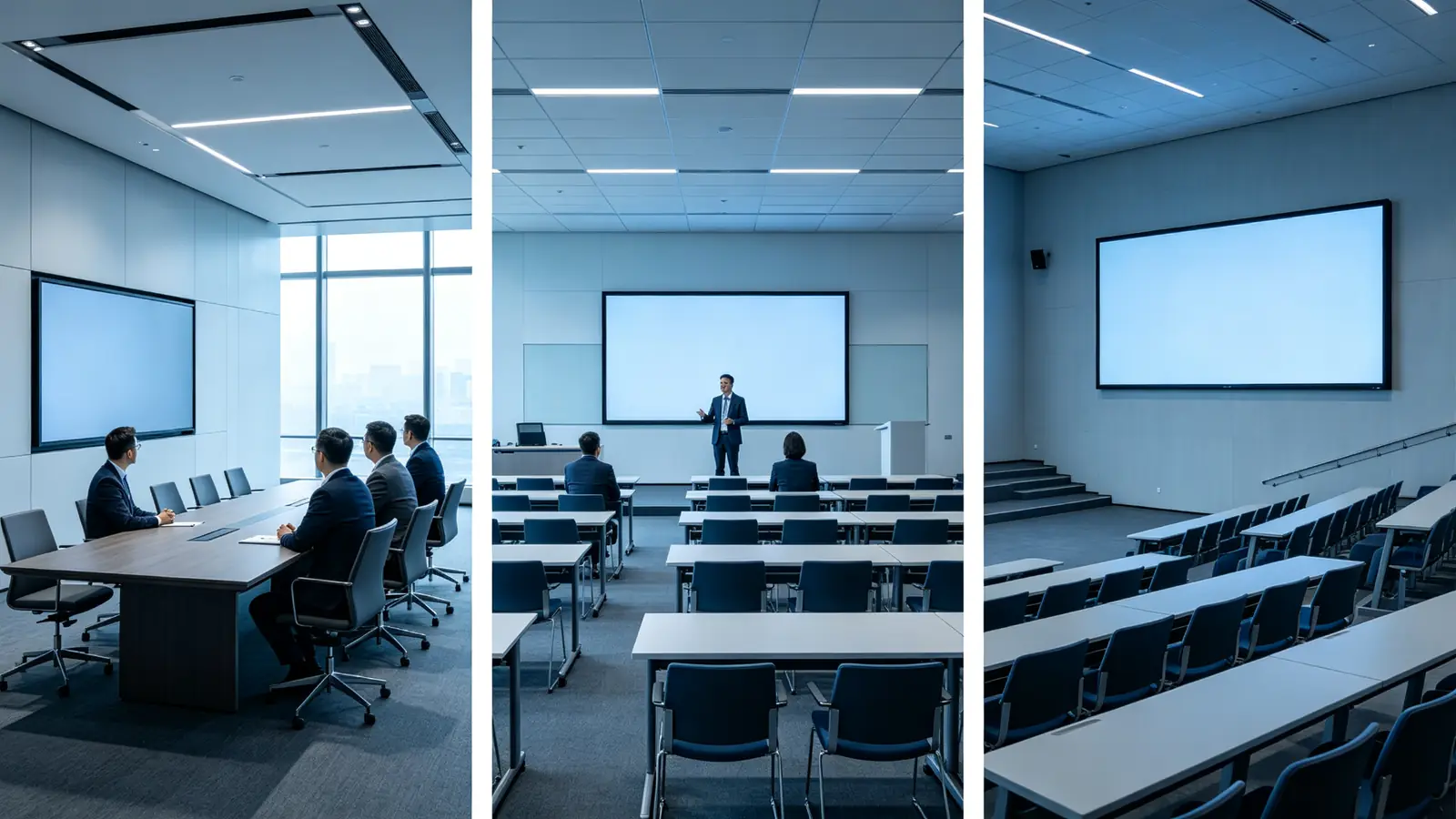
How to Buy a Large-Format 4K Interactive Whiteboard
- Define the room and audience. Record room dimensions, participant count, farthest viewing distance, content types, interaction level, hybrid meeting needs, and whether multiple rooms will be deployed.
- Compare 98, 100, 105, and 110 inches. Compare active display area, outer dimensions, weight, installation feasibility, transport conditions, price, lead time, and software and touch capability.
- Define essential technical requirements. Write the spec: 4K UHD, anti-glare, commercial-grade panel, touch-point count, touch latency, Android/Windows, wireless casting, HDMI and USB-C, camera and audio, DMS, warranty, and certifications.
- Conduct a site survey. Verify the wall, power, network, lighting, transport path, mounting hardware, audio/video plan, and maintenance space.
- Request a sample or live demonstration. Test 4K PPT, Excel, PDF, engineering drawings, video, multi-user writing, wireless casting, Teams/Zoom meetings, camera and microphone, and long-running stability.
- Review total cost of ownership. Cost out panel, mount/trolley, installation, OPS/PC, camera and audio, network, shipping, and support over five years.
- Confirm acceptance criteria. Agree in advance on 4K display, touch accuracy, multi-user writing, casting, audio/video, network, system configuration, installation safety, packaging, training, and warranty documentation.
Common Mistakes When Buying a Large-Format 4K Whiteboard
- Choosing by the 100-inch label without verifying the active display area.
- Not comparing 98, 100, 105, and 110 inch form factors, weights, and prices.
- Looking only at 4K while ignoring brightness, anti-glare, and content sources.
- Not measuring the farthest viewing distance.
- Not checking doors, elevators, corridors, and the installation path.
- Not confirming wall load capacity and the VESA standard.
- Reusing a standard-meeting-room audio configuration in a large training room.
- Assuming built-in speakers cover a large room.
- Not testing multi-user writing and edge touch on a big screen.
- Not verifying wireless casting with many simultaneous users.
- Ignoring whether the OPS computer or external PC can output real 4K.
- Skipping an evaluation of network bandwidth and video conferencing demand.
- Comparing only unit price instead of installation, transport, and maintenance.
- Not requesting a sample, factory test, or project acceptance criteria.
- Not confirming whether 100 inches is a current standard model of the supplier.
Perguntas Frequentes
What is a 4K large-format interactive whiteboard?
A large interactive display with 3840 × 2160 resolution that combines touch, digital whiteboarding, screen casting, and collaboration features. It is designed for large meetings, training rooms, lecture halls, and command or showroom spaces where a standard 75-inch panel is too small.
Is a 100 inch interactive whiteboard suitable for a conference room?
It suits large boardrooms, training rooms, and lecture spaces, but not every conference room. Match the size to viewing distance, wall width, seat layout, and interaction needs. For a standard 6–12 person room, 75–86 inches is usually the better value.
Is 4K necessary for a 100 inch smart board?
For a 100-inch class display, 4K is usually the right baseline because it keeps small text, spreadsheets, drawings, and multi-window content readable from distance. A 1080p panel at this size may not deliver comparable detail.
What is the difference between a 98 inch and 100 inch interactive whiteboard?
The practical difference depends on aspect ratio, bezel, outer dimensions, and active display area rather than the diagonal alone. Compare actual width and height, weight, touch, installation requirements, price, and lead time before deciding.
How many people can use a 100 inch interactive whiteboard?
For viewing, it can serve a large audience. For simultaneous operation, the limit depends on touch-point count, layout, software, and the activity. Large workshops often choose 40–50 point touch configurations, but that does not mean 40–50 people can comfortably write at once.
Can a 100 inch interactive whiteboard support Teams and Zoom?
Yes, but the experience depends on the operating system, conferencing software, camera, microphone, speakers, OPS or external PC, and network. Large rooms usually need a separately designed audio and video system for reliable remote participation.
Can a 100 inch smart board be wall-mounted?
Yes, if wall load capacity, VESA holes, screen weight, bracket rating, mounting structure, power, and maintenance space are confirmed. Large panels should be installed by a professional team.
Does Qtenboard offer 100 inch interactive whiteboards?
Qtenboard's public product range covers 86, 98, 105, and 110 inch large-format interactive whiteboards. Buyers who need a 100-inch configuration should confirm current model availability, active display dimensions, configuration, MOQ, and lead time directly with Qtenboard.
Can Qtenboard customize a large 4K interactive whiteboard project?
Qtenboard can discuss size, touch, system, camera, audio, interfaces, logo, UI, software, packaging, certifications, and OEM/ODM requirements per project. Feasibility depends on quantity, structure, tooling, and lead time.