
 aze
 EN
 spa
 pt
 vie
 th
 est
 lav
 ukr
 bel
 ru
Biznes və təhsil üçün 4K və 100 düymlük interaktiv lövhə alıcı bələdçisi
Böyük format 4K interaktiv ağ tapşırılar üçün layihə səviyyədə quruluş göstərişi - böyüklüyü, touch, audio, transport, quruluşu TCO, və verdiyi tətbiqi 98-110 inçdə seçmək üçün.
Böyük formatlı 4K interaktiv lövhə almaq, daha böyük ekran seçmək ilə eyni şey deyil. Bu, layihə səviyyəsində bir satınalma qərarıdır. Paniyə qiymətini müqayisə etməzdən əvvəl otaq geometriyi həll etməlisiniz, məsafəni baxmağı, toqluq əməldə, sistemi arhitekti, audio şəkili Avtomatik, quruluş vəziyyətlər, və uzun müddət həyat simpeli dəstəki - çünki onlardan hər biri tam qiymətini və qurulun gündəlik istifadəsini dəyişə bilər.
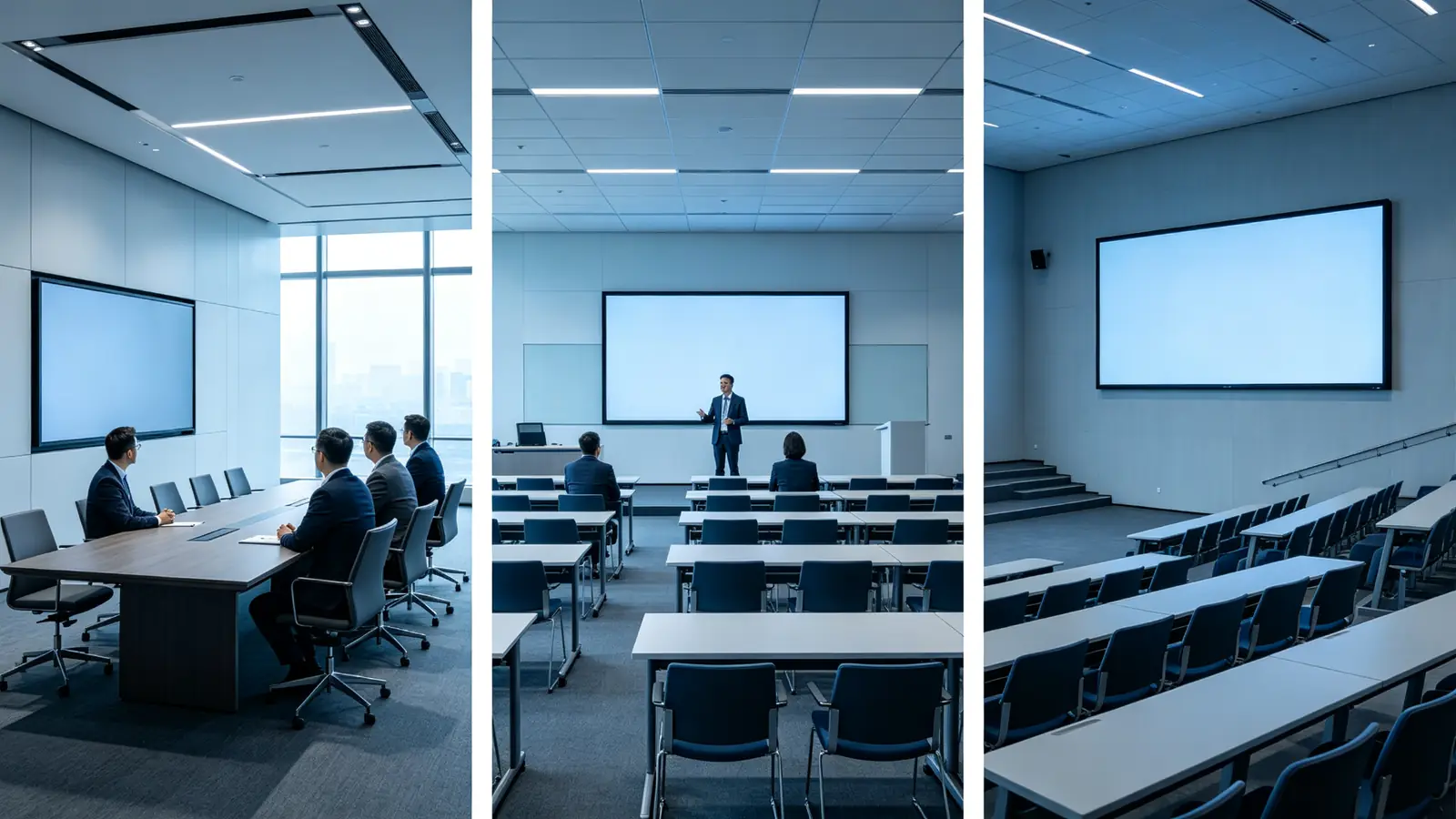
100 düymlük interaktiv ağ lövhə avtomatik olaraq hər bir iclas otağı üçün doğru seçim deyil. Standart 6-12 nəfərlik otaqda, 75-86 düymlük ekran adətən daha yaxşı keyfiyyət və sadə quraşdırma təmin edir. 100 incir və ya daha böyük panel otaqlarda, təlim otaqlarında, hiyyətlər hallarda, əmr rəftar ortalarında, və oğulların daha böyük olanda uzaqlıqları baxmaq daha uzundur və məzmunun daha oxumaq təfsilatlar tələb edir.
4K reyalı ilə daha yaxşı toxunmaq, daha yaxşı konferenci və ya daha yaxşı proqram demək deyil. Siz hələ də təqlidiniz texnologiya, operatı sistemi, kamera, mikrofon, söyləşir, wizsız casting, və avadanlıq idarəçisi fərqli qərarlar kimi. Bu məsləhətlər, IT / AV idarəçiləri, integratorlar və kanal əriflərin quruluşunu böyük layihələr üçün hesablamaya kömək edir.
Böyük formatlı panel satınalma müzakirələrini konkret şəkildə dəyişir. Vəziyyət, gəmiyyət, elektrik işlər, və şəbəkə dəyişikliklər çox vaxt layihə büyüdcənin mənalıqlı payına artır. Siz panelları yalnız qiymətə müqayisə edirsinizsə, onları təkcə təkcə dəyərlə müqayisə edirsiniz. Növbəti parçalar paneli sisteminin bir komponenti kimi öyrənir. və həyat siklik dəstəki daxildir - buna görə bütün layihəni yalnız ekranı yox, müəyyən edə bilərsiniz.
Qtenboard 55-110 inç 4K interaktiv ağad tapşırıqları ilə çoxlu-laqlı, wizləşmiş casting, Android və Windows seçimləri ilə təqdim edir. DMS avadanlığı idarəçisi və OEM/ODM dəstəyi. Burada bu, eksklüziv tövsiyə kimi deyil, B2B səviyyəsinə uyğun bir variant kimi təqdim olunur.
Tez cavab: Kimə 4K böyük formatlı interaktiv lövhə lazımdır?
Üstəlik, otağın dərinliyi və insanların əslində necə istifadə edəcəyini asılıdır. Aşağıdakı cəlləyəndə başlayın, sonra onu növbəti parçada otağında təsdiqləyin.
| Şərhi | Roğlan böyüklüyü | Olması lazım olan konfiqurasiya | Qtenboard səviyə |
|---|---|---|---|
| Böyük iclas otağı (12-20) | 98–100" | 4K, anti-glare, təhlükəsizlik, kamera/ audio | 98" 4K interaktiv panel |
| Korporativ təlim otağı (15-30) | 98–105" | 4K, 20-40 toxunma nöqtəsi, lövhə, mikrofon/kamera | 98/105" interaktivi paneli |
| Böyük emalatxana (20) | 100–110" | 4K, 40-50 nöqtəli toxunuşlu ekran, çoxistifadəçili lövhə | 105/110" interaktivi paneli |
| Məntəbindiyi | 98–110" | 4K, dəqiq toxunuş, USB-C, Windows OPS | 4K interaktiv displey |
| Universitet mühazirə otağı | 100–110" | 4K, tədris proqramı, məsafədən öyrənmə üçün periferiya cihazları | 105/110" interaktivi paneli |
| Hökumət komanda otağı | 98–110" | 4K, təhlükəsiz şəbəkə, idarə edilən aç | 98/105/110" DMS ilə |
| Sərgi zalı / demo mərkəzi | 98–110" | 4K, toxunma, brendli istifadəçi interfeysi, yüksək keyfiyyətli multimedia | 98/105/110" interaktiv panel |
Tez nəticələr:
- 12-20 nəfərlik iclas otaqları və böyük görüş zalları: 98-100 düym.
- 15-30 insan üçün təlim otaqları: 98-105 inç.
- 20 nəfərdən çox tamaşaçı olan mühazirə və təlim zalları: 100-110 düym, yaxud çox ekranlı quruluş.
- Əsas tələblər: orijinal 4K, parlaşdırmaqdan qoruyan örtük, gecikməsi az olan sensor ekran, simsiz yayımlama, UC platforması ilə uyğunluq və DMS.
- Layihə ilə getməli: OPS Windows, AI görüş xüsusiyyətlər, xüsusi UI, OEM/ODM, CKD/SKD.
İşləyən sür’ətli navigasiyama
- Təkcə quruluş qrupları - Böyüklüyü müqayisə, TCO çərçivə, tədqiqatçı hesablaması və addım alan proses.
- İT/AV menecerləri - sistem arxitekturası, təhlükəsizlik, DMS, şəbəkə planlaşdırması və audio/video dizaynı.
- İnteqratorlar - interfeyslər, OPS, idarəetmə protokolları, nəqliyyat və quraşdırma, eləcə də layihəyə dəstək.
- Distribyutorlar və OEM tərəfdaşları - OEM/ODM, minimum sifariş miqdarı, sertifikatlar, hazırlıq müddətləri, qablaşdırma və CKD/SKD.
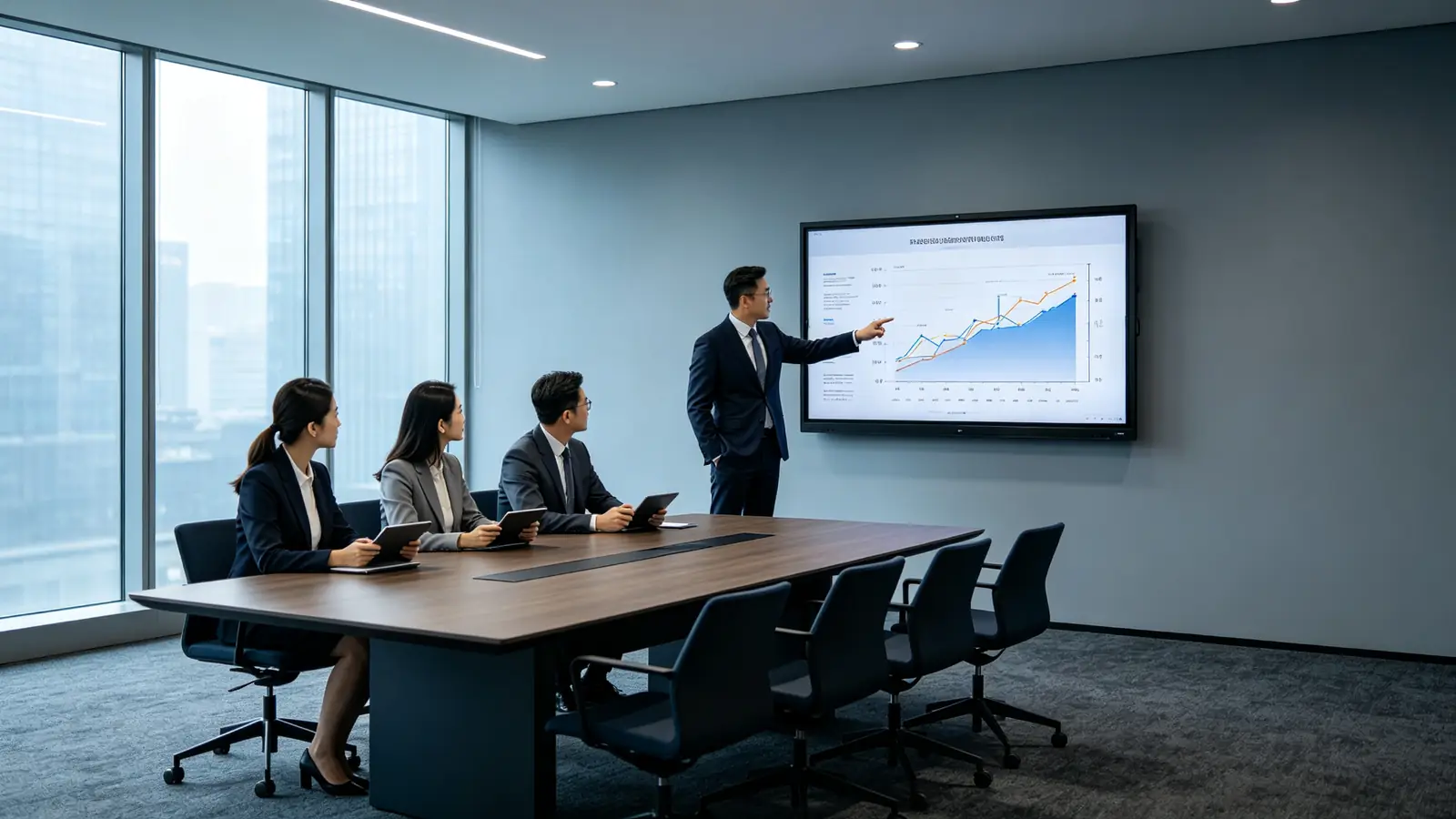
B2B alıcıları 4K böyük formatlı interaktiv lövhəni seçməzdən əvvəl nəyi qiymətləndirməlidir?
100-inhrəyi göydə ( və yox) sərt zəngə
Bu vəziyyətlərdən biriniz varsa, 100 incuç sinif paneli ciddi təzahür etməyə dəyər.
- 12-20 iştirakçısı və dərin masa düzülüşü olan iclas zalları.
- Balaca mətni oxumaq və interaktiv öyrənmək lazım olan 15-30 təlim otaqlar.
- Universitetin məşğələ zalları və ya auditoriyaları, burada arxa sıra ekrandan uzaqda yerləşir.
- Vizual təsirin əhəmiyyətli olduğu showroomlar və demo mərkəzləri.
- Sıx düymələr panelləri və çox pəncərəli işlərin olduğu komanda, idarəetmə və ya əməliyyat otaqları.
- Eyni vaxtda bir neçə insanın yazıb şərh yazdığı böyük əməkdaşlıq məkanları.
Ehtimal ki, otağı 2-6 insanı sıxışdıranda, 6-12 insan standart toplantı sütuna yaxın otururkən, ya da məzmunu əksəriyyəti qısa uzaqdan görür. Qərarlı faktorlar ən uzaq baxış məsafəsi, oxumalı ən kiçik növü böyüklüyü, Excel göstərmək ehtiyac, İnsanlar, yaxud bir çox pəncərələr, və ekranın eyni zamanda işləyən insanların sayı.
Otağınızın qərarın əsasını yaz: ən uzaq baxmaq məsafəsi, ən kiçik font böyüklüyü Üstündəki göstərmək planlaşdırırsınız pəncərələrin ən böyük sayı və eyni vaxt yazıçıların maksimal sayı. Əgər cavabınız 100 inç əvəzinə 98 əksdə, yaxud 110 inç, Əmrələri izləyən - etiketi axtarış termindir, müəyyən təslim deyil.
100 Indef vs 98 inç vs 105 inç vs 110 inç
| Ekran böyüklüyü | Ən yaxşı et | Tipik auditoriya | Əsas üstünlük | Əsas nəzərə alınan məqam |
|---|---|---|---|---|
| 86 inçms | Standart böyük iclas otaqları | 8-16 nəfər | Göstəriciyə baxış, maxaz, qurulumu | Dərin otaqlar üçün məhdud ola bilər. |
| 98 düym | Böyük iclas otaqları və təlim otaqları | 12-20 nəfər | Ən uzaq mövqeyini oxuyan | Daha böyük divar və diqqətlə quraşdırma |
| 100 düym | Xard otaqları, təlim zalları, hiyyət yerləri. | 15-30 nəfər | Güclü vizual təsir və böyük aktiv sahə | Transport, divar yükləmə, quruluş müvəffəqiyyəti |
| 105 düym | Ümumi şəkilləndirmə otaqlar | 15-30 nəfər | Panoramik və ya çox pəncərəli iş axınları | Tərəflərin nisbətini və proqram təminatını təsdiqləyin |
| 110 inç | Böyük təlim otaqları və zallar | 20 nəfər | Ara yaddaşadakı maksimal görünüşlüyü | Qarşı, logistik, qoruyur |
Diagonal inchs istifadə edə bilən sahədə eyni deyil. Bezel genişliyi, xüsusiyyət proporlığı və xarici ölçüləri modellər arasında fərqlənir, Beləliklə, həmişə fəal ekran sahəsini və fiziki addım yerini yalnız diagonal yox, müqayisə edin.
4K, həqiqətən, böyük dərəcədə nə deməkdir?
4K UHD 3840 × 2160 piksel - əhəmiyyətli 8.3 milyon piksel, 1080p-dən dörd dəfə. 98-110 inch panelində, eyni rezolasyon daha böyük səthində uzadılır. Beləliklə, səksel sıxlığı hər inqut bir ekrandan daha azdır. Bu, 4K daha vacibdir, daha az deyil: balaca yazırlar, Excel hüceyrələri, maliyi mə’lumatları, mühəndisi çəkmələri saxlayır. CAD nümayişlər, çox-pəncərə düzülüşlər və uzaqdan oxuyub video.
Yerli 4K, 4K giriş dəstəyi və 4K yüksəltmə
| Növü | Mənhə | Nə təsdiq edə bilər? |
|---|---|---|
| Yerli 4K | Panelin fiziki qətnaməsi 3840 × 2160-dır. | Paniyə əlavəsi |
| 4K giriş dəstəyi | 4K siqnalını qəbul edir, lakin panel 1080p ola bilər. | Əsl göstərilən qətnaməni təsdiqləyin |
| 4K yüksəltmə | Üstünlük yuxarı | Şəkil emalının keyfiyyətini təsdiqləyin |
Böyük Formatlı Layihələrdə Yayğın Risklər
- Fəal ekran sahəsini təsdiq etmə 100 inçms etiketi ilə seçililir.
- 98, 100, 105 və 110 qürlədər faktorları, çəki və qiymətləri müqayisə etməyən.
- Qapılarını, liftləri, koridorları və sonuncu quruluş yollarını yoxlamaq.
- Divar yük və VESA normalarını təsdiq etmir.
- Böyük təlim otağında standart iclas otağı audio konfiqurasiyasından yenidən istifadə edilməsi.
- Daxili dinamiklərin böyük bir otağı özləri ilə əhatə edə biləcəyini fərz etdikdə.
- Çoxistifadəçili yazma və böyük ekranın kənarlarında toxunuş test edilmir.
- OPS kompüterin və ya xaric PC real 4K çıxa biləcəyini rədd edir.
- Şəbəkə bandi genişliyi və video toplantı tələbını tərk edir.
- Yalnız bir dəyərini quruluş, transport və qorumaq əvəzinə müqayisə et.
100 düymün layihənizə uyğun olub-olmadığını necə müəyyənləşdirmək olar
İzləmə məsafəsini ölçün
Əsl oturmaq və ayaq yerləri ilə başlayın, otaq & # 039; uzunluq yox. Ən yaxın sətirə, ən uzaq sərt, birinci sərvəsi, ekran orta hündürlüyünü qeyd edin oturmaq və dayanmış göz səviyyə, süfrə uzun və otağın dərinliyi. Məlumat və sənədlər analizi üçün, əyləncə planlama qanununu göstəriş genişliyin 1-2 dəfədir; Bunu əsl yazı növü böyüklüyünüzləriniz, miq düzülüş və görünüş təsdiqləri ilə tədqiq edin.
Üstü Gizlət
Layout ilk məsafəsini, orada boşluq, bir panel kifayət qədər olduğumuya müəyyən edir. Dəstəni uzun süfrələri, U-şəklində düzəldiləri, sinif otaqları, teatra oturma, çubuq süfrələri, Hər birində ətraflı təkliflər və aydın tə’lim yerləri hər biri müxtəlif görünsəni yaradır və uzaqlara çatır. Dəyindəki mərhələyi olan böyük otaqın ehtiyacı ola bilər. Və, arxa sətirləri qorumaq üçün 105 və 110 inç seçməli ehtiyac duya bilər.
Divad genişliyi və göstər
- Qapıları, pəncərələr və sütunlardan istifadə olunan divar genişdir.
- Divar materialı və yükgötürmə qabiliyyəti.
- Ekranın çərçivə daxil olmaqla xarici ölçüləri.
- Kamera pozicisi və otağı təmizlənir.
- Güc və şəbəkə çıxışlarının yerləri.
- Ekranın altında tərz və ya alətlər.
- Tavan işıqları, kondisioner çıxışları və pəncərələrin əksləri.
Nəqliyyat Girişini Təsdiqləyin
- Packages ölçülərini və konteiner yükləməsi.
- Binanın girişində avadanlıqlar boşaldılır.
- Elevator böyüklüyü və qapın hündürlüyü.
- Korridor böyüklüyü və dönük radius.
- Son marşrutdakı qapının eni və hündürlüyü.
- Tüklü yük və dünvanın divarına son yol.
Böyük panellər ağır sandıqlarda gətirilir. Vəziyyətdən qalan divarına çatan yol əsl qapısını qələməzdən öncə təsəvvür edir.
98, 100, 105 və 110 nümadə müqayisə
Başlanğıcdan 100 düymə qapanmayın. Fəal göstəriş sahəsi, xaric ölçülərini, meyvəli çəkmək, quruluş mümkünlüyü, transporti vəziyyətləri, qiyməti, başlıq vaxtı və proqram və təqdimə qabiliyyəti bir-biri ilə. Diqqət yetirin ki, 100 inç bazarda axtarış ifadədir; əksəriyyəti, Qtenboard də daxil olmaqla, 98, 105, və 110 inç qurğular standart olaraq, və layihə üçün 100 inç qurğuları təsdiq edilə bilər.
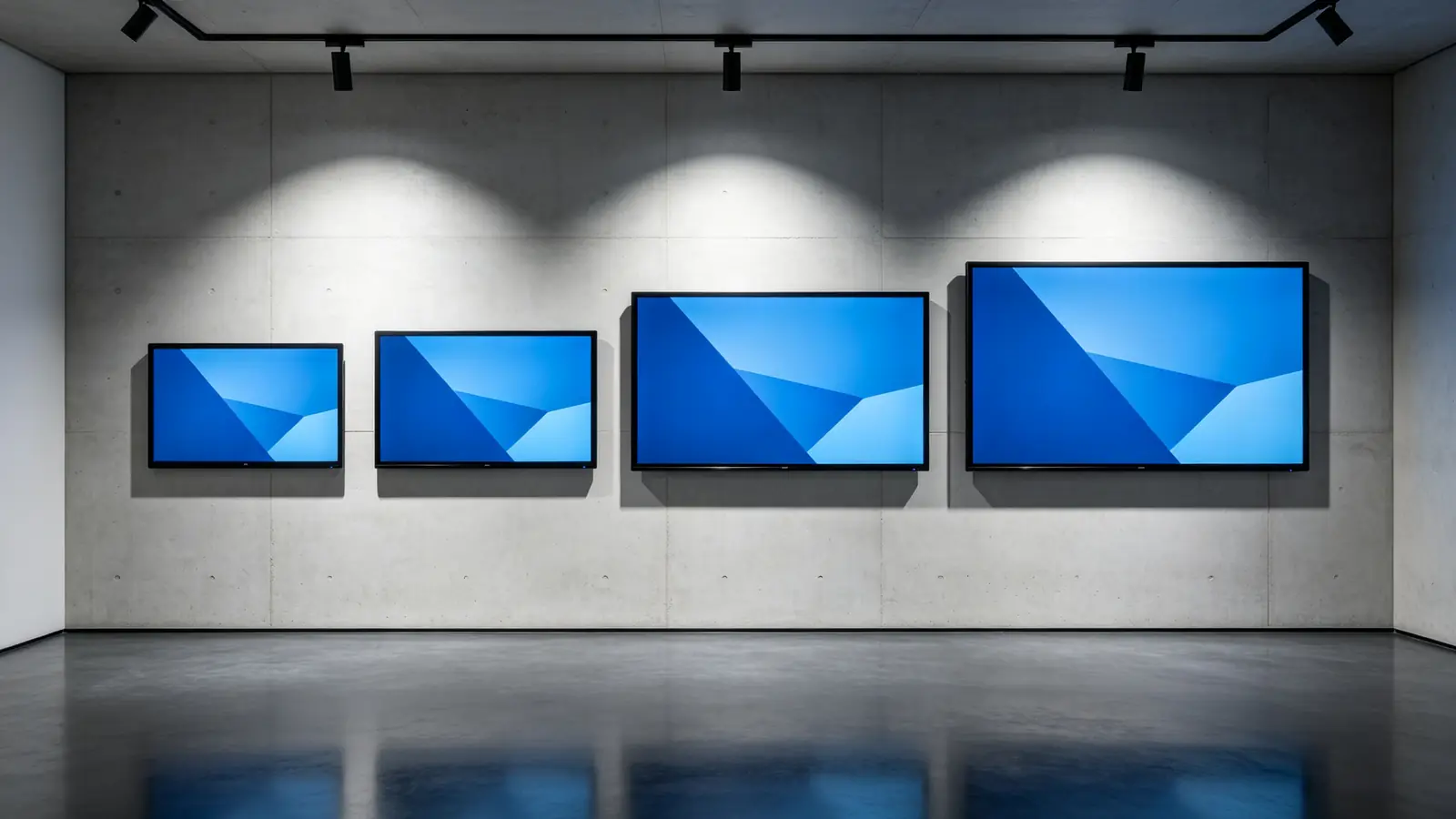
Böyük Formatlı İnteraktiv Ağ Tabla üçün Müqayisə Ediləcək Əsas Xüsusiyyətlər
Üstünlük sualları həll olunanda, panel & # 039; texniki stack otağın əməldə işlədiyini müəyyən edir. Aşağıdakı xüsusiyyətləri araşdırın Çünki "4K interactive whiteboard" təkcə müxtəlif əməllərini şəkil edir.
Görüşü
Böyük otaq üçün, anası 4K, parlaqlıq, anti-glare müaliyyət, refleksi, rəng eyniflik, fərqli olaraq, 178 ° baxın kistanı, rəqli işıq hissləri və geniş kütlələrində mətni oxumaq. Böyük interaktiv panelları üçün ictimai xüsusiyyətlər adətən 4K, 350 cd / m² yaxud daha böyük parlaqlıq, anti-glare səthi, və 178 ° baxınca böyük toplantı otaqlarında, yaxud öyrənmə yerlərində görünüşlüyü dəstəkləmək üçün 178 ° baxdır; Əsas işıq və layihə tələbatlarınızı əsaslandır.
Teknologiya və toq nöqtələri
Toq seçim - infraqr, PCAP və ya başqa texnologiyalar - panelin həqiqi işdə necə davrandığını qərara aldı. Xüsusi nöqtəsini (20, 40, ya 50 nöqtə) yoxlayın, cavab vaxt, latency yazma, dəqiqliyi, palma rədd etmək, barmaq, / peyman/raser tanınması, və çox istifadəçi yazma əslində Android və Windowsda necə davrandığını. Müəyyənlər tətbiq nöqtələri fərqli olaraq, həmişə e’tibar edəcəyin davranışını yoxlayırlar.
| İstifadə şablon | Təsdiqləyin |
|---|---|
| İcraçı təqdimat | Dəqiq qələm yazısı və şərhlər |
| Korporativ təlim | 20–40 point multi-touch |
| Workshop and brainstorming | 40–50 point touch, large whiteboard canvas |
| Məntəbindiyi | Touch accuracy, pinch zoom, annotation |
| Exhibition / demo | Multi-user touch, fast response, durability |
Operating System and Computing Performance
Clarify the Android version, how Windows is supported, whether an OPS slot exists, and the CPU, RAM, and storage configuration. Then test 4K UI performance, running multiple apps, browser behavior, and Office file handling, and ask about the firmware update policy. Put the exact configuration into your formal specification — do not accept a vague "supports Windows" statement.
Wireless Sharing and Connectivity
Check compatibility with Windows, macOS, iOS, and Android, plus multi-device casting, split-screen layouts, guest mode, and permission control. For wired connectivity, confirm HDMI, USB-C, USB-A, LAN, Wi-Fi, Bluetooth, HDMI output, audio input and output, RS-232, and support for external control systems that integrators rely on.
Camera, Microphone, and Speaker Integration
For a large room, verify the camera field of view, auto-framing, people tracking, camera height, and whether a PTZ camera is needed. For audio, check microphone pickup distance, array design, far-field capture, echo cancellation, noise suppression, and support for ceiling or desktop microphones. For speakers, check output power, audibility at the back of the room, and whether external amplifiers or a conferencing audio system are required for both video playback and speech clarity.
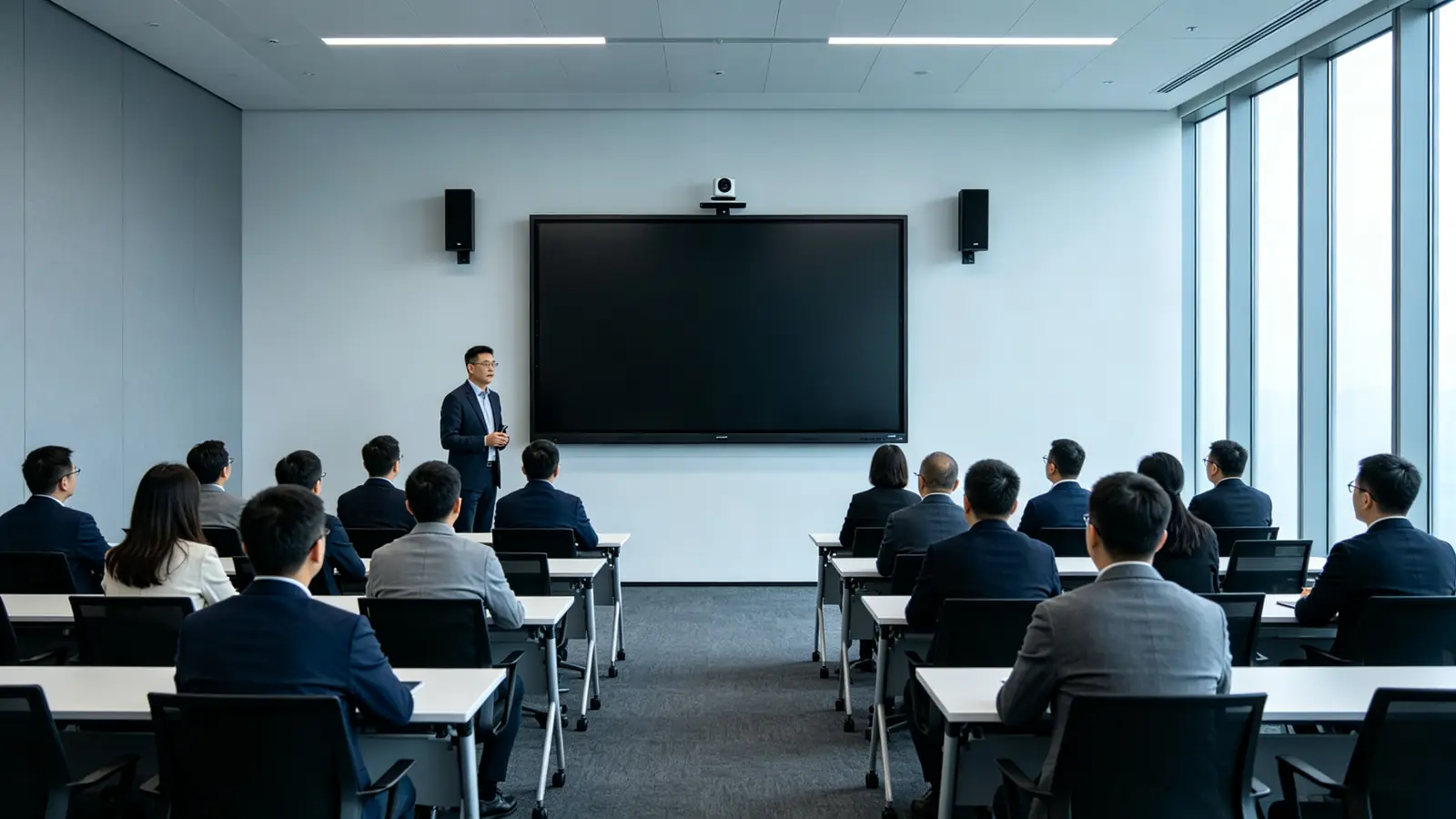
Commercial Durability and Lifecycle
Confirm the commercial usage rating, aging tests, power stability, touch glass durability, repair path, spare parts availability, firmware update commitments, warranty terms, and expected product lifecycle. For large panels, also ask about the stability of supply for the panel size you plan to standardize on — a discontinued size forces a re-certification of every room design.
Installing and Deploying a Large-Format IWB
Installation is where large-format projects most often slip. A 98–110 inch panel is heavy, needs a rated mount, and must be lifted and positioned by people who have done this before. Budget for the work, schedule it, and verify every step below against your site survey.
Wall Mounting
Wall mounting a 100-inch class panel is structural work. Confirm the VESA standard, screen weight, wall structure (concrete, brick, steel stud, or wood), the reinforcement plan, screws and anchors, cable routing, clearance above and below for service, and the camera position. The correct mounting height depends on room layout, seated and standing sight lines, accessibility requirements, and the interactive touch zone; as a rule, align the screen center with the primary viewers' eye line.
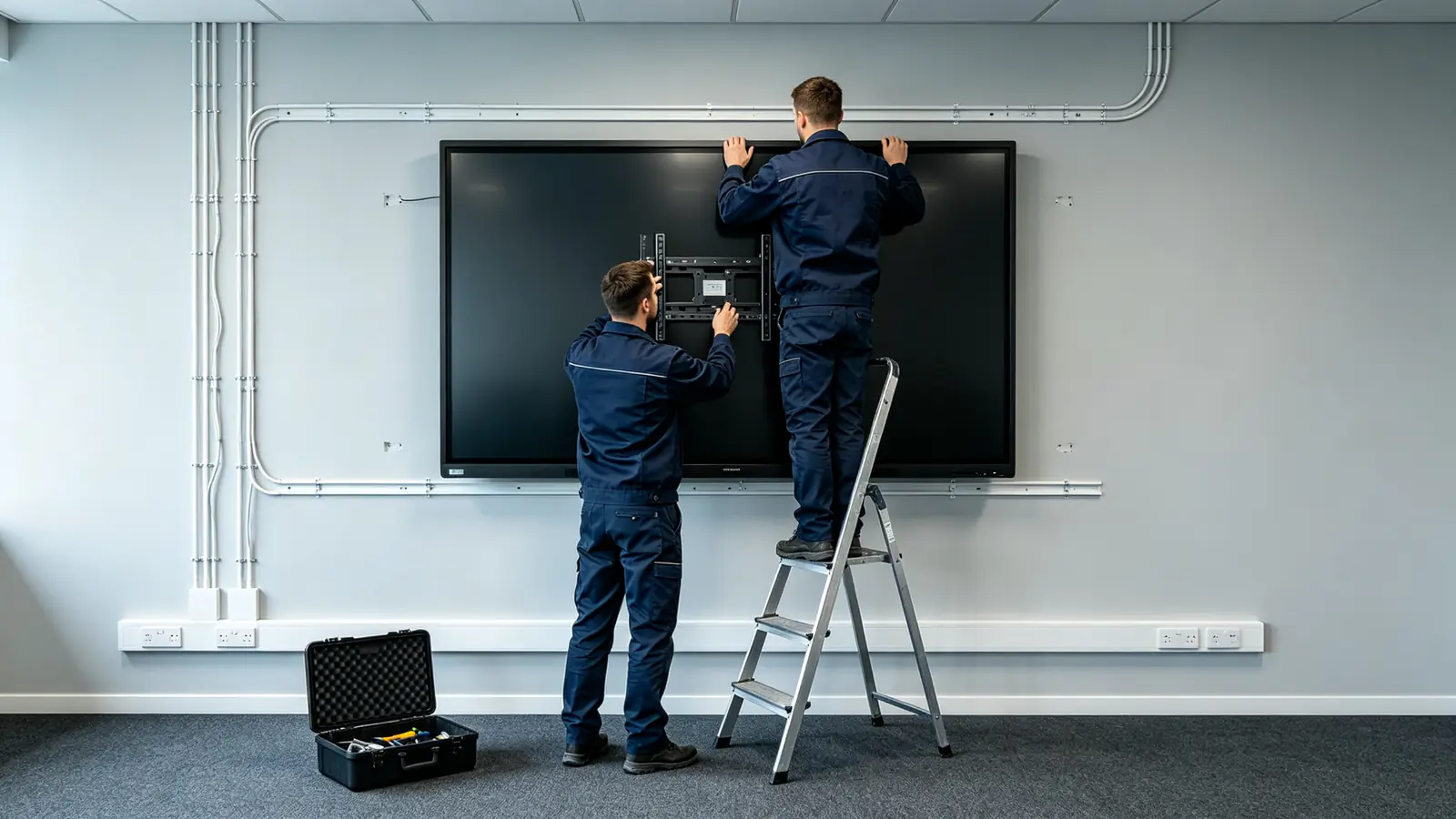
Mobile Trolley Installation
If the panel must move between rooms, verify the trolley's rated load, compatible size range, caster locks, tip-over stability, the movement path, power cable safety, camera and audio stability, and anti-collision protection for the screen face. A 100-inch class panel on a trolley is heavy; confirm the floor surface and thresholds on the planned route.
Power and Network Planning
Plan the voltage and plug type, a dedicated power circuit, UPS or voltage stabilizer needs, wired LAN, Wi-Fi coverage, VLAN or network isolation, corporate firewall rules, the casting network, OTA and DMS access, and the bandwidth required by cameras and video conferencing software. A large interactive whiteboard is an endpoint on your network, not an appliance — treat it that way.
Cable Management
Account for HDMI, USB-C, USB touch-back, LAN, power, camera USB, audio, and RS-232 control cables: lengths, in-wall or floor routing, and service slack. Leave enough cable to pull the panel away from the wall for maintenance without disconnecting everything.
Qurğula-Satiy Tədqiqi
Before ordering, verify the room measurements, wall construction, door/elevator/transport route, power and network points, lighting and reflection, camera view, audio coverage, mounting height, user workflows, and acceptance criteria. Put the results in writing so the same data drives the spec, the quote, and the acceptance test.
Acceptance Testing
Test after installation: 4K display output, touch accuracy, multi-user writing, screen casting, audio and video, network connectivity, system configuration, installation safety, packaging and appearance, user training, and warranty documents. Fix issues before you sign the acceptance form, not after.
TCO Framework for Large-Format IWB Projects
Compare the full five-year cost rather than the unit price. The cost logic breaks down as follows:
- Replacement value: the panel replaces a projector, camera, microphone, and whiteboard in the same room.
- Meeting and training efficiency: rooms × sessions per week × average minutes saved × attendee hourly cost.
- IT operations savings: centralized device management versus per-room maintenance visits.
- Additional large-size costs: freight, rigging, and installation for 100-inch class panels.
- Volume effects: marginal cost per unit usually declines with a multi-room or multi-site order.
To see how the logic works, take one training room used three times a week for sessions that start fifteen minutes sooner with a reliable large display: the time saved across a year can easily exceed the panel's hardware cost, before counting reduced IT support visits. Treat the example as an illustration — build your own numbers from your room count, usage frequency, and attendee costs.
What's Changing in 2026 for Large-Format IWB Procurement
- Google EDLA certification for Android panels.
- Microsoft Teams and Zoom certification for conferencing readiness.
- Zero-trust security expectations and DMS remote device management.
- USB-C one-cable connection and AV-over-IP for simpler room designs.
- AI meeting notes, AI noise reduction, and auto-framing cameras.
- Standardized multi-room deployment instead of one-off room designs.
- Sustainability and power-consumption requirements in tenders.
- Large-panel supply trends and lead-time visibility.
- Trade compliance, tariffs, and rules of origin affecting landed cost.
How to Evaluate a Large-Format IWB Supplier
The supplier decision is as important as the panel decision. Evaluate manufacturing depth, large-size capability, customization options, quality systems, and after-sales commitments — in that order — before you compare prices across vendors.
Manufacturing Capability
Confirm whether the supplier is a manufacturer with a real factory, an R&D and engineering team, large-size assembly and aging-test capability, and batch consistency controls — not just a trading company repackaging panels.
Large-Size Product Capability
Check whether the supplier offers 86, 98, 105, and 110 inch configurations, native 4K, multi-touch, Android/Windows/OPS options, and integrated camera, microphone, speaker, and DMS capabilities. A vendor whose largest product is 86 inches is not a large-format project partner.
OEM/ODM Bağlan
For branded or channel programs, confirm logo, packaging, UI, language, and preloaded app customization; hardware configuration changes (touch points, camera and audio, interfaces); and structural ODM, custom tooling, and CKD/SKD options. Ask which of these are standard and which require a project agreement.
Quality and Certification
Ask about incoming inspection, in-process quality control, aging tests, pre-shipment inspection, and batch traceability. For target markets, confirm CE, FCC, RoHS, ISO 9001, ISO 14001, and any country-specific certifications before you commit to a tender.
Delivery and After-Sales
Clarify MOQ, sample policy, lead time, and phased delivery for multi-site projects. Then confirm warranty terms, spare parts, firmware upgrades, technical support, and DOA handling, plus local service partners for multi-region deployments.
Supplier Questions Checklist
- Do you offer 98, 100, 105, or 110-inch configurations?
- Can you provide a sample for testing?
- What is your MOQ and lead time?
- Can you customize logo, UI, packaging, and software?
- What certifications are available for our target market?
- What is the warranty and spare parts policy?
- Can you support multi-room or multi-site deployment?
Qtenboard Large-Format Interactive Whiteboard Solutions
Large-Size Product Options
Qtenboard's public interactive whiteboard portfolio covers 55, 65, 75, 86, 98, 105, and 110 inch sizes. For projects that specify 100 inches, use this careful phrasing:
4K Collaboration for Large Rooms
Qtenboard large-format panels combine 4K UHD displays, anti-glare screens, multi-touch, digital whiteboard and annotation, wireless casting, Android/Windows/OPS expansion, integrated camera, microphone, and speaker options, AI meeting and collaboration features, and remote device management for multi-room fleets.
OEM/ODM for Large-Format Projects
For channel and brand projects, Qtenboard supports size and product portfolio choices, touch-point configurations, Android/Windows/dual-system builds, OPS configurations, camera and audio options, logo and boot screen, preloaded software, packaging and manuals, certifications, large-size shipping packaging, CKD/SKD, and project-level delivery and after-sales support.
What Buyers Should Confirm
- Whether a 100-inch model is a stock or mass-production item.
- Active display area and outer dimensions.
- Net weight and packaged weight.
- VESA and mounting hole pattern.
- Touch technology and touch-point count.
- Native 4K resolution.
- Brightness and anti-glare treatment.
- Android version.
- Windows/OPS configuration.
- Camera, microphone, and speaker plan.
- Voltage, plug type, and certifications.
- MOQ, sample policy, and lead time.
- Shipping method for large panels.
- Warranty and spare parts.
| Əvvəlcə tətbiqi | Qtenboard qiyməti təklifısı |
|---|---|
| Large-size flexibility | 86/98/105/110" interactive display portfolio |
| Şəxfliyi göstər | 4K UHD commercial panels |
| Toxunma seçimləri | 20/40/50-point configurations |
| Sistem çevikliyi | Android, Windows, ikili sistem |
| Layihənin fərdiləşdirilməsi | OEM/ODM, dayandır |
| Tətbiq dəstəyi | DMS, partiyalı təchizat, ehtiyat hissələri |
| Tender support | Compliance docs, certifications, project references |
How to Buy a Large-Format 4K Interactive Whiteboard
- Define the room and audience. Record room dimensions, participant count, farthest viewing distance, content types, interaction level, hybrid meeting needs, and whether multiple rooms will be deployed.
- Compare 98, 100, 105, and 110 inches. Compare active display area, outer dimensions, weight, installation feasibility, transport conditions, price, lead time, and software and touch capability.
- Define essential technical requirements. Write the spec: 4K UHD, anti-glare, commercial-grade panel, touch-point count, touch latency, Android/Windows, wireless casting, HDMI and USB-C, camera and audio, DMS, warranty, and certifications.
- Conduct a site survey. Verify the wall, power, network, lighting, transport path, mounting hardware, audio/video plan, and maintenance space.
- Request a sample or live demonstration. Test 4K PPT, Excel, PDF, engineering drawings, video, multi-user writing, wireless casting, Teams/Zoom meetings, camera and microphone, and long-running stability.
- Review total cost of ownership. Cost out panel, mount/trolley, installation, OPS/PC, camera and audio, network, shipping, and support over five years.
- Confirm acceptance criteria. Agree in advance on 4K display, touch accuracy, multi-user writing, casting, audio/video, network, system configuration, installation safety, packaging, training, and warranty documentation.
Common Mistakes When Buying a Large-Format 4K Whiteboard
- Choosing by the 100-inch label without verifying the active display area.
- 98, 100, 105 və 110 qürlədər faktorları, çəki və qiymətləri müqayisə etməyən.
- Looking only at 4K while ignoring brightness, anti-glare, and content sources.
- Not measuring the farthest viewing distance.
- Not checking doors, elevators, corridors, and the installation path.
- Divar yük və VESA normalarını təsdiq etmir.
- Böyük təlim otağında standart iclas otağı audio konfiqurasiyasından yenidən istifadə edilməsi.
- Assuming built-in speakers cover a large room.
- Not testing multi-user writing and edge touch on a big screen.
- Not verifying wireless casting with many simultaneous users.
- OPS kompüterin və ya xaric PC real 4K çıxa biləcəyini rədd edir.
- Şəbəkə bandi genişliyi və video toplantı tələbını tərk edir.
- Comparing only unit price instead of installation, transport, and maintenance.
- Not requesting a sample, factory test, or project acceptance criteria.
- Not confirming whether 100 inches is a current standard model of the supplier.
Tez sualar
What is a 4K large-format interactive whiteboard?
A large interactive display with 3840 × 2160 resolution that combines touch, digital whiteboarding, screen casting, and collaboration features. It is designed for large meetings, training rooms, lecture halls, and command or showroom spaces where a standard 75-inch panel is too small.
Is a 100 inch interactive whiteboard suitable for a conference room?
It suits large boardrooms, training rooms, and lecture spaces, but not every conference room. Match the size to viewing distance, wall width, seat layout, and interaction needs. For a standard 6–12 person room, 75–86 inches is usually the better value.
Is 4K necessary for a 100 inch smart board?
For a 100-inch class display, 4K is usually the right baseline because it keeps small text, spreadsheets, drawings, and multi-window content readable from distance. A 1080p panel at this size may not deliver comparable detail.
What is the difference between a 98 inch and 100 inch interactive whiteboard?
The practical difference depends on aspect ratio, bezel, outer dimensions, and active display area rather than the diagonal alone. Compare actual width and height, weight, touch, installation requirements, price, and lead time before deciding.
How many people can use a 100 inch interactive whiteboard?
For viewing, it can serve a large audience. For simultaneous operation, the limit depends on touch-point count, layout, software, and the activity. Large workshops often choose 40–50 point touch configurations, but that does not mean 40–50 people can comfortably write at once.
Can a 100 inch interactive whiteboard support Teams and Zoom?
Yes, but the experience depends on the operating system, conferencing software, camera, microphone, speakers, OPS or external PC, and network. Large rooms usually need a separately designed audio and video system for reliable remote participation.
Can a 100 inch smart board be wall-mounted?
Yes, if wall load capacity, VESA holes, screen weight, bracket rating, mounting structure, power, and maintenance space are confirmed. Large panels should be installed by a professional team.
Does Qtenboard offer 100 inch interactive whiteboards?
Qtenboard's public product range covers 86, 98, 105, and 110 inch large-format interactive whiteboards. Buyers who need a 100-inch configuration should confirm current model availability, active display dimensions, configuration, MOQ, and lead time directly with Qtenboard.
Can Qtenboard customize a large 4K interactive whiteboard project?
Qtenboard can discuss size, touch, system, camera, audio, interfaces, logo, UI, software, packaging, certifications, and OEM/ODM requirements per project. Feasibility depends on quantity, structure, tooling, and lead time.