Government service centers rarely fail because a kiosk is slow. They fail because ticketing, wayfinding and waiting-area displays were bought as three separate projects with no shared data contract. This brief shows how to specify them as one journey — and what to put into the tender before you sign.
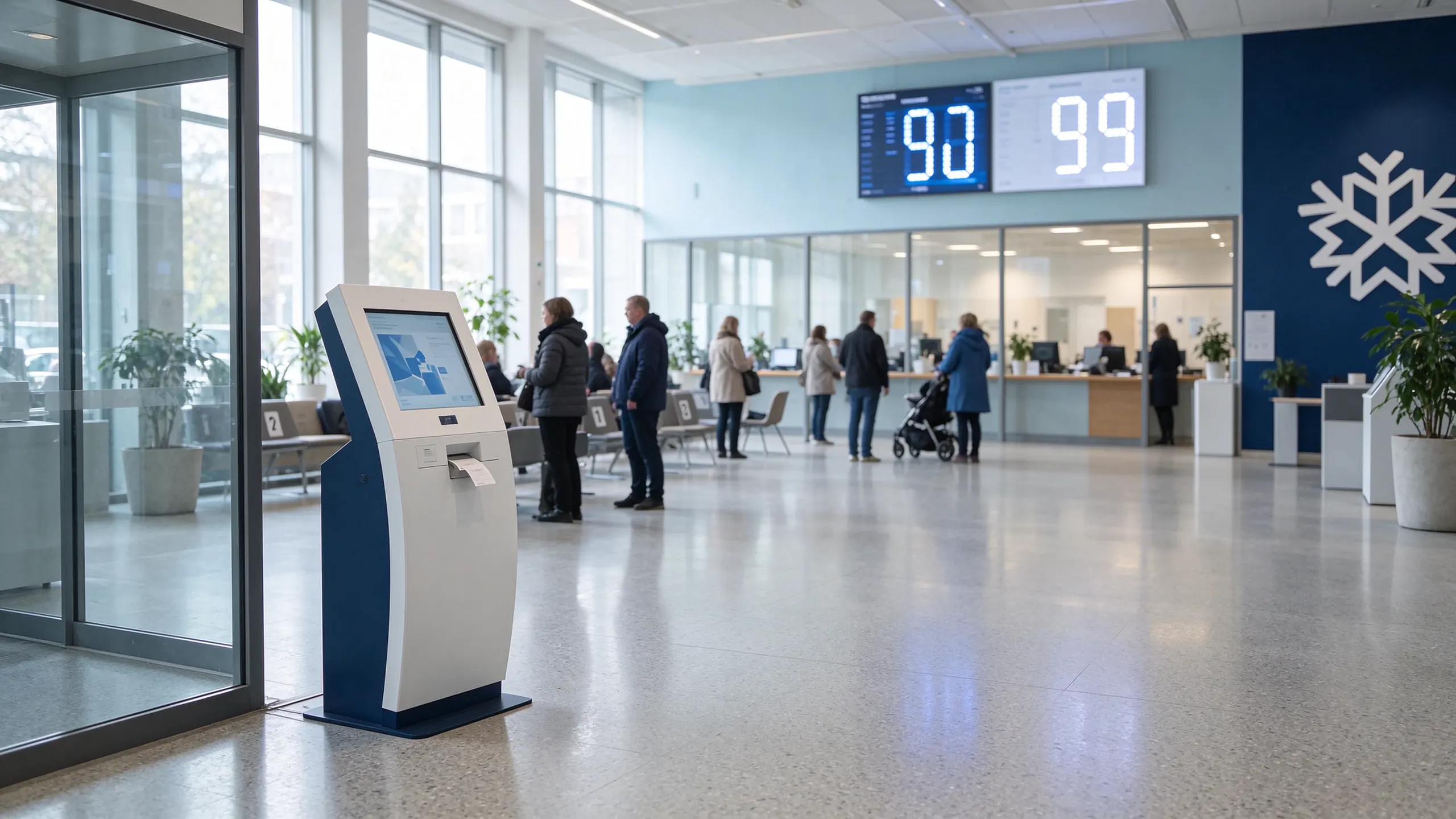
The fix is not a bigger screen or a faster printer. It is a data contract that connects the ticket, the map and the waiting-area display.
The citizen takes a number, then asks staff which window handles the service. At 150+ tickets in a morning peak, the entrance becomes the bottleneck and the information desk absorbs the queue instead of the counters.
Wayfinding knows the floor plan but not the live queue, so a visitor is routed to a corridor rather than to the service that is actually open, staffed and shortest. Staff re-explain the same route twenty times a day.
A 55-inch waiting-area screen fed only by a content player is an expensive poster. If the queue state never reaches it, citizens keep standing at the counter to ask how long the wait is.
Specify the chain, not the boxes. Each node below is a line item you can buy separately — but the interfaces between them are what decide whether the hall works.
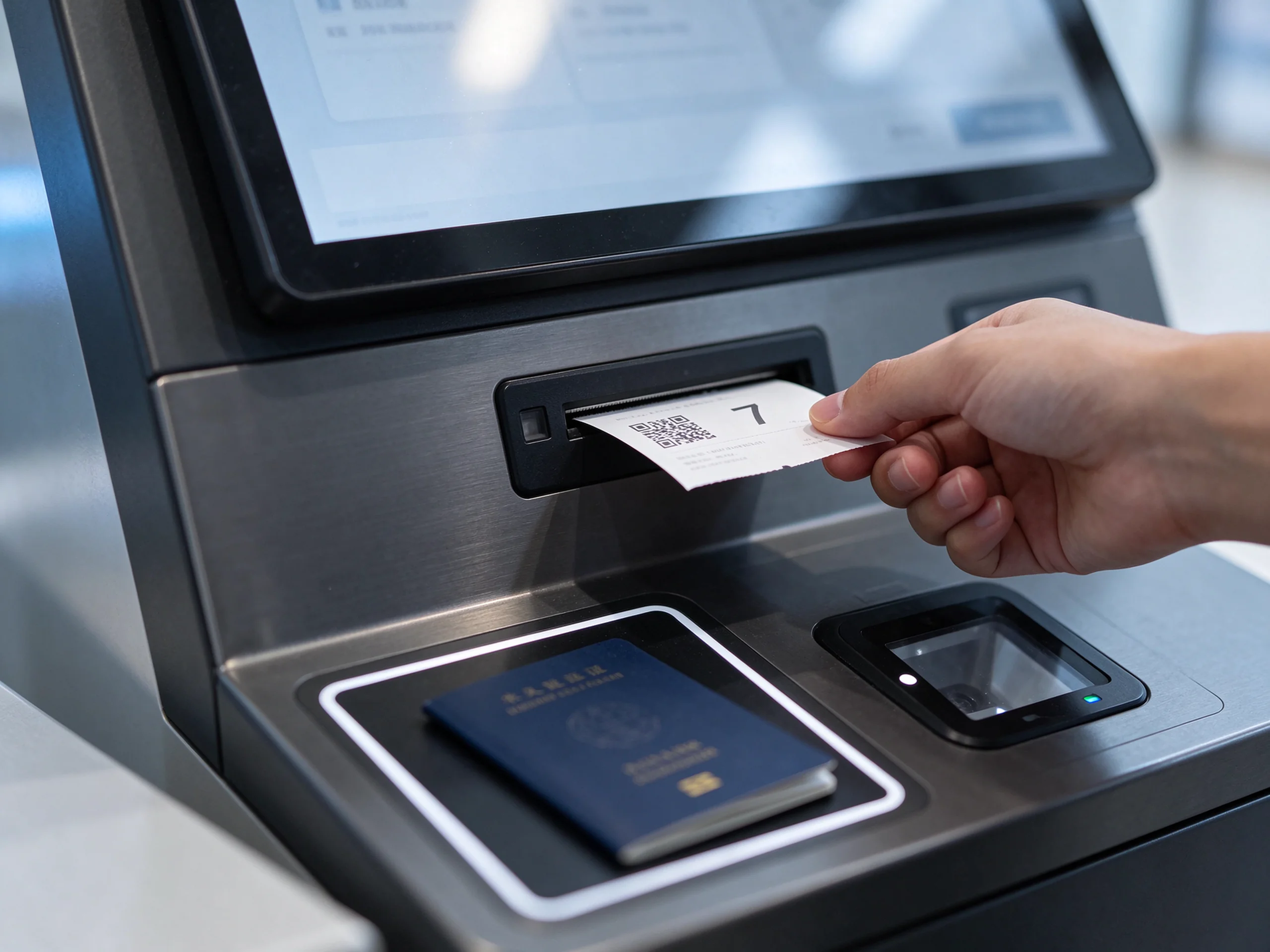
A queue ticket kiosk is not a printer with a screen. It is the point where the service taxonomy is decided: which department, which sub-service, whether the visitor is pre-booked, and whether a priority lane applies. Get this wrong and every downstream screen inherits the error.
Спросите: how many service categories can the UI display without scrolling on a 21.5-inch screen — and can priority lanes be gated by ID or staff override?
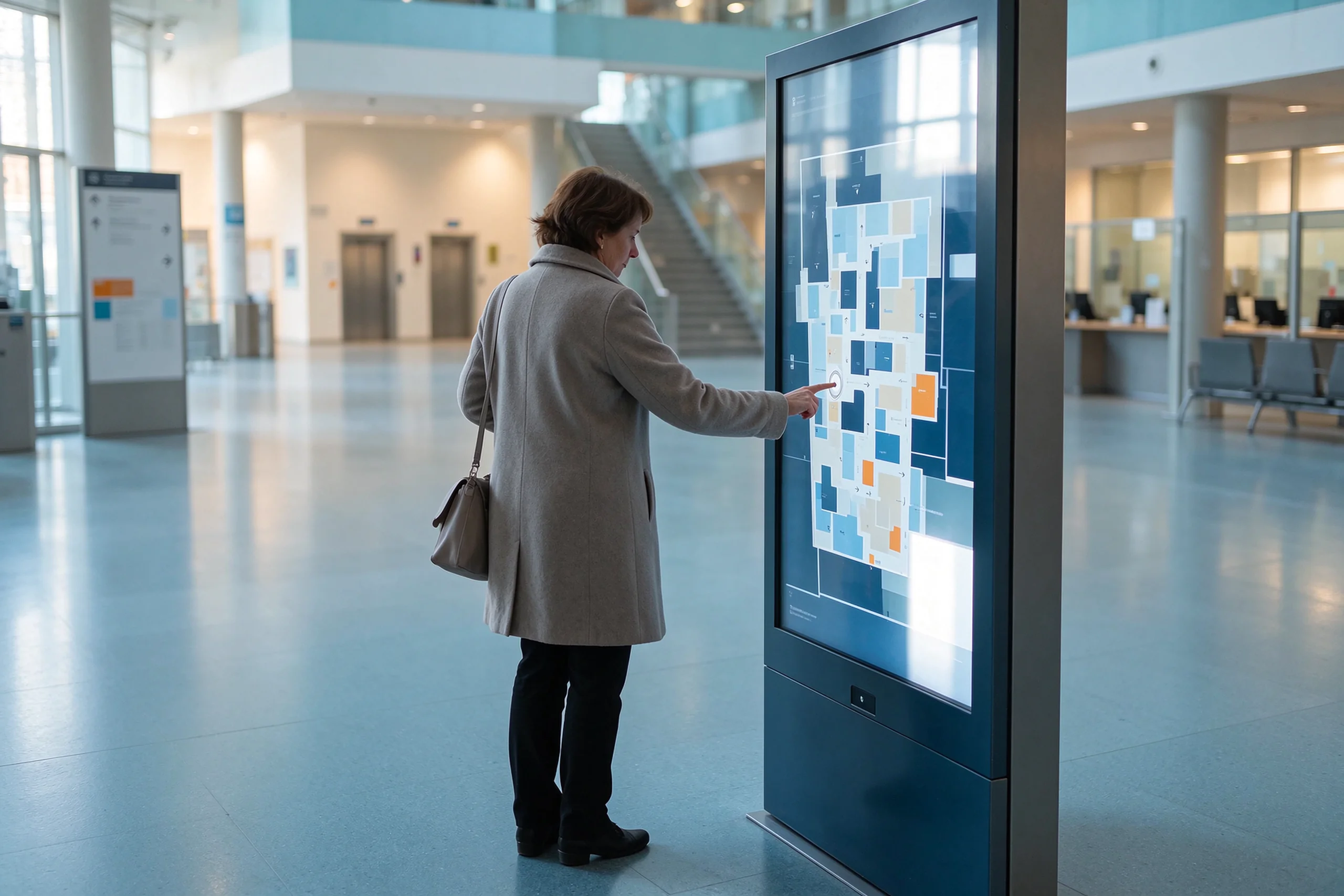
Directory data is the client's asset, not the vendor's: departments move, counters close, floors get refurbished. A wayfinding kiosk is only maintainable if hall staff can edit the directory themselves, and only useful if it can read the live queue before it draws a route.
Спросите: who owns the floor-plan data, how often can it be updated, and does the route engine consume queue data or only static maps?
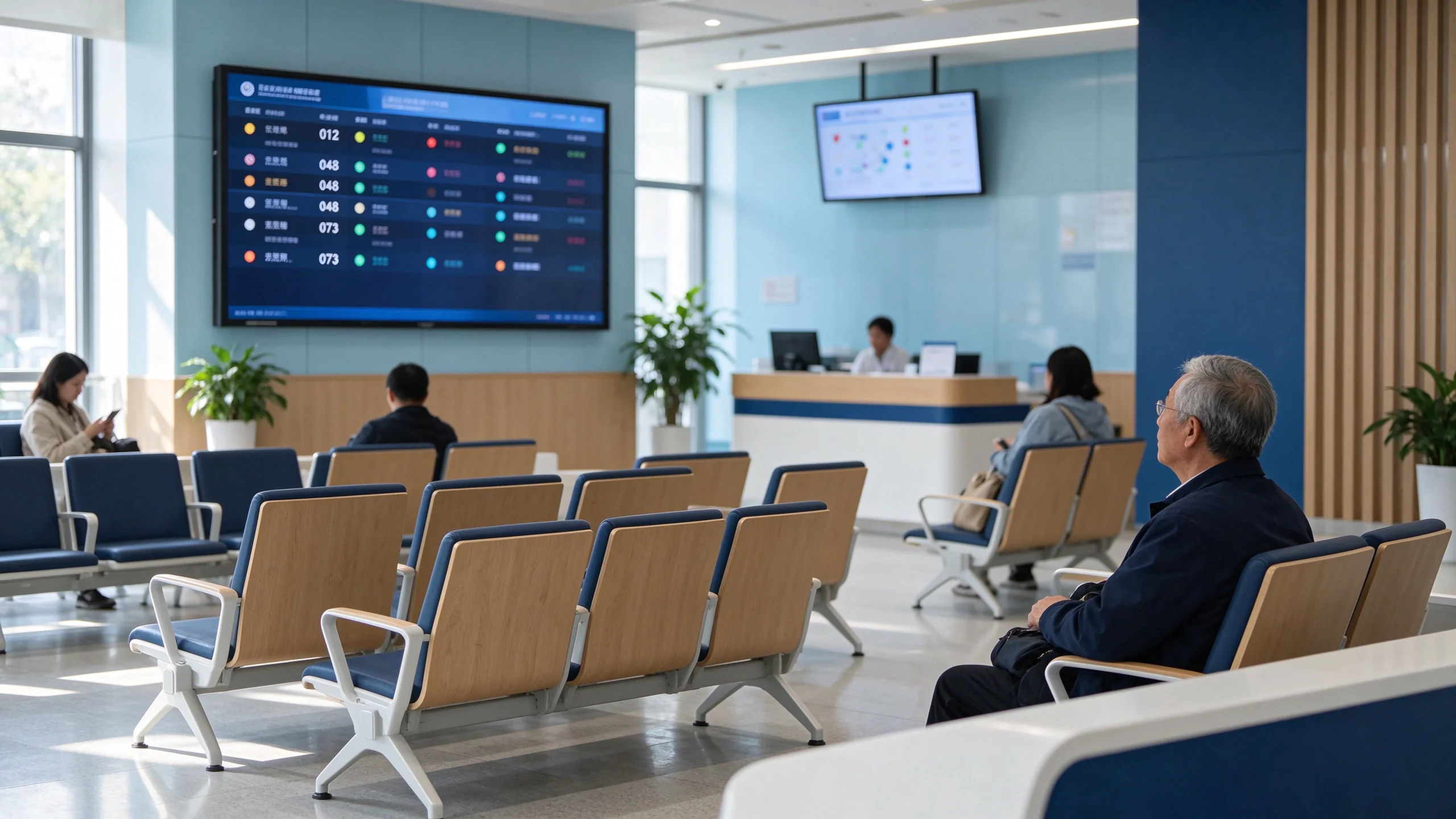
Two displays do different jobs. The 22-inch counter display confirms who is being called where; the 55-inch waiting-zone screen answers the only question people actually have: how long, and am I next. Both need the same live feed — otherwise the hall shows two versions of the truth.
Спросите: can the display take queue state, service notices and public information from three different sources without a second content platform?
In public procurement these three decide whether the system can be accepted at all. Treat them as a gate in the requirement document, not as options on a quotation.
US projects are measured against ADA and Section 508: operable parts between 15 and 48 inches above the floor, screen visible from 40 inches, speech output through a standard connector with pause and repeat. A low-height kiosk variant and a WCAG 2.1 AA interface should be specified together, not discovered at acceptance.
Statutory bilingual service means the whole experience — menu, help text, error messages and voice prompts — not just the first screen. Belgium's federal service rules require French and Dutch; Canada requires English and French; Gulf agencies routinely run Arabic and English in the same hall.
Passport and ID scanning pulls the project into GDPR Article 9 territory: lawful basis, minimisation, retention period and a data processing agreement. Face recognition should stay off the default configuration unless the client can document a legal basis for biometric processing in a public service space.
A kiosk lives in a lobby for years. Specify IP54 casing, jam and paper-out detection, a cutter rated in the millions of cuts, a 500-ticket continuous print run and a 48-hour aging test before shipment. Then write the spare-parts list and target MTTR into the contract.
Pick the model before the bill of materials. It decides who owns the software, where the integration risk sits, and how long acceptance takes.
New ticket kiosks and displays, existing queue platform retained. Integration runs through an API middleware layer that maps ticket data into the incumbent system.
Kiosk, queue software, calling terminals, displays and reporting from one supplier. Fastest route, clearest accountability, strongest lock-in.
City, region or agency with several halls: central reporting and policy, local autonomy per site, one spare-parts pool and one firmware baseline.
Appointment booking, virtual queue over SMS or WhatsApp, kiosk check-in on arrival, mobile position tracking. The hall serves fewer seated waiters.
Numbers below come from a delivered project and from published public-sector deployments used here as specification benchmarks.
A municipal hall serving eight departments — civil registry, health, social services and tax — across five waiting zones. Paper tickets and staff name-calling could not absorb the 09:00–11:00 peak. The center kept its Qmatic appointment platform and needed the kiosks to feed it in real time.
Scope: French/Dutch UI and voice, RAL-matched housings, ticket layout with department, queue number and estimated wait, API middleware into the client's Qmatic platform. Sixteen weeks from design freeze to on-site acceptance; integration testing finished during the prototype stage, and acceptance passed first time.
A high-footfall identity agency running 500 to 1,500 visitors a day across service and medical centers. The published deployment used 17-inch capacitive kiosks with dual printers, counter display units and status displays, configured around specialized identity workflows rather than a single generic queue.
Specification lesson: when one visit spans several service points, the queue design follows the workflow, not the room layout.
A multi-floor civic complex covering seven floors and 43 counters. The published wayfinding deployment pairs 55-inch indoor displays with weatherproof, vandal-proof outdoor kiosks showing routes, building information and opening hours, all updated through one cloud platform.
Specification lesson: wayfinding starts outside the door. Outdoor units need IP-rated enclosures and the same content source as indoor screens.
Figures below are standard configurations. Project-locked values — CPU, power consumption, operating temperature — are confirmed on the BOM-matched sheet issued with the quotation.
| Параметр | Стандартный/опционный |
|---|---|
| Экран | 17 / 19 / 21.5 in, 1920 x 1080, 10-point projected capacitive, anti-glare tempered glass |
| Принтер | 58 / 80 mm thermal, 203 dpi, auto-cutter optional, paper-out and jam detection optional |
| Capture modules | QR scanner standard; barcode, NFC/RFID, ID card and passport readers optional |
| Платформа | Windows 10/11 standard; Android or domestic OS optional; 4 / 8 / 16 GB RAM |
| Интерфейсы | RJ45, USB, audio; Wi-Fi, 4G or 5G optional |
| Queue software | Service routing, priority lanes, weighted counter calling, QR mobile tracking, dashboard and scheduled reports |
| Displays | 22 in counter display; 55 in waiting-zone display at 500–700 nits |
| Приложение | Powder-coated steel body, IP54 casing, rear or front service access, low flat base |
| Соответствие | CE, FCC, RoHS, ISO 9001; destination-market certification scoped per project |
| Гарантия | 1–3 years project-defined; 1–5 years replacement-part support; remote diagnostics |
Yes, subject to API documentation and a test environment from your side. We support REST API and SDK integration, database middleware and message-queue connections. The Brussels service center kept its existing Qmatic appointment platform and connected through a middleware layer built during the prototype stage; acceptance passed on the first attempt. Integration should always be proven before mass production, not on site.
Start from peak-hour ticket volume, not floor area. A simple service selection takes roughly 60 to 90 seconds per visitor; document scanning or identity verification can take up to 120 seconds. Divide peak-hour tickets by per-kiosk capacity, then add one unit for redundancy at the main entrance. A hall handling about 800 visitors a day with a sharp 09:00–11:00 peak used 12 kiosks across five waiting zones.
The standard floor-standing model is specified for typical adult reach, and we offer a low-height accessible variant for seated use. For US public projects, specify operable-part height between 15 and 48 inches, screen visibility from 40 inches, audio output through a standard connector with pause and repeat, and a UI built to WCAG 2.1 AA. Confirm the exact configuration against your accessibility officer's checklist at quotation stage.
ID card and passport reader modules are optional on the government configuration. That capability brings the project into personal-data regulation: define the lawful basis, the retention period and the data processing agreement before the pilot. We support local, cloud or hybrid storage, role-based access control, masking and audit logs, and can keep face recognition out of the default build.
Yes. Language packs cover English, Spanish, French, Dutch, Arabic, Russian and others, and the full string set — menu, help text, error messages and voice prompts — is localised, not just the first screen. Department-specific terminology can be added through a custom glossary during configuration.
A configured pilot typically runs 10 to 16 weeks from requirement confirmation to shipment, depending on customisation and certification scope; the Brussels project took 16 weeks from design freeze to on-site acceptance. Minimum order is accessible for a single-hall pilot, and OEM/ODM terms apply when the housing, UI or language set is customised.
In most export markets, installation is handled by your local integrator or facilities team with our remote configuration and installation guidance. We supply wiring diagrams, pre-configured software images and operator training material. Maintenance responsibility, response times and the spare-parts pool should be written into the contract rather than left to the supplier's standard warranty.
Yes. The display layer can combine live queue state, service-level data and public notices from a content source, so one screen serves both wayfinding and citizen communication. Specify which source owns each zone of the layout; otherwise the queue view gets overwritten by a poster campaign during a peak period.
We size the kiosk count, display layout and integration scope from your visitor data — not from a catalogue page. Tell us:
Send your service categories, floor plan and API documentation. You will receive a configuration proposal, a BOM-matched specification sheet, lead time and pricing — plus a factory acceptance checklist for your tender file.
Qtenboard supplies queue kiosks, queue software, calling terminals and displays for government service centers, with OEM/ODM customisation and export project delivery. Project figures quoted from a delivered Brussels deployment; benchmark cases belong to their respective publishers.

CEO | Интерактивный дисплей & Сотрудничество Решение Эксперт
Я являюсь основателем Qtenboard, привнеся более 17 лет практического опыта в индустрию сенсорных дисплеев. Опираясь на перспективы глобального управления, полученные в ходе моих исследований EMBA в Университете Шэньчжэня, я возглавляю свою команду по оптимизации каждого этапа нашей деятельности-от определения продукта до высокоэффективного управления цепочками поставок-гарантируя, что наши производственные возможности остаются на переднем крае отрасли.
Как руководитель Qtenboard, я специализируюсь на предоставлении адаптированных OEM/ODM-решений для интерактивных досок, ЖК-видеостен, цифровых вывесок и сенсорных терминалов промышленного уровня. Опираясь на наш современный промышленный парк площадью 330 000 м² в Шэньчжэне, мы поддерживаем полный контроль жизненного цикла промышленного дизайна, точного производства и тщательного тестирования производительности.
Обладая почти двадцатилетним опытом работы в проектах, решения Qtenboard в настоящее время развернуты в более чем 120 странах и регионах, заслужив доверие более 15 000 корпоративных клиентов по всему миру. Если вы ищете отзывчивого партнера с глубоким учредлением производства для ваших подгонянных проектов дисплея касания, то моя команда и я готовы поддержать ваше зрение с профессиональным передовым опытом.

 ru
 EN
 spa
 pt
 vie
 th
 est
 lav
 aze
 ukr
 bel