From the self-service kiosk at the registration hall to the calling panel outside the consultation room, a hospital group needs one queue data chain — not four display vendors. Qtenboard delivers the ticketing kiosks, waiting-area queue display screens, department wayfinding kiosks, counter calling panels and the queue management software that binds them, so a ticket printed at the door reaches the right screen before the patient does.
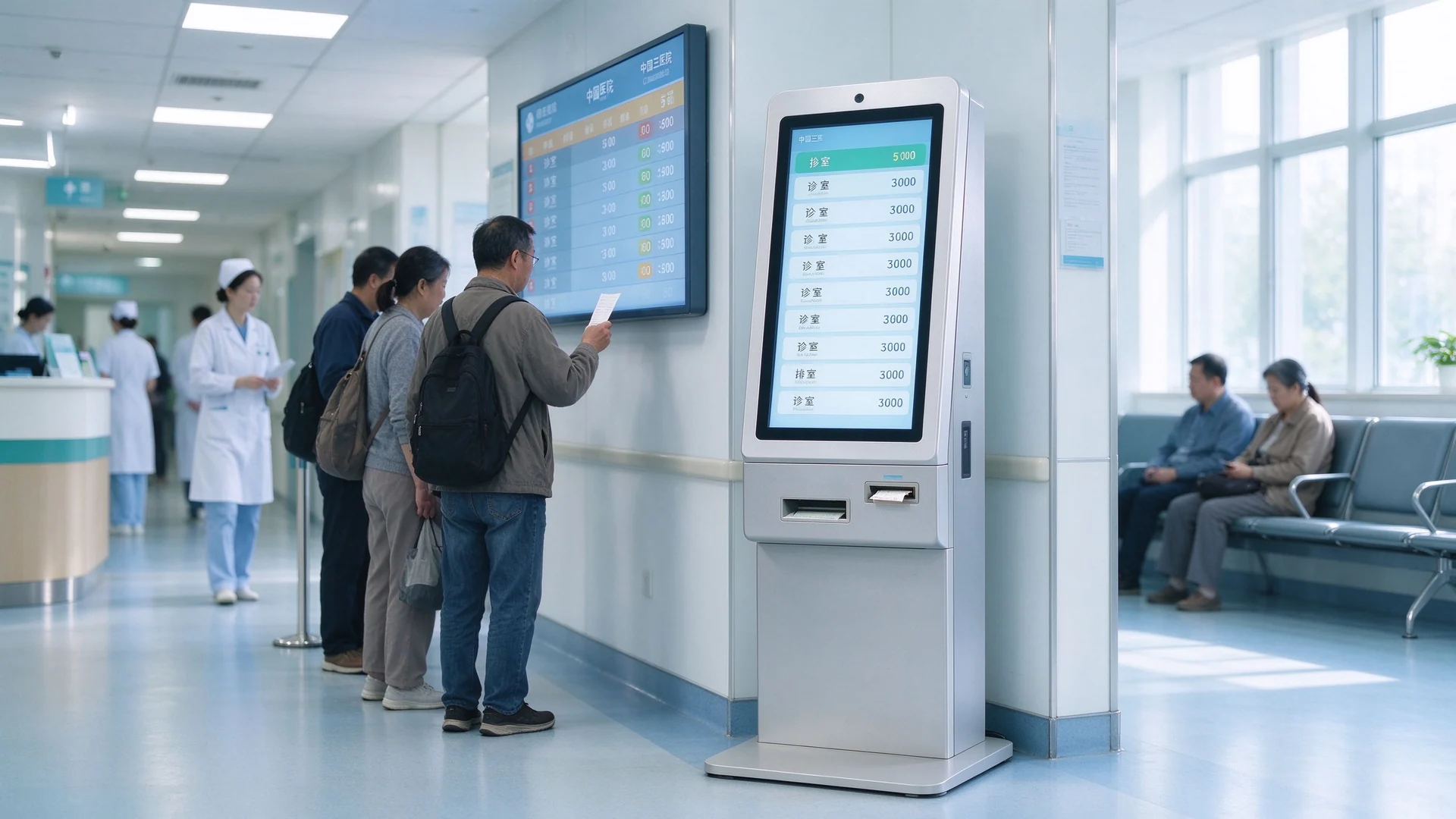
Outpatient congestion is rarely a panel shortage. It is a data-link failure that appears at four points, and each one is visible to patients within the first ten minutes of their visit.
The kiosk runs one system, the waiting-area screen runs another CMS. The number exists on paper only, so staff re-answer "which window is next" all morning.
No mobile queue means patients stand in the aisle to keep their place. Hall crowding, missed calls and repeat recalls follow.
A floor directory that is not linked to the queue sends patients to the right building but the wrong waiting area — the last 50 metres are unmanaged.
Branch-level queue rules, branch-level content, branch-level spare parts. Group management gets reports that never reconcile, and procurement pays four times for the same service.
All four are integration problems, not hardware problems. That is why this page is organised by patient-journey node rather than by product category — and why the queue software is quoted together with the terminals, from the same supplier.
Use this table as the backbone of your technical specification. Each row is a procurement line item you can put in front of a hospital group's purchasing committee, and each row maps to a published Qtenboard product.
| Journey node | Patient action | Hardware | Software role |
|---|---|---|---|
| Registration hall / entrance | Select department, take a ticket, check in | Floor-standing outpatient registration kiosk, 17″ / 19″ / 21.5″ with thermal ticket printer | Ticketing client, multi-level service catalogue, appointment check-in |
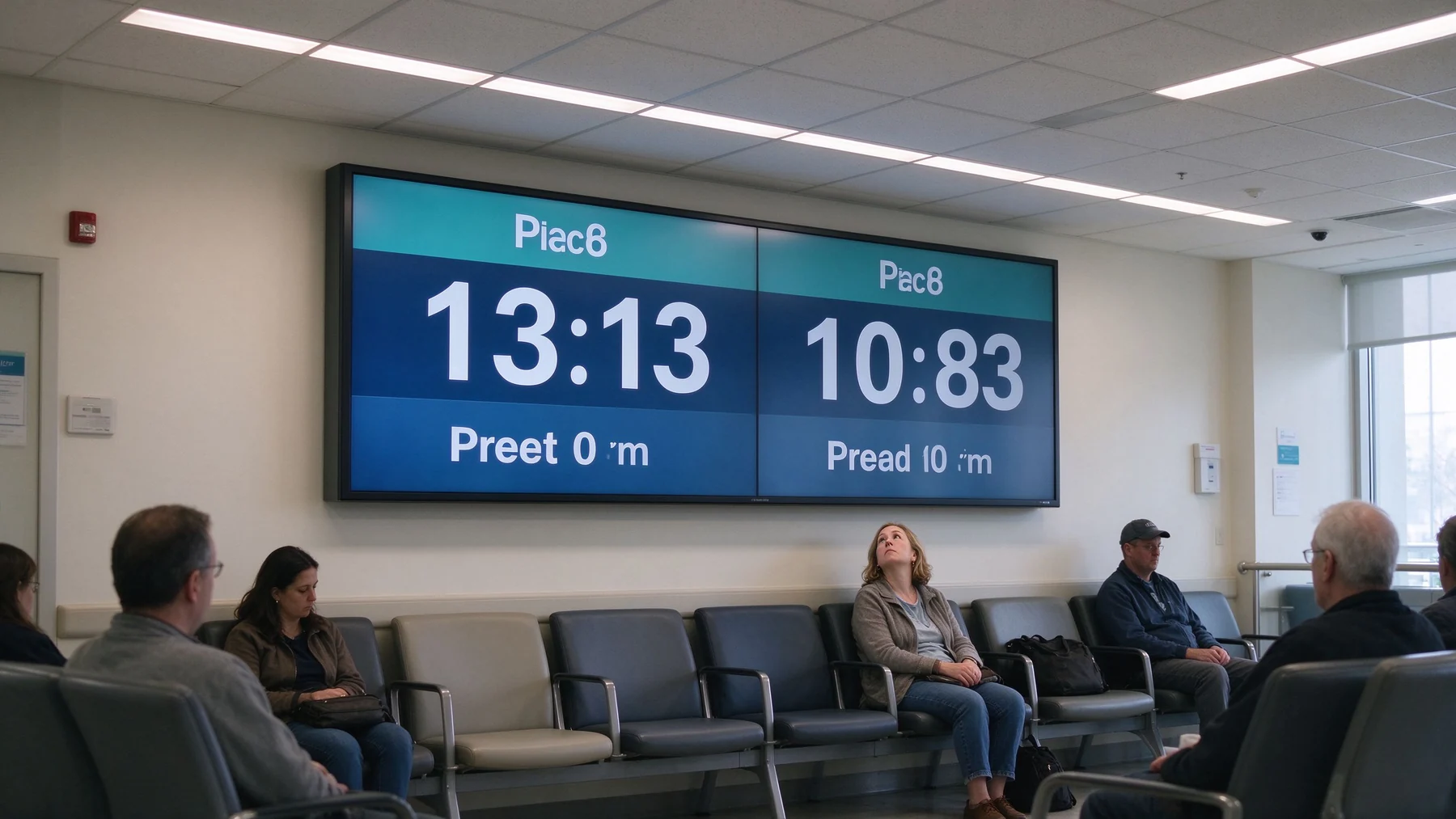
| Área espera | Watch the call, judge the wait, find the room | Wall-mounted queue display screen, 43″–65″, 500–700 nit for bright lobbies | Live queue board: number, window, estimated wait |
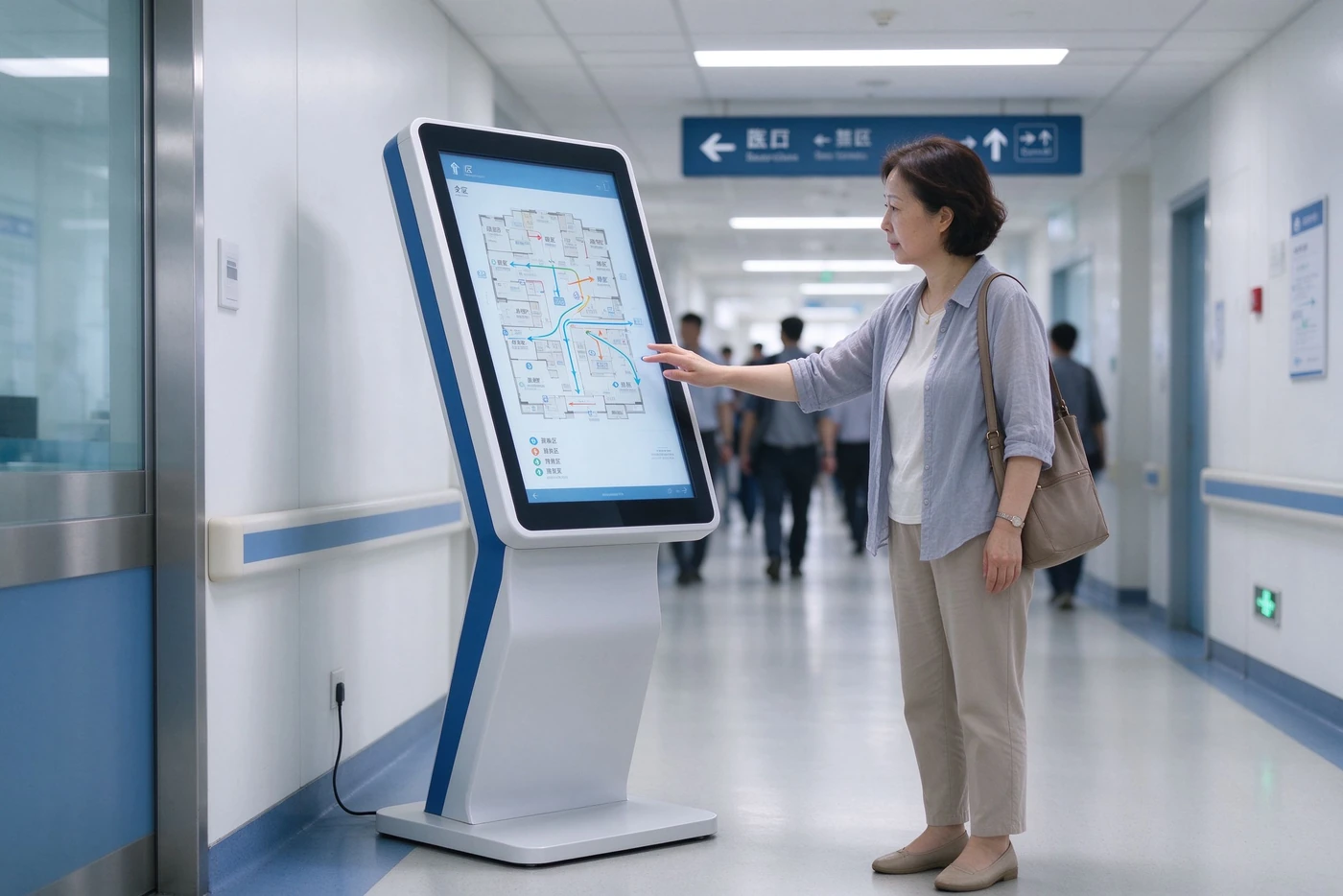
| Corridor / department entry | Locate the department and the right waiting zone | K-shape interactive wayfinding kiosk, 10.1″–65″ | Directory and floor-map module, multi-language UI |
| Consultation room door | Confirm the call and enter the right room | Compact wall display, 21.5″–32″ (or 43″ for longer sightlines) | Agent calling terminal: Next / Recall / Transfer |
| Pharmacy, lab, cashier | Second-stage queueing and pickup | Same kiosk series, wall or desktop derivatives | Multi-queue parallel routing, queue transfer |
Every row above is driven by the same queue management system. Waiting-area and counter displays can be configured with 500–700 nit commercial panels where lobby lighting washes out standard signage.
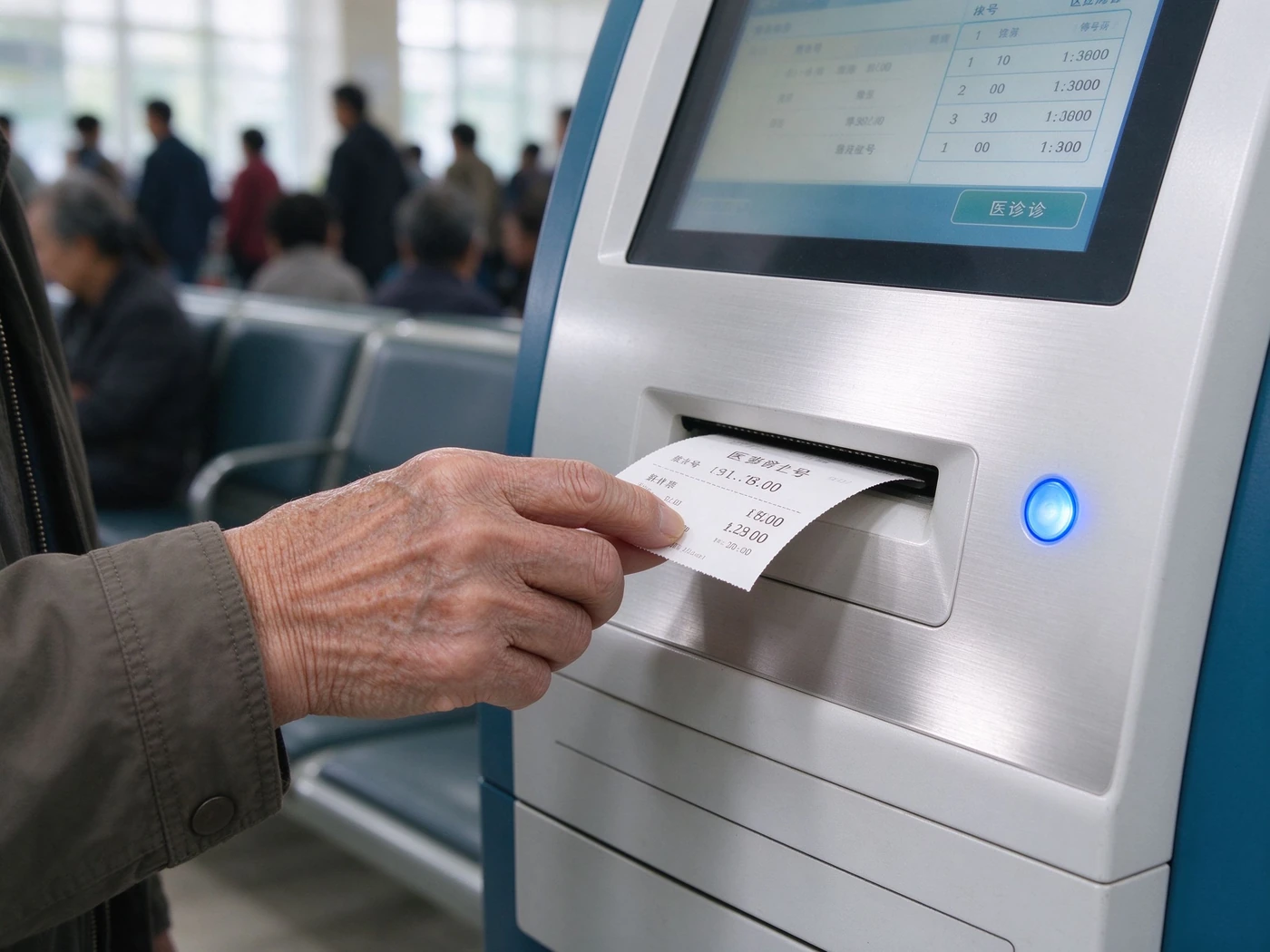
The entrance terminal decides whether the rest of the system works. It must split the crowd by service type at the door, validate appointments, and hand every ticket number into the queue server the moment it is printed.
A hospital queue management kiosk lives in a lobby for years, is operated by elderly patients and escorts, and is serviced by biomedical or IT staff who cannot afford to pull the unit apart. Qtenboard's floor-standing series is built around those three facts.
Daily ticket volume drives print-head and cutter life, so state weekday peak volume, not monthly average. Confirm whether real-name check-in requires an ID reader, and whether the unit must print 80 mm slips for insurance or queue-slip retention rules.
This is the single most disputed line in hospital display tenders. A waiting-area screen that only rotates videos is an advertising player. A queue display screen receives live ticket data and shows number, window and estimated wait — and that difference must be written into the acceptance criteria.
Seated patients read from three to eight metres away, often with poor eyesight. The layout rule is simple: the call block dominates, everything else supports it.
Fix the viewing distance and seat count first, then the diagonal — 43″ for a single bay, 55″–65″ for a shared hall. Ask the vendor to demonstrate a live call refresh with your queue server, not a looping demo file.
Signage gets a patient into the building. A hospital wayfinding solution has to get them to the correct waiting zone — which means the directory, the floor map and the queue must agree with each other.
Qtenboard's K-shape information kiosk is engineered for directory, floor-map and public-information duty in malls, airports, corporate buildings and hospitals. For outpatient use, the map layer is where the value sits.
Ask who owns the map data and who updates it after a department relocates. If the answer is "the integrator, per change request", budget for it now — hospital layouts change more often than hospital websites.
The last metre is where trust breaks. A patient who cannot confirm the call either enters the wrong room or blocks the corridor asking staff. The room-side panel must be driven by the clinician's own calling action, not by a separate upload.
Qtenboard's agent calling terminal covers Next, Recall, Transfer and Pause. When the clinician calls the next patient, the waiting-area board, the corridor panel and the room-door display refresh together, and the voice broadcast fires from the same rule set.
Decide whether the room panel is fed by the queue server or by the clinician workstation. If your HIS already owns the calling module, confirm the interface before the panel size is fixed — the wiring decision is harder to change later than the screen.
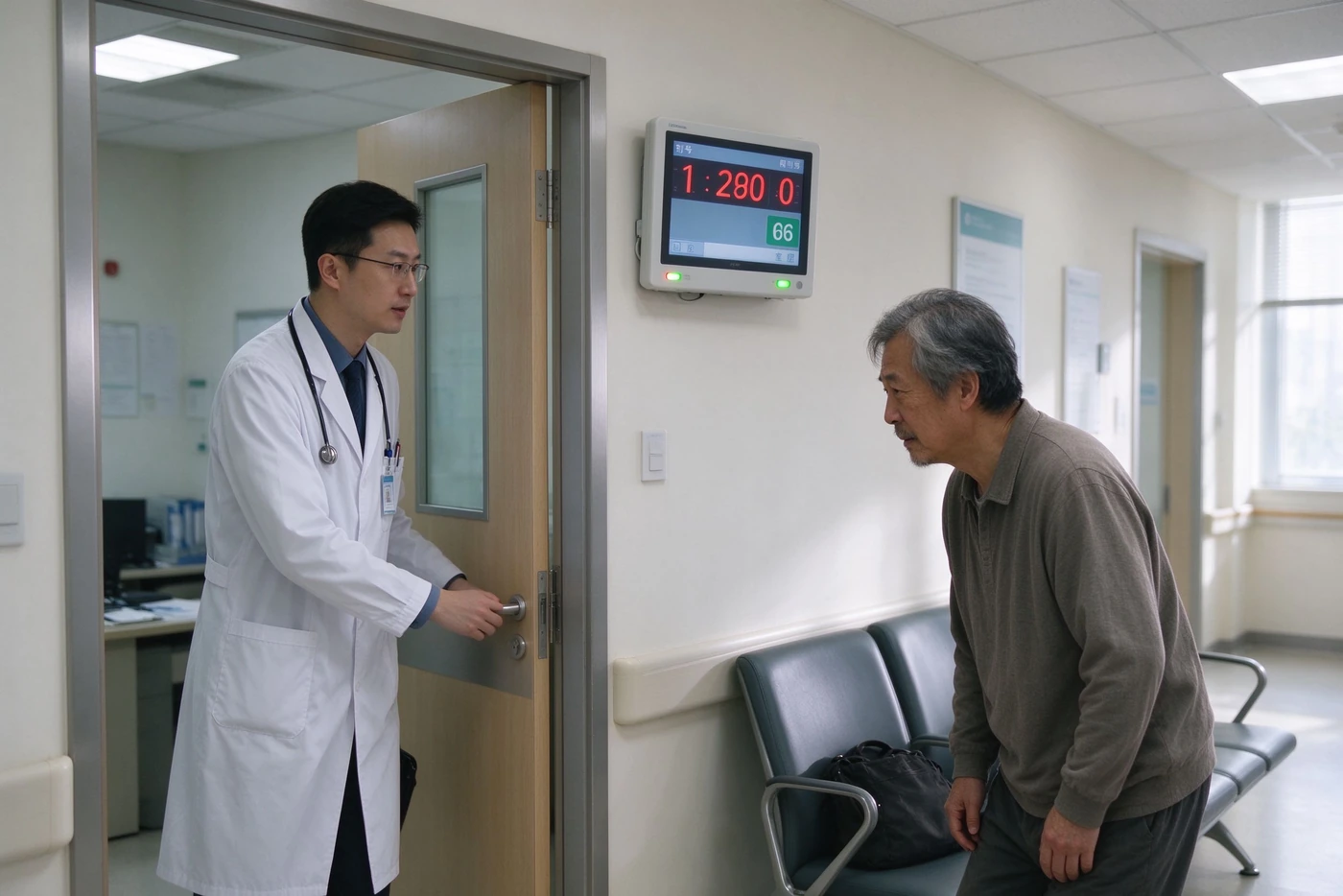
Most hospitals handle the pharmacy and cashier queues with a completely separate system, or with none at all. Both outcomes waste the registration investment: the patient flow restarts from zero at the dispensing window.
Qtenboard's queue software already supports multi-queue parallel operation and queue transfer. A patient called from the consultation room can be issued a dispensing number without returning to the lobby kiosk, and the pharmacy screen inherits the same ticket identity.
State whether a patient keeps one number across zones or receives a new one at each zone. That single answer changes the queue rules, the window scheduling and the reporting model.
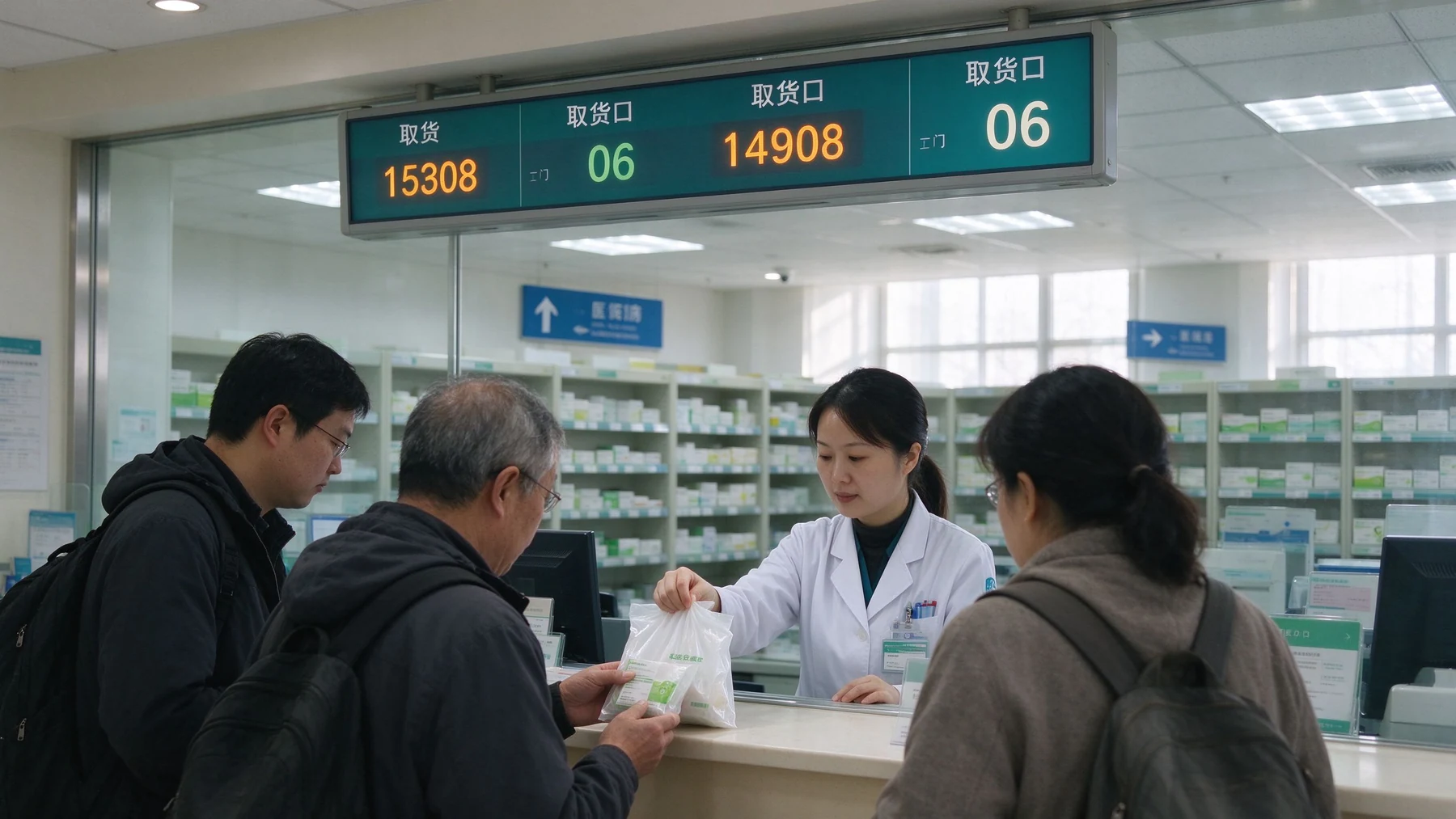
Two additions remove most of the remaining lobby pressure, and both are software-side features that cost far less than another bank of screens.
Patients scan the QR code on their ticket to follow their position on a phone, receive an SMS or app alert when called, and see a real-time expected wait. The lobby holds fewer people, the no-show rate becomes measurable, and the nursing desk stops answering "how much longer" forty times an hour.
The same CMS that drives queue boards also drives corridor panels for health education, department notices and inpatient guidance. One content platform, one device fleet, one playlist governance model — instead of a second signage vendor appearing three months after go-live.
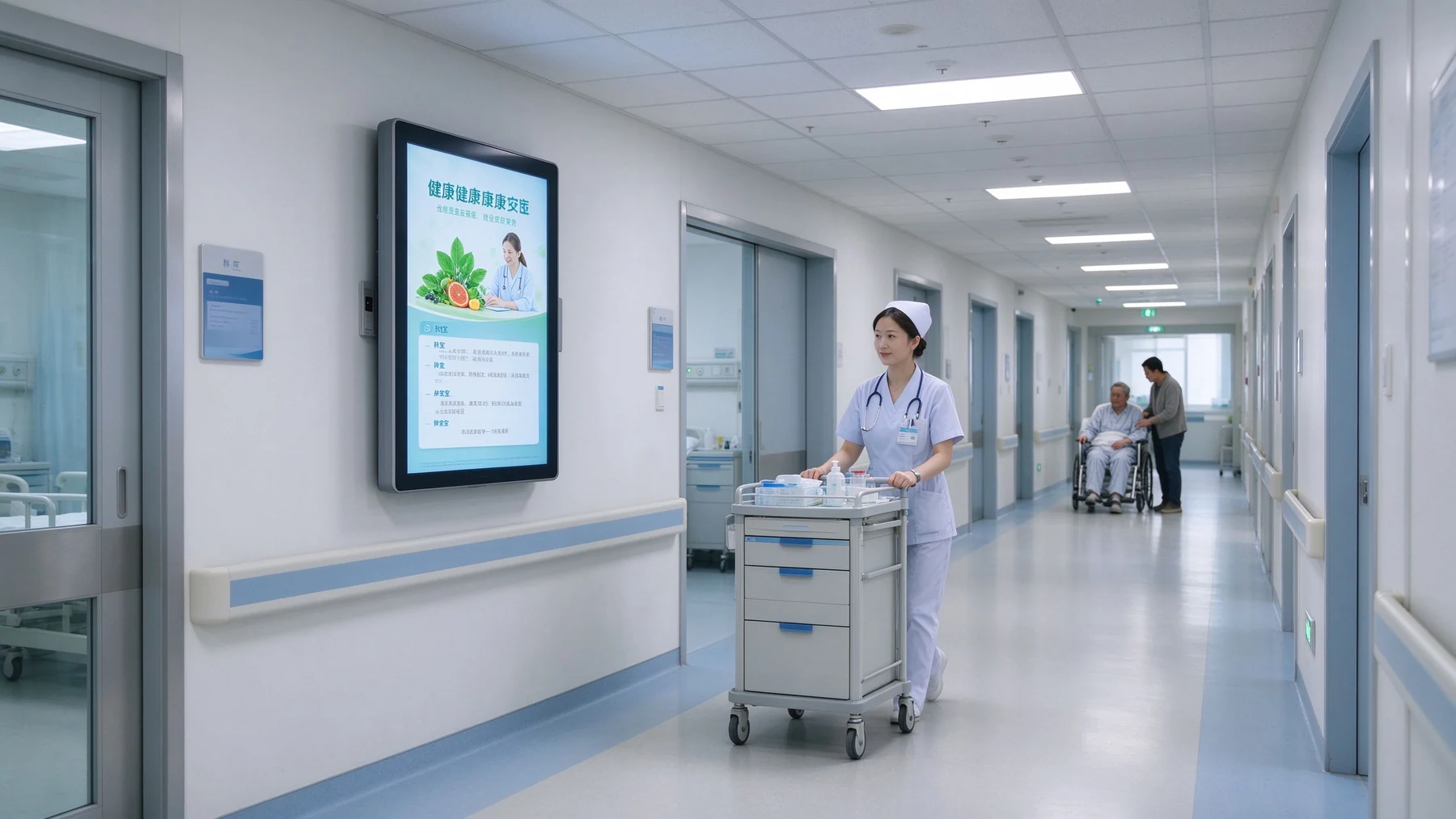
The most common go-live complaint in hospital digital signage is content drift: a marketing team replaces the queue board with a campaign, and calls stop appearing. Qtenboard's CMS separates the queue data layer from the editorial layer, so layout owners and content owners are different accounts with different permissions.
Hospital IT committees ask this in the first meeting: does the vendor supply boxes and leave the queue logic to us? With Qtenboard the answer is no — the hardware and the queue management software come from one accountable supplier, and only the HIS-side business rules stay with the hospital.
Integration targets supported: existing QMS, hospital HIS, CRM, appointment platform, visitor management, SMS gateway, mobile app and digital signage.
HIS-side interface contracts come from your software partner; Qtenboard confirms the mapping against its REST API, SDK or middleware tables in writing before the PO, so the interface scope is not renegotiated during installation.
Factory-side testing runs against a simulated queue server before shipment. Hospital-side testing runs against the live HIS with a named owner on each side. Both are scheduled in the eight-step path below, and the split is agreed in the contract.
Agree the triage order before go-live: queue server, network, CMS, then panel. With one supplier for software and hardware, the first response sits in one place instead of four.
Warranty 1–3 years by project, spare parts support 1–5 years, remote technical support with 24-hour response standard and 24/7 option. Print heads, cutters and 80 mm rolls are quoted per campus volume, not per order.
A hospital group is not five hospitals with five display projects. It is one governance problem. The commercial argument for a single supplier is not unit price — it is that the second campus costs a fraction of the first.
The head office owns the service catalogue, priority rules, recall policy and report definitions. Each campus edits its own content, playlists and local notices. Rules do not drift; content stays local.
Cloud, on-premises or hybrid CMS with device monitoring, playback logs, batch updates and scheduled power cycles. A campus that goes offline is visible the same morning, not at the next audit.
One configuration template, replicated per campus with only the enclosure colour, logo and interface count changed. Commissioning checklists, spare inventories and staff training all reuse the same documents.
Private-label OEM covers body colour, logo, boot screen and UI skin at the factory, so every campus matches the group's visual identity. Tender documentation support is available for public hospital procurement.
Send these eight items and Qtenboard returns a configuration, a BOM-matched specification sheet, a block diagram and a spare-parts list — typically within 24 hours.
| # | What we need | Why it changes the quote |
|---|---|---|
| 1 | Campus count and per-node terminal list | Sets the BOM template, packaging, and whether CKD/SKD supply is worth evaluating |
| 2 | Weekday peak ticket volume per campus | Determines printer width, cutter requirement and print-head / cutter spare quantity |
| 3 | Service catalogue: departments, triage levels, priority rules | Drives the queue logic, window scheduling and report structure |
| 4 | HIS / existing QMS interface status | Decides whether the project starts from an interface spec or from a greenfield queue server |
| 5 | Real-name check-in requirement | Adds ID card or passport reader modules and data-handling obligations |
| 6 | Barrier-free requirement | Selects low-height kiosk variant and barrier-free ticketing mode |
| 7 | Lobby lighting and viewing distance | Fixes 500–700 nit panel selection and screen diagonal per zone |
| 8 | Network resilience policy | Confirms offline ticket caching, local fallback display and recovery behaviour — agreed case by case |
Qtenboard publishes a hospital-group outpatient reference built around exactly the data chain this page describes. It is the closest match to a group-level outpatient modernisation, and it is the reference our engineers walk buyers through first.
Published project summary per Qtenboard product data. Ask our team for verifiable references matched to your region and hospital type before you commit to a configuration.
CE, FCC and RoHS on the product; ISO 9001 for the quality system; IP54-rated casing as standard. PSE and UL are available as options. Certificates are maintained current and released for distributor and procurement due diligence on request.
Local, cloud or hybrid storage; data masking, role-based access control and operation audit logs included. Deployment supports GDPR, PIPL and local regulation requirements — the specific obligations are confirmed at project stage against your jurisdiction.
ID-card reading and face recognition are optional modules and follow local authorisation and data-processing rules. Face recognition deployments carry a compliance review requirement and are quoted only after that review.
Medical, financial and government project compliance requirements are confirmed per project scope. We do not assert a blanket medical certification — we document what your tender actually requires and supply the matching evidence.
Most hospital display projects fail at the seam between the box and the software. Qtenboard removes that seam by supplying both, from a factory that has been building displays and self-service hardware since 2005.
More than 20 years inside the display supply chain, serving system integrators, distributors and project contractors.
Multi-base production with 16 production buildings, 200+ units per day capacity and 48-hour aging before every shipment.
Deployment footprint across healthcare, education, government, retail and transport projects.
Bid documentation, technical-spec alignment and tender strategy support for public procurement.
Your logo, packaging and UI on finished kiosks — the fastest route for a hospital group that must match an existing visual identity.
Screen size, chipset, software stack, certification targets and accessory bundle defined by you and engineered by our R&D team.
Knock-down kits for local assembly markets where import duty structure favours component entry, customs-documented since 2005.
Technical deviation tables, certificate packs and specification alignment for public hospital procurement.
Tell us how many campuses, which journey nodes, your peak ticket volume and what your HIS can expose. You will receive a node-by-node BOM, a matched specification sheet, an integration block diagram and a spare-parts list — not a generic catalogue.
Quote, MOQ and lead time confirmed per configuration, typically within 24 hours.
Queue management kiosk — send RFQ Waiting-area & room display specifications Hospital wayfinding kiosk specifications
CEO | Display interativo e solução colaboração Expert
Eu sou o fundador da Qtenboard, trazendo mais de 17 anos de experiência prática para a indústria de telas sensíveis ao toque. Com base na perspectiva de gestão global adquirida através dos meus estudos EMBA na ShenZhen University, lidero minha equipe na otimização de todas as etapas de nossas operações-desde a definição do produto até o gerenciamento da cadeia de suprimentos de alta eficiência-garantindo que nossas capacidades de fabricação permaneçam na vanguarda do setor.
Como líder da Qtenboard, sou especialista em fornecer soluções OEM/ODM personalizadas para quadros interativos, paredes de vídeo LCD, sinalização digital e terminais de toque de nível industrial. Apoiados por nosso parque industrial moderno de 330.000 m² em Shenzhen, mantemos controle de ciclo de vida completo sobre design industrial, fabricação de precisão e testes rigorosos de desempenho.
Com quase duas décadas de experiência em projetos, as soluções de exibição da Qtenboard estão implantadas em mais de 120 países e regiões, conquistando a confiança de mais de 15.000 clientes corporativos em todo o mundo. Se você está procurando um sócio responsivo com uma fundação profunda da fabricação para seus projetos personalizados da exposição do toque, minha equipe e eu estamos prontos para apoiar sua visão com excelência profissional.

 pt
 EN
 spa
 vie
 th
 est
 lav
 aze
 ukr
 bel
 ru