Most meeting rooms were rebuilt for hybrid work in name only. The screen got bigger, the camera stayed in a drawer, the microphone stayed on the table, and the people joining from another city still cannot write on the board that the room is using. That gap is where decisions slow down.
This page is written for the people who actually have to fix it: IT and AV managers, facilities project leads, and procurement teams signing off a room refresh across ten, fifty or two hundred rooms. It covers one configuration in detail — a 75-inch interactive display with a 48MP built-in camera, an 8-microphone array, native meeting-app support and shared annotation — and the deployment, acceptance and cost questions that decide whether the roll-out is judged a success six months later.
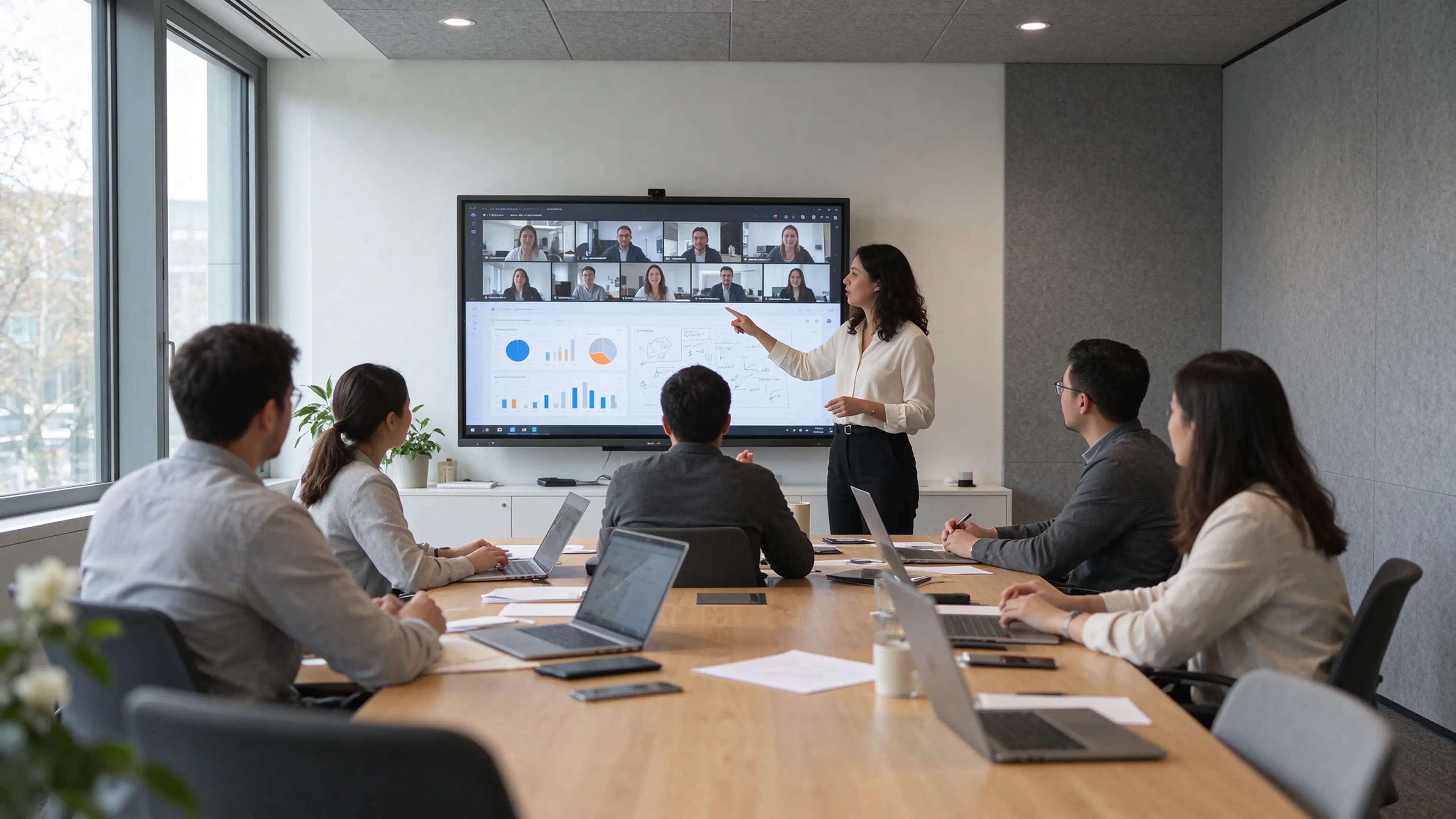
A hybrid meeting is not a meeting with a video link attached. It is a meeting with two audiences that must leave with the same understanding. When that does not happen, the symptom is rarely “the technology broke”. The symptom is quieter: the remote half stops asking questions, the whiteboard fills with notes nobody off-site can read, and the decision gets deferred to a follow-up email that nobody wants.
In room audits, the same three leaks appear in almost every space that was upgraded cheaply.
A laptop webcam at the head of the table captures the ceiling, two faces and a lot of empty chair. Anyone sitting on the far side learns within one meeting that contributing is not worth the effort of being unseen.
A single omnidirectional microphone picks up HVAC hum and keyboard noise, then asks the remote side to repeat themselves. Half of the room hears the answer; the people who needed it do not.
The room writes on glass, the remote side watches a picture of it. Nobody off-site can add a correction, move a box or mark a risk, so the output belongs to whoever was physically present.
Each leak has a hardware answer and a behaviour answer, and the hardware answer only works if the display is designed as one system. That is the difference between an interactive conference room built for hybrid work and a touch panel that happens to have a camera bolted to the top.
The market is full of large touch screens. Very few are built to carry a meeting. Four dividing lines separate a presentation panel from an interactive display for hybrid meetings, and every one of them shows up in the acceptance test, not in the brochure.
| Dividing line | Presentation-grade panel | Hybrid-grade interactive display | Why procurement cares |
|---|---|---|---|
| Kamera | External USB camera, mounted by hand, aimed once and never adjusted | 48MP built-in AI camera with auto-framing and a physical privacy shutter | Fewer failure points, no cable theft, consistent framing across every room |
| Mikrofons | One table microphone or a soundbar with a short pickup pattern | 8-microphone array with beamforming, echo cancellation and AI noise reduction | Far seats are heard without passing a hockey puck around the table |
| Platforma | Cast-only: the room still needs a laptop to join anything | Native meeting apps on Android, plus a Windows OPS option for desktop clients | One-tap join, no borrowed laptop, no “whose account is this?” |
| Sadarbība | Remote users watch a mirrored image of the screen | Remote users join the same canvas and annotate it live | The record of the meeting is produced by both halves, not one |
| Vadība | Per-device setup, manual firmware, no fleet view | DMS fleet management, OTA firmware, app allow-list, guest-cast PIN | A 40-room rollout is operable by two people instead of a weekly visit |
Comparison reflects configuration categories, not brands. Any supplier claim in the right-hand column should be verified in a POC on your own network.
A 6–12 seat collaboration room needs parity: everyone in the room is visible, and the remote half can write. A boardroom needs restraint: a clean, quiet install, a privacy shutter, one-tap joining, and no visible cable salad when the CFO walks in. A training or cross-region review room needs the record: annotation that can be exported, plus a transcript and summary the absent stakeholders can read the next morning.
The same 75-inch platform can serve all three, but the accessories and the software policy differ. That is why the configuration matrix later in this page is organised by seat count and meeting type rather than by screen size alone.
The 75-inch size is the pragmatic centre of the range. It is large enough for a ten-seat table to read a spreadsheet at the far end, small enough to wall-mount without rebuilding the room, and cheap enough that a fifty-room refresh stays inside a capital budget. What matters is what is inside the bezel.
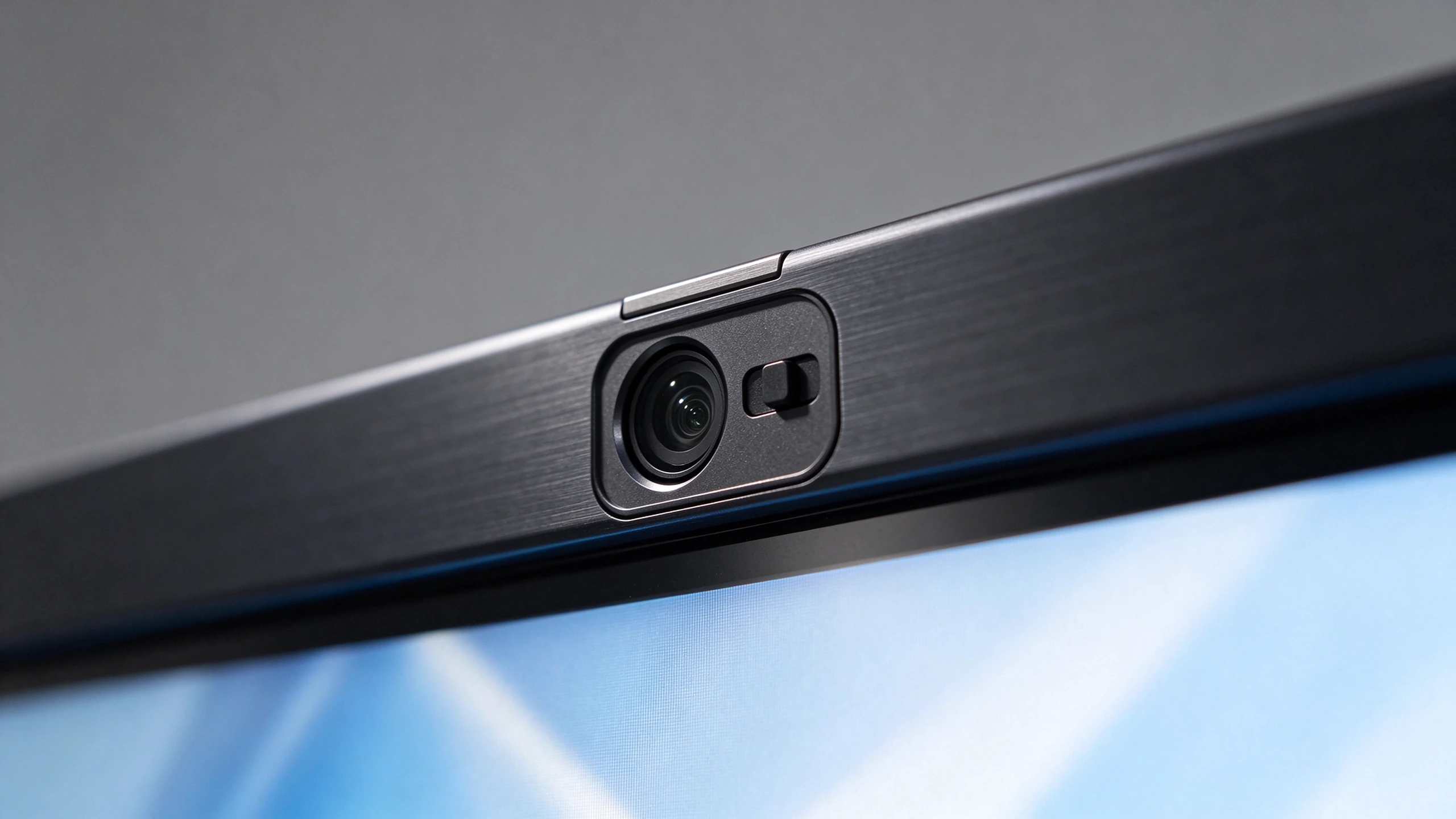
A high-resolution sensor is useful, but resolution alone does not make a room look good. The 48MP AI camera in this build earns its place because of three behaviours around the sensor: a wide field of view that covers both ends of a ten-seat table, auto-framing that keeps the active speaker and the group in a sensible crop as people move, and a physical shutter that closes over the lens when the room is not in a meeting.
The practical test is not megapixels. It is whether a person at the far end of the table, leaning back in a chair, is recognisable on the remote side without anyone touching the camera. In a 75-inch room, that is roughly a 4–6 metre throw. If the camera is mounted at the top of the display and the display is at seated eye level, the geometry works; if the display is hung too high — a common installation shortcut in rooms with existing projector screens — no sensor on the market will save the shot.
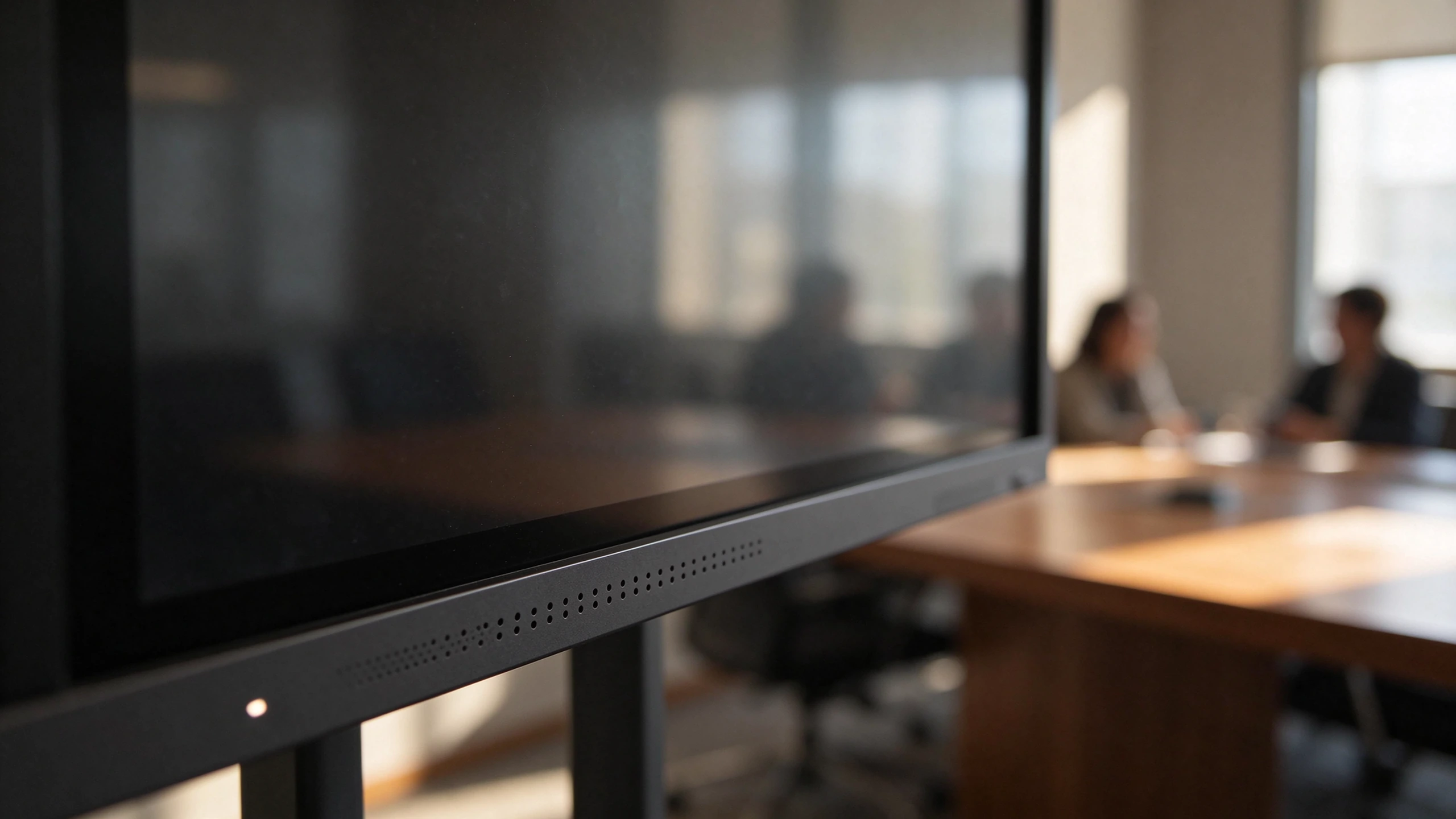
An 8-microphone array is not a marketing number; it is the minimum that lets the display do beamforming properly. Multiple elements let the system steer toward the person speaking, reject the HVAC vent above the door, and cancel the echo of its own speakers. The result is that the far seat can talk at normal volume instead of projecting.
Two behaviours decide whether the array is usable in a real room. First, echo cancellation has to hold when the display's own 2.1-channel audio is loud enough for a ten-seat table — a quiet speaker system hides poor AEC, and the room sounds fine until someone turns the volume up. Second, the array has to survive occlusion: laptops, flowers, a water bottle or a stack of brochures placed against the bottom bezel will dull the pickup. Specify a clear strip under the screen in the room design, not after the furniture arrives.
The table below is the configuration baseline used throughout this page. It is the QM-75HY class panel, and every item is verifiable against the datasheet for the build you order — which is the point: ask for the datasheet of the exact SKU, not the family brochure.
| Slānis | Specifikācija | Meeting-room consequence |
|---|---|---|
| Panelis | 75", 3840 × 2160 native 4K, 4000:1 contrast, 178°/178° viewing angle, anti-glare 4 mm tempered glass | Spreadsheets and 12-point annotations stay readable with the blinds open |
| Spilgtums | 350 / 400 / 450 cd/m² options by build | Glass-walled rooms need the higher tier; internal rooms do not |
| Pieskāriens | Up to 40 points, pen and finger, palm rejection | Two people can edit the same canvas without fighting the input |
| Kamera | 48MP AI camera, auto-framing, physical privacy shutter | No external camera, no lens cap ritual, no accidental capture |
| Audio in | 8-microphone array, beamforming, echo cancellation, AI noise reduction | Far-seat speech arrives clean at the remote end |
| Audio out | 2.1-channel surround (stereo pair plus bass module) | Speech is intelligible at the back of a ten-seat room without a soundbar |
| Sistēma | Android 16 with Google EDLA certification; optional Windows 10/11 via OPS i5/i7 module | Native apps on Android; legacy desktop software when the OPS module is fitted |
| Tīkls | Wi-Fi 6 dual band, Bluetooth 5.0, Gigabit LAN | Wired primary link with wireless fallback for cast and guest access |
| I/O | HDMI, USB-C, USB 3.0/2.0, VGA, RS232, line in/out, OPS slot | USB-C one-cable BYOD, RS232 for room control, OPS for Windows |
| Vadība | DMS fleet management, OTA firmware, app allow-list, guest-cast PIN | Fifty rooms updated from one console, without a site visit |
| Atbilstība | Google EDLA, CE, FCC, RoHS; certification set varies by destination market | Market access evidence available before the purchase order |
| Serviss | Hot-swap warranty programme with extended terms available by project; spare-parts supply for fleet builds | A failed board is a swap, not a room-closed ticket |
Baseline: 75-inch QM-series conference configuration. Request the SKU datasheet and certificate package for your destination market before sign-off.
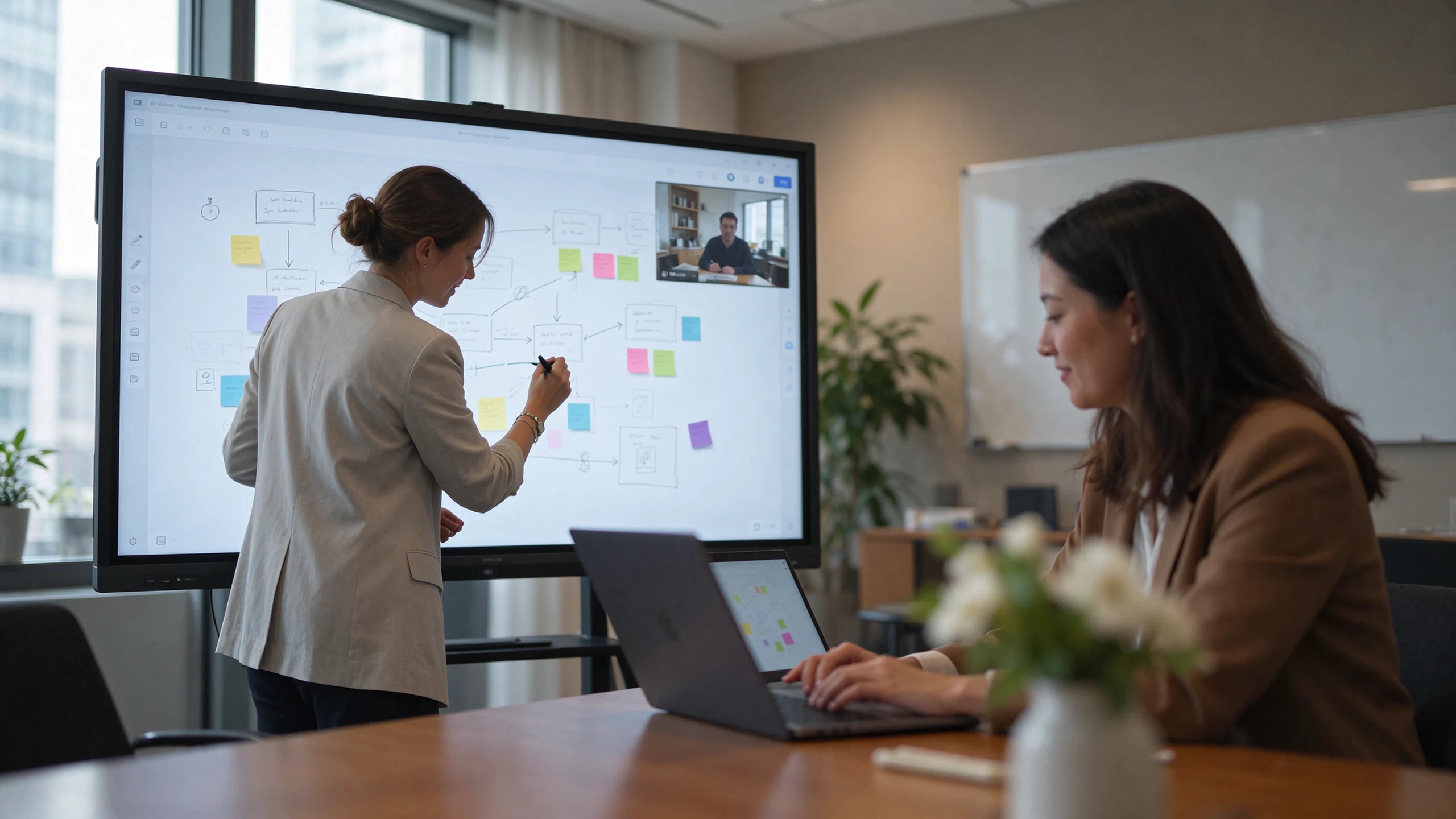
Video conferencing solved the seeing problem. It never solved the authorship problem. In a conventional setup, the room owns the whiteboard and the remote half owns a screenshot. Interactive meeting room screens for hybrid team collaboration change the ownership: the canvas is a shared object, and any participant with the right permission can draw on it while the meeting is running.
Qtenboard's Q AI framework runs on the display's own hardware first, with optional cloud processing for heavier tasks. In a meeting room the useful functions are narrow and specific: speech-to-text during the session, a structured summary and action list afterwards, and contextual questions about what was already discussed. That removes the “who is taking notes” problem and lets an absent stakeholder read the decisions the same day.
It is also where buyers should read carefully. Ask three questions before you rely on it: does transcription run on-device or in the cloud, which languages are supported for your team, and where does the audio or transcript get stored. For regulated rooms — legal, healthcare, financial audit — the answer may reasonably be “disable cloud processing and keep everything local”. A supplier that cannot answer these three questions in writing is not ready for an enterprise rollout.
This is the question that derails the most meeting-room projects, because the words sound interchangeable and the products are not. “Conference room smart board zoom rooms” describes two different things: a certified room system built around a dedicated appliance and controller, and an interactive display that runs the meeting application itself. Both are legitimate. They have different cost structures, different management models and different failure modes.
| Lēmumu faktors | Certified room system route | Native app on the display | Qtenboard 75-inch reference |
|---|---|---|---|
| Hardware shape | Compute appliance + controller + certified camera and audio peripherals | One panel with camera, array, audio and compute inside | One panel, optional OPS for desktop-class apps |
| Vadība | Vendor admin portal, room-level policy, ticketing integration | Display DMS + platform admin console | DMS fleet view, OTA firmware, app allow-list |
| Time to first meeting | Longer: rack, cabling, controller commissioning | Short: mount, network, sign in | Typically a single site visit per room |
| Cost profile | Higher per room; licence and appliance costs stack | Lower per room; fewer boxes to buy, insure and replace | Indexed comparison in section 07 |
| Vislabāk piemērots | Standardised estates, executive suites, heavily managed AV teams | Collaboration rooms, multi-room refreshes, mixed-platform organisations | 6–15 seat rooms, boardrooms with dual-system needs |
| Trade-off to accept | Less flexibility in hardware choice and room layout | Advanced room-controller features are not equivalent | For regulated, controller-managed estates, evaluate both |
Route comparison by capability class. Confirm platform licensing, certification status and admin-portal requirements with your own IT team before choosing.
Qtenboard's 75-inch build runs native meeting applications on Android 16. Google EDLA certification means the panel has genuine Google services — Play Store, Chrome, Gmail, Drive, Meet — licensed and pre-installed, with Google security updates and Android Enterprise management available. It also runs the mainstream conferencing applications organisations already pay for, and the Windows OPS module covers the desktop-client case when a team insists on the full application rather than the mobile build.
What it is not: a certified room appliance. If your AV standard requires a dedicated controller on the table, a vendor admin portal for policy and ticketing, and a certified peripheral set, that is a different procurement category and should be evaluated as such. The honest answer is that many organisations run both — certified systems in the executive suite, native-app displays across the collaboration floors — and the cost difference is what makes the second route viable at fifty rooms instead of five.
Most hybrid-room failures are installation errors wearing a product costume. The panel is fine; the network drops packets, the screen is hung too high, or the microphone is buried behind a laptop. This section is the part of the project that determines whether the rollout is still working in month six.
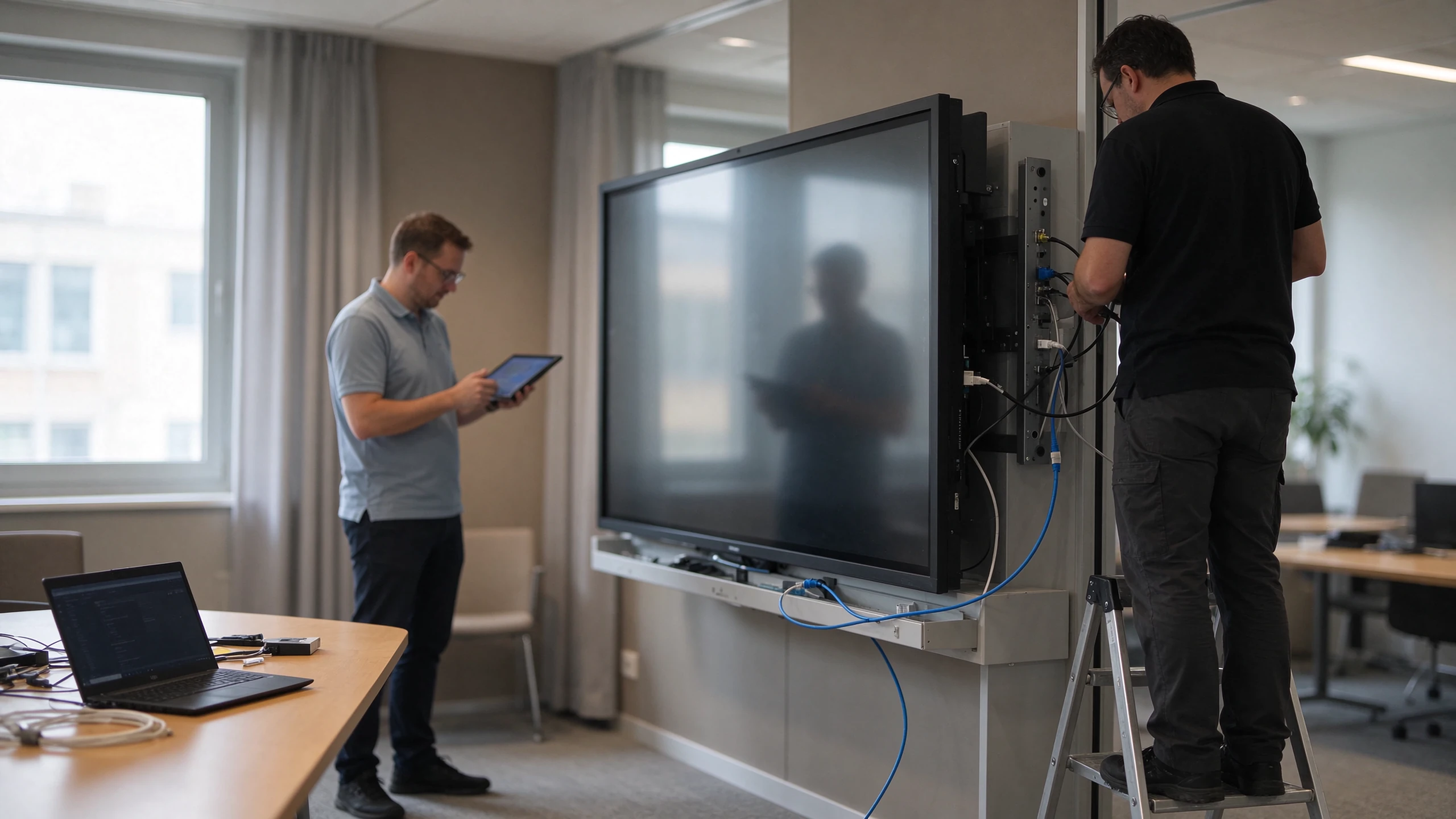
Video conferencing is sensitive to jitter and packet loss in a way that email and ERP traffic are not. A room that “works” on Wi-Fi during a two-person test will stutter in a nine-person call with screen sharing. Provision a wired Gigabit run to every display, put meeting traffic on a segment with QoS priority, and treat Wi-Fi 6 as the path for casting and guest access rather than the primary link.
| Room scenario | Practical upstream allocation | Notes for the network team |
|---|---|---|
| Single display, group call | 2–4 Mbps reserved, 10 Mbps provisioned | Wired link; QoS marking on the meeting VLAN |
| Single display, screen sharing plus video | 4–6 Mbps reserved, 15 Mbps provisioned | Content sharing is the variable that breaks budgets |
| Boardroom, dual display or 4K send | 8–12 Mbps reserved, 25 Mbps provisioned | Confirm with the platform's own bandwidth guidance |
Allocation guidance for planning purposes. Reserve capacity per concurrent room, not per building, and validate with a real call during acceptance.
Firewall and proxy policy matters as much as bandwidth. Session establishment, media relay and content sharing use different ports and address ranges depending on the platform; whitelisting only the sign-in domain produces the classic symptom where the room joins the meeting but nobody can hear anybody. Ask the platform owner for the current port list, apply it to the meeting VLAN, and record the exception in the room's handover document.
This is the checklist Qtenboard's project engineers use on handover, and it is deliberately written so a facilities manager can run it without an AV specialist. Print it, sign it, and attach it to the room handover file. Two rooms out of fifty always fail something; catching it here is cheap.
Buying the right screen size is easy once the room is described in seats and distances. The harder decision is what to add — and what to deliberately leave out, because every extra box is another cable, another firmware path and another item in the maintenance budget.
| Numura tips | Seats | Recommended build | Add only if |
|---|---|---|---|
| Huddle / small collaboration | 3–6 | 65-inch, 48MP camera, 8-microphone array, wall mount | Mobile stand, if the room is shared between floors |
| Standard hybrid room | 6–10 | 75-inch baseline (this page), 8-microphone array, wired LAN | OPS Windows module for desktop-only applications |
| Large collaboration room | 10–15 | 86-inch, higher brightness tier, 8-microphone array, cable tray | External microphone extension for a U-shaped table |
| Izpilddirektoru sanāksmju telpa | 8–14 | 86–98-inch, anti-glare glass, privacy shutter, OPS, DMS policy | Dual display, for board packs plus live video |
| Training / cross-region review | 15–30 | 98–110-inch or dual 86-inch, wired LAN, export workflow | External audio reinforcement for the rear rows |
Configurations are starting points, not catalogue rules. Final size should follow the farthest-seat rule in section 06.
Procurement rarely fails on the panel price. It fails on the total, three years out. The table below uses an indexed comparison rather than currency, because pricing moves with volume, destination and certification package; the structure is what matters when you build your own model.
| Cost component | Projector + separate room kit (index) | 75-inch all-in-one interactive display (index) | Where the difference comes from |
|---|---|---|---|
| Display / projection | 100 | 100 (baseline) | Comparable entry cost at this size |
| Camera, microphone, audio | 45–65 | 0 (built in) | Three peripherals, three power points, three failure paths removed |
| Compute in the room | 30–45 | 0–20 (OPS optional) | No dedicated meeting PC unless Windows apps are required |
| Installation and commissioning | 25–40 | 15–20 | One mounting surface, one network drop, one commissioning pass |
| Lamp / consumable replacement | 15–25 over 3 years | 0 | No lamp hours, no filter schedule, no recalibration visits |
| Support and spares | 20–30 | 10–15 (hot-swap programme) | Fewer devices under warranty, one escalation path |
Indexed illustration for a 6–10 seat room over 36 months. Not a quotation. Request a project-specific model with your room count, destination market and service level.
Two items deserve a line in any honest model and are usually missing: the cost of a room that stays unusable for a week because one peripheral failed, and the labour cost of the “can you come and check the camera” ticket. In a fifty-room estate those two items frequently exceed the difference in capital cost between routes.
Qtenboard publishes its delivery records, and they are useful because they show the pattern of real estate projects rather than a single showroom installation. The projects below are from the company's public case list; quantities are as delivered, and the outcome notes are drawn from integrator feedback, not from a laboratory test.
Regional office collaboration rooms standardised on one panel size and one configuration, so a new room can be handed over from stock without a design review each time.
Corporate conference room upgrade where the priority was replacing projector-plus-laptop starts with a single tap join and a fixed camera position per room.
Headquarters meeting-room programme at estate scale, with fleet management and spare-parts planning treated as part of the scope from the first purchase order.
What these projects have in common is not the screen size. It is the decision to stop treating camera, microphone, audio and compute as four separate purchases with four separate warranties. The pattern repeats across the published list — Canada, Japan, the Netherlands, Australia, the UAE — and it is the reason a factory-direct programme can hold a configuration stable across a multi-country rollout while a reseller bundle usually cannot.
For a closer read on project structure, the published case file covers delivery dates and room counts by region: Qtenboard meeting room case studies. For the factory and capacity side — relevant if you are bidding a tender rather than fitting one floor — the 2,000-unit tender partnership record shows how custom hardware, custom software and bid-specification support are combined.
A page that only lists advantages is not useful to a procurement team. These are the cases where a 75-inch native-app display is the wrong answer, or where it needs to be supplemented.
Some estates require a dedicated controller, vendor policy portal and certified peripheral set. That is a different category of product, and the display route should not be presented as a like-for-like substitute. Run both in a pilot and compare manageability, not just price.
Built-in camera and audio are specified for standard rooms. In a 25-seat training hall, plan for audio reinforcement and possibly a second display. The panel still works; the room acoustics are the limiting factor.
Native Android applications cover the mainstream meeting workflow. If your teams live inside a desktop-only client, budget for the Windows OPS module from the start rather than retrofitting it after complaints.
On-device processing is available, but transcription quality and language coverage should be tested with your own speakers. Do not assume any vendor's AI handles a heavy accent mix without a pilot.
Not for joining the meeting. The panel runs the meeting application, uses its own camera and microphone, and joins with one tap. A laptop is only needed for content that exists nowhere else, which is increasingly rare; USB-C one-cable input covers that case without a second device on the table.
For a 75-inch build in a 6–10 seat room, yes, provided the display is mounted at seated eye level and the farthest seat is within roughly 6 metres. Beyond that distance, or in a very wide U-shaped layout, a second camera or a repositioned panel is the better fix. Test it with your own table before ordering fifty of them.
Yes. Remote participants join the shared canvas through a link or QR code in a browser, with a per-meeting PIN, and annotate live. The room sees their changes on the panel, they see the room's strokes, and the canvas exports to PDF at the end. That is the difference between collaboration and a screenshot.
It replaces it in rooms where one-tap native application use is sufficient and central policy management is handled through display fleet management. It does not replace a controller-based certified room system where that standard is mandated. Many organisations run both, and the cost difference is why the native-app route scales to more rooms.
Add the OPS module — an i5/i7 Windows PC that slots into the panel without opening it, field-swappable, with its own memory and storage options. Android remains the main system for fast start-up and whiteboarding; Windows is available for the desktop-only workflow.
Plan 10 Mbps provisioned per single-display room, 15 Mbps where screen sharing is constant, 25 Mbps for dual-display or 4K sending boardrooms. Run the link wired, apply QoS to the meeting segment, and confirm the platform's current port and relay requirements with your network team during acceptance rather than after the first complaint.
One mounting surface with confirmed structural fixing, one network drop, power inside the mount zone, and a commissioning pass against the twelve-point checklist. The commercial build runs a hot-swap warranty programme with extended terms available by project, which means a failed board is replaced as a unit rather than repaired in place — relevant if a room closure costs more than the part.
Yes. Qtenboard runs an OEM/ODM programme covering camera and microphone specification, logo and boot animation, packaging, firmware pre-configuration and interface identity, with CKD/SKD support for local assembly. That is the route for distributors and system integrators building a tender-ready product rather than buying a box.
Specifications close a purchase order; a room test closes the doubt. We ship a demo unit with the exact configuration described on this page, run the twelve-point acceptance checklist with your IT team, and give you the results in writing — including the items that fail.

Ceo | interaktīva displeja un sadarbības risinājumu eksperts
Esmu Qtenboard dibinātājs, un man ir vairāk nekā 17 gadu praktiskas pieredzes skārienjūtīgo ekrānu nozarē. Pamatojoties uz globālās vadības perspektīvu, kas iegūta, izmantojot emba studijas šengenas universitātē, es vadu savu komandu, optimizējot katru darbības posmu-no produktu definīcijas līdz augstas efektivitātes piegādes ķēdes pārvaldībai-nodrošinot, ka mūsu ražošanas spējas paliek nozares priekšgalā.
Kā qtenboard līderis, es specializējos, lai nodrošinātu pielāgotus oem/odm risinājumus interaktīvajām tāfelēm, lcd video sienām, ciparu apzīmēm un rūpnieciskās kvalitātes pieskāriena termināļiem. Atbalstīts mūsu 330,000 m² mūsdienu rūpniecības parks shenzhen, mēs uzturēt pilnu dzīves cikla kontroli pār rūpniecisko dizainu, precizitāti ražošanu un stingru veiktspējas testēšanu.
Ar gandrīz divus gadu desmitus ilgu projekta pieredzi, qtenboard displeja risinājumi tagad tiek izvietoti vairāk nekā 120 valstīs un reģionos, nopelnījis vairāk nekā 15,000 uzņēmumu klientu uzticību visā pasaulē. Ja jūs meklējat atsaucīgu partneri ar dziļu ražošanas pamatu jūsu pielāgotiem touch displeja projektiem, mans komanda un es esam gatavi atbalstīt jūsu vīziju ar profesionālu izcilību.

 lav
 EN
 spa
 pt
 vie
 th
 est
 aze
 ukr
 bel
 ru