Boardrooms are not bigger meeting rooms. Attendance is small, the agenda is sensitive, the session runs for hours and one technical failure is remembered for years. Qtenboard replaces projection, whiteboard, casting dongle and conferencing box with one 4K interactive flat panel, specified room by room from 55" to 110".
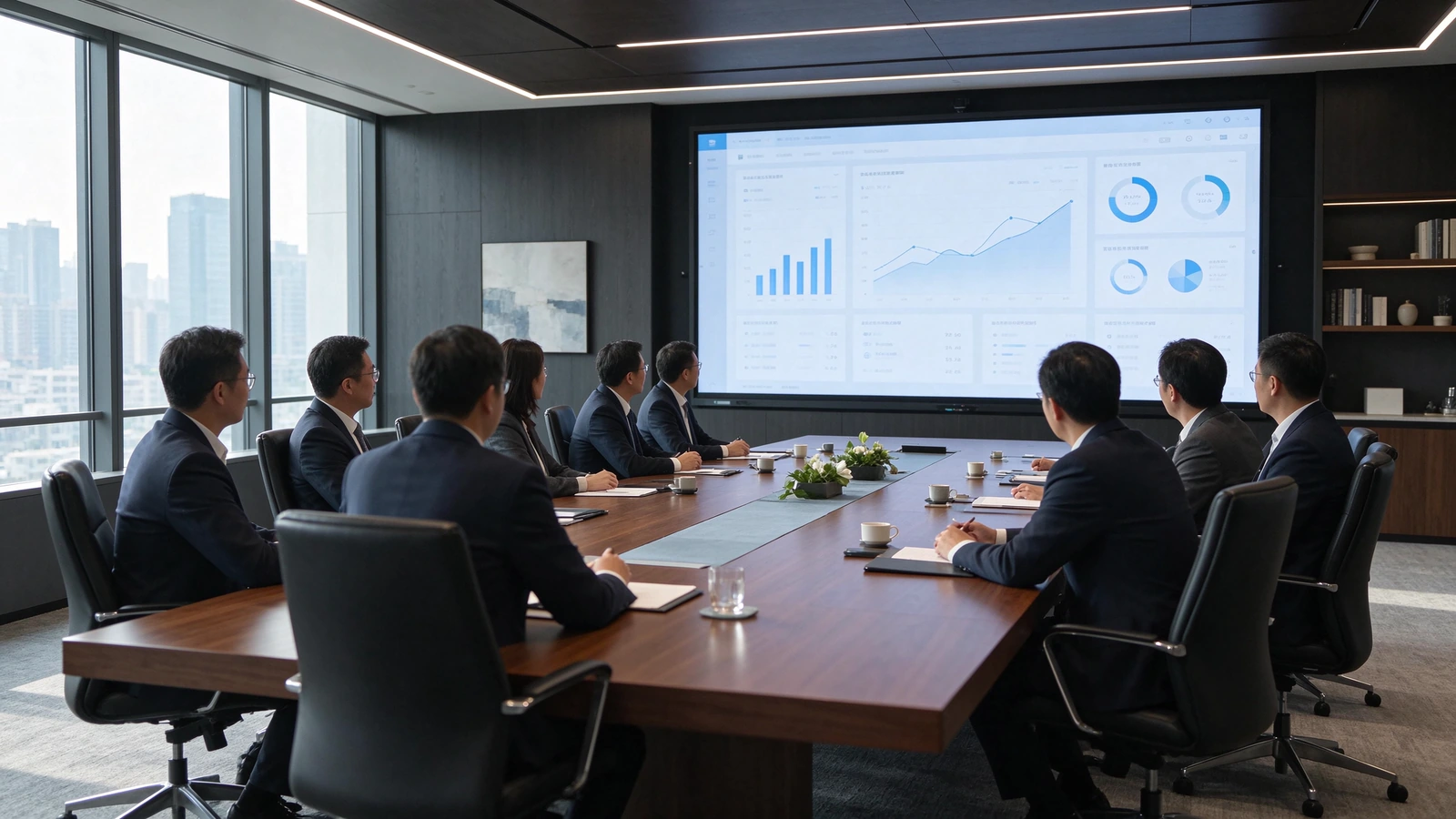 86" 4K boardroom configuration
Every failed boardroom upgrade we are asked to rescue traces back to the same six issues. They are not cosmetic. Each one costs agenda time, or adds a compliance question nobody wants to answer.
Boardrooms have floor-to-ceiling glass. Projection loses contrast by mid-morning, and the CFO cannot read the margin column.
Fix: native 4K panel with anti-glare 4 mm tempered glass, brightness options of 350 / 400 / 450 cd/m² selected against measured room light.
Laptop, remote attendee, finance system, archive drive. Three dongles, two adapters and an IT call, every single session.
Fix: one panel that accepts USB-C one-cable, HDMI and wireless casting, with the source switch on the front of the room.
Directors watch a slide deck and go home. Nobody can mark up the strategy map, so the discussion never lands on the document.
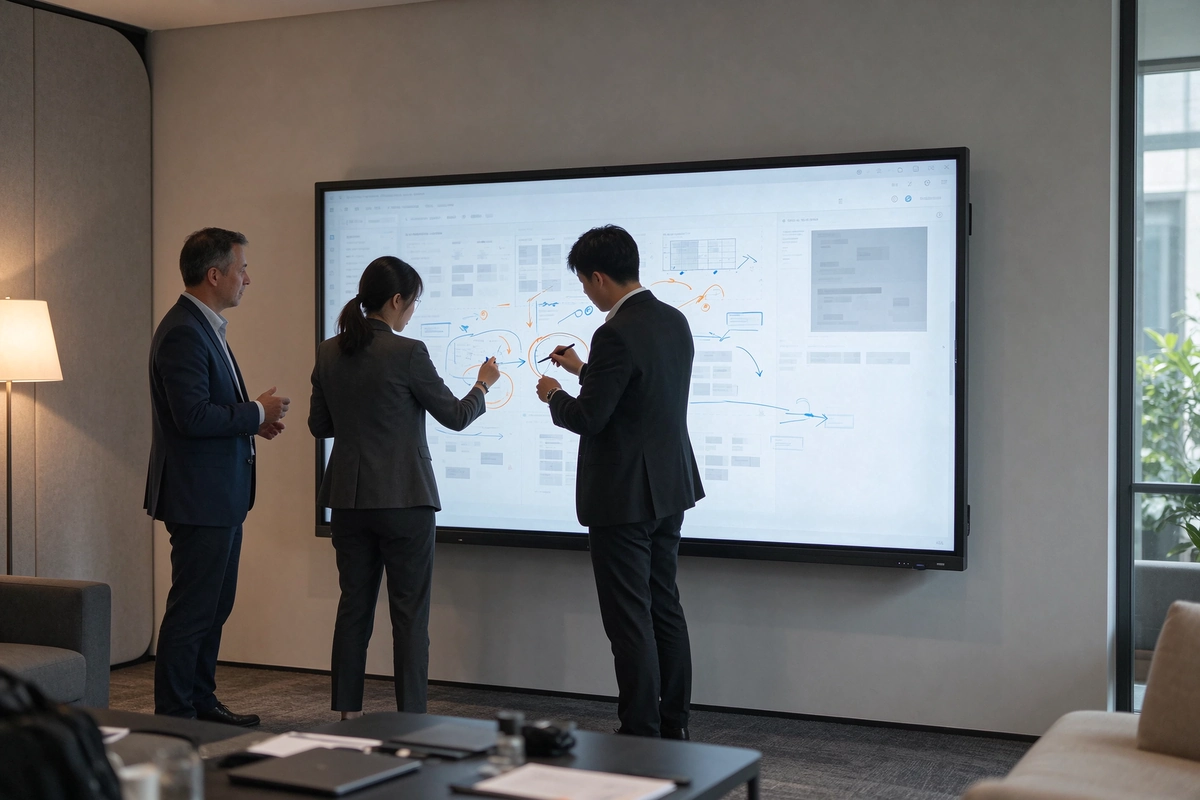
Fix: 40–50 touch points with pen and finger input plus palm rejection, so four directors annotate the same live document simultaneously.
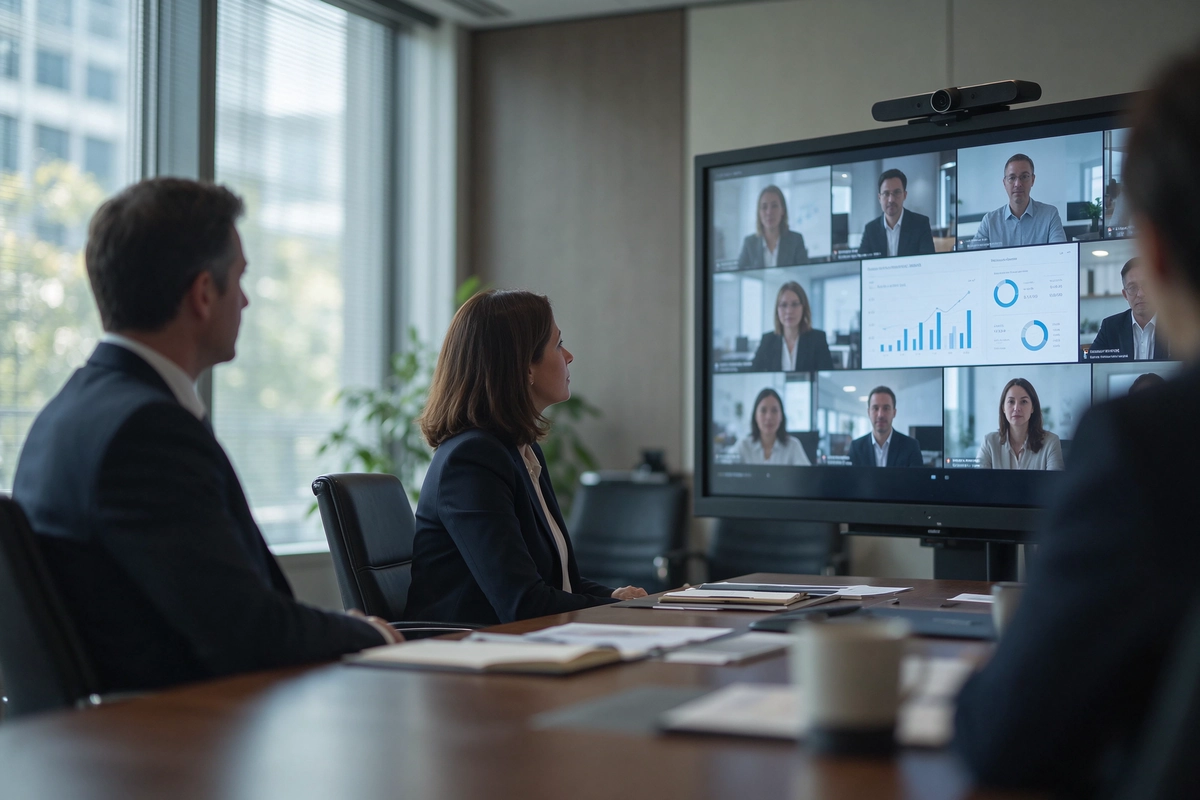
A webcam clipped to the top of a TV, a ceiling mic picking up air conditioning, and a remote director who cannot see the exhibit being discussed.
Fix: integrated camera, microphone array and 2.1 audio designed as one system, with BYOM support for Zoom, Teams and Meet.
Board notes photographed on a phone, minutes typed from memory, and no auditable trail from discussion to resolution.
Fix: whiteboard capture, meeting transcription with speaker labels, and one-click minutes archived to the corporate record.
A consumer display that syncs to a vendor cloud account is an uncontrolled exit route for M&A, compensation and audit material.
Fix: local storage and offline whiteboard operation, tiered permissions, casting authorisation, and per-project security configuration.
A boardroom display system is not a screen plus a bracket. It is four layers that must be specified together, otherwise the panel arrives and the room still does not work.
The panel directors look at for three hours straight.
Runs the meeting without an external PC under the table.
Keeps the director in Singapore equal to the one at the table.
What IT and the board secretary sign off on.
The value of a conference room smart board is judged in five recurring moments, not in a specification sheet. Here is what each moment looks like with the right configuration.
Quarterly results, segment margin, covenant tables. The document must be legible from the far end of the table at 5 to 7 metres, and it must stay legible at 3 p.m. with the blinds open.

Strategy offsites and risk reviews are not presentations. They are working sessions where the document changes on screen as the discussion moves, and the change has to be captured.
Cross-border boards vote on the same resolution. If the remote side cannot see the exhibit and cannot hear the side conversation, the vote is technically valid and practically compromised.
The board secretary needs a defensible trail: what was shown, what was annotated, what was decided. Reconstruction from memory is not a governance process.
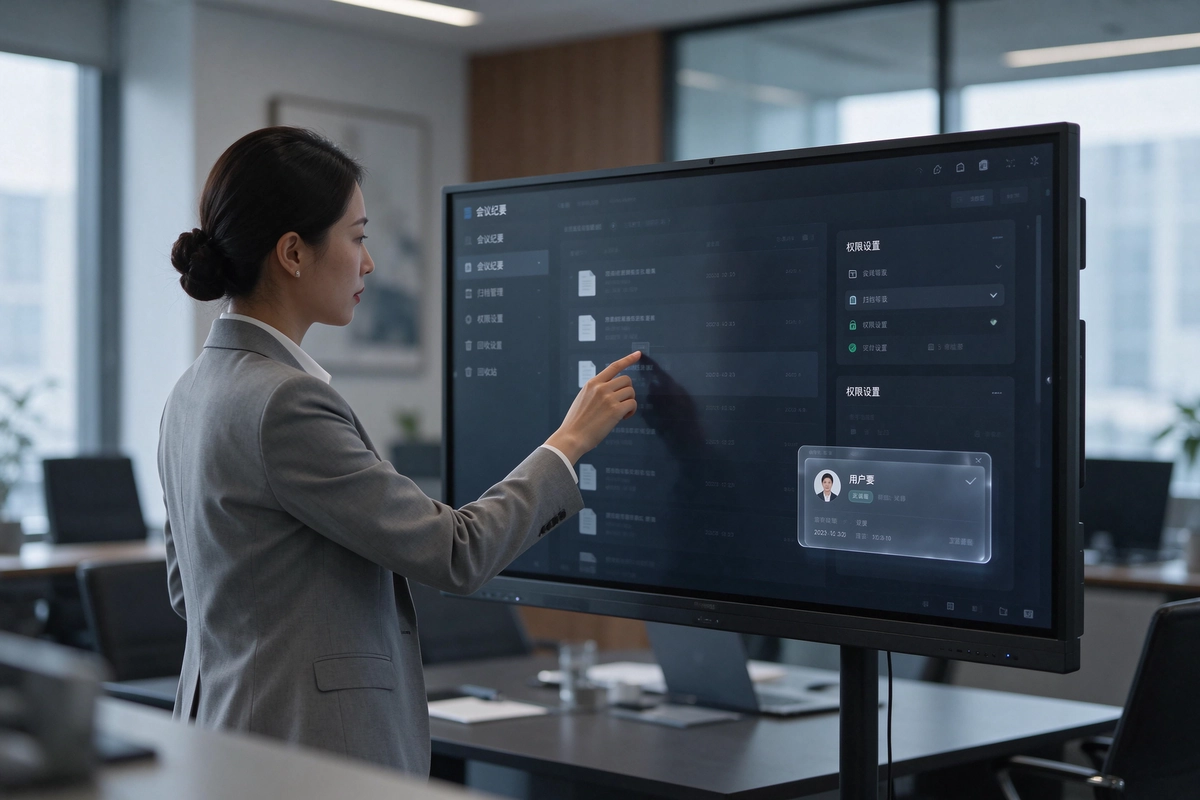
Moment 05 is the quiet one: pre-read distribution and agenda control. The panel becomes the agenda surface before the meeting starts, so directors arrive already oriented and the first twenty minutes are not spent on document hunting.
The layout decision matters more than the size decision. A single-screen boardroom, a boardroom with a dedicated conferencing display and a mobile auxiliary screen solve different problems.
Best for 8–14 seat rooms where display, annotation and conferencing happen in sequence rather than at once.
The configuration we recommend most often for hybrid boards: the primary panel holds the document, a second display holds the remote participants.
For committee rooms, audit sessions and overflow seating that need the same experience without a fixed installation.
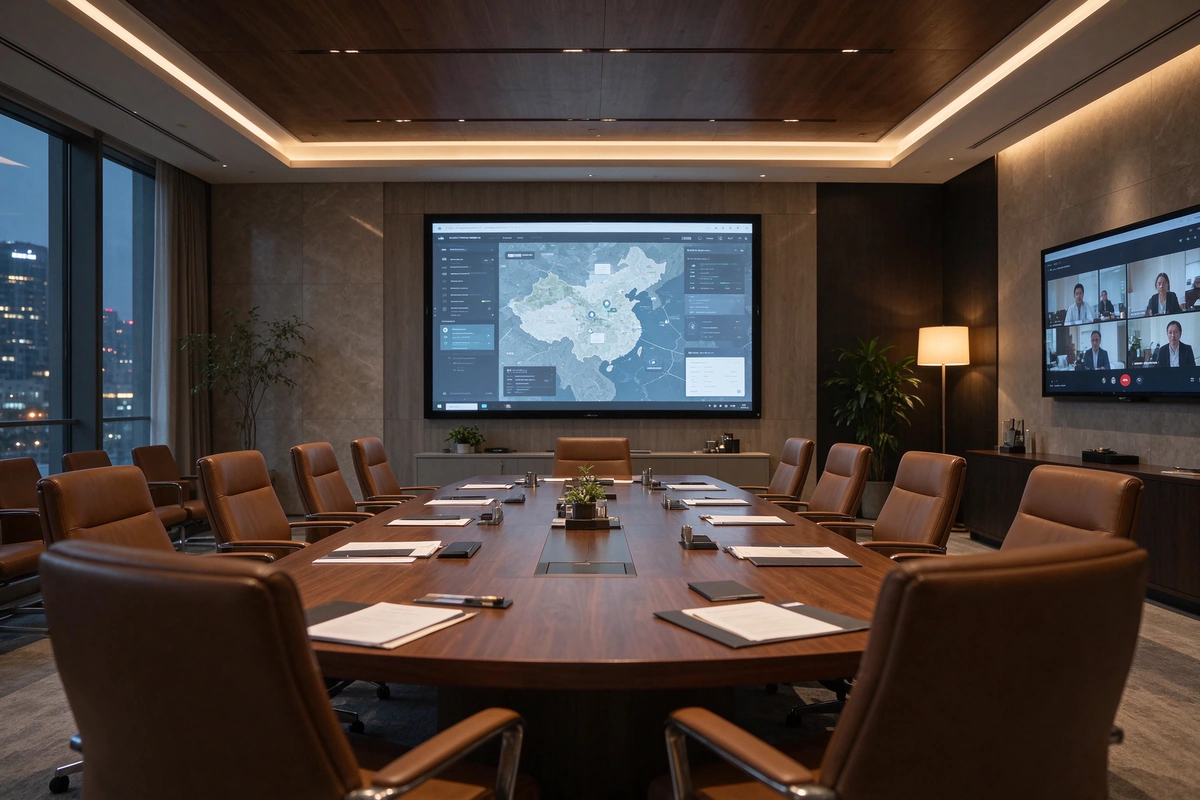
Size is set by the furthest seat, not by the wall. The reference below is the starting point we use in a boardroom audit, before any model number is quoted.
| Boardroom profile | Furthest viewing distance | Starting panel size | Why this size |
|---|---|---|---|
| Small committee room 4–6 seats, table depth under 4 m |
up to 4 m | 65" | Full 4K detail at close range; larger panels dominate a narrow room. |
| Standarta sanāksmju zāle 8–10 seats, depth 4–5.5 m |
4.5–5.5 m | 75" | Keeps 12-point tables readable at the far end without reformatting. |
| Izpilddirektoru sanāksmju telpa 10–14 seats, depth 5–7 m |
5.5–7 m | 86" | The most common boardroom configuration; annotation still comfortable standing. |
| Large board hall 15 or more seats, depth 7–9 m |
7–9 m | 98" | Retains legibility for full board packs and multi-column financial exhibits. |
| Governance hall / auditorium board | 9 m and beyond | 105"–110" | Far-seat legibility for disclosure meetings and shareholder-style sessions. |
Size, brightness tier (350 / 400 / 450 cd/m²), touch technology and mounting are confirmed per project after a room survey. Qtenboard quotes a configuration against the measured room, never a generic recommendation.
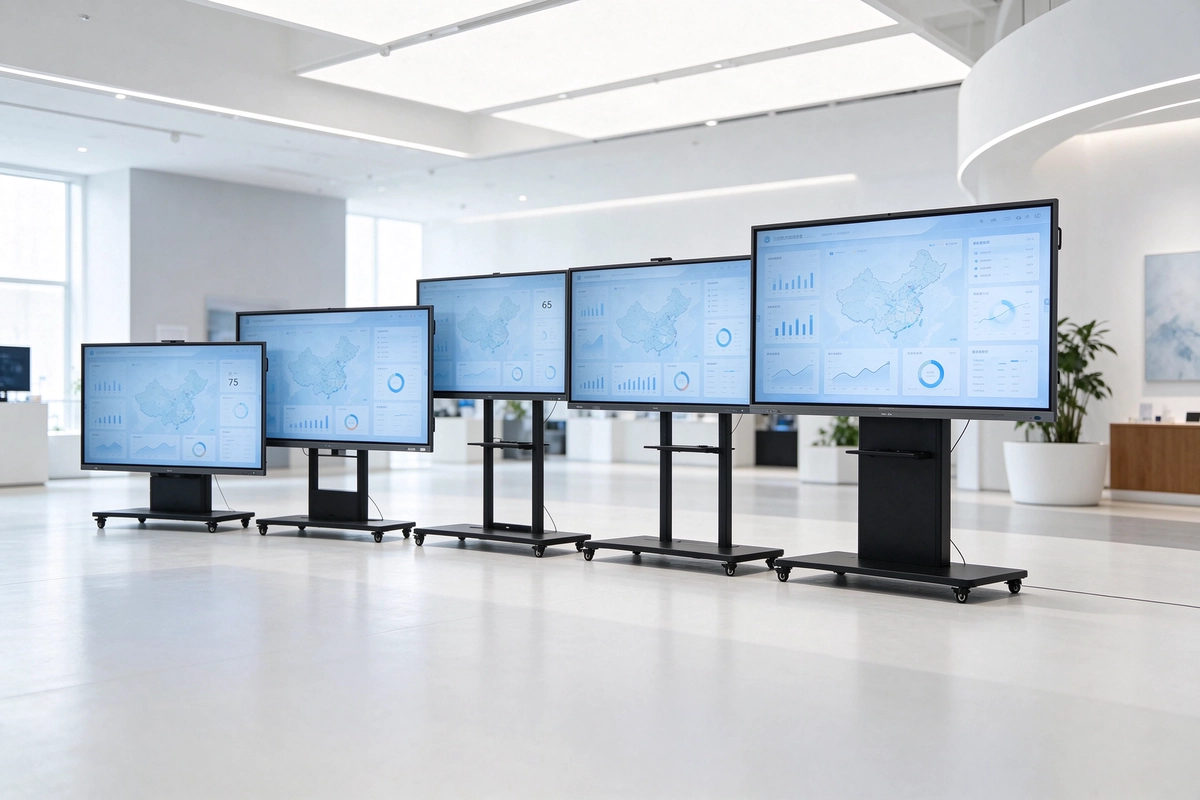
Boardroom display projects stall when the specification is written for one stakeholder. Qtenboard project documentation is built to answer all five.
| Stakeholder | What they are actually asking | What the proposal must prove |
|---|---|---|
| Board secretary / governance office | Will the meeting record be complete and defensible? | Annotation capture, transcription, minutes archive, retention policy. |
| CIO / IT | Can this be secured, managed and supported with existing staff? | Local storage, permission tiers, DMS fleet control, platform compatibility, firmware path. |
| Facilities / administration | Will it look right and stay working without daily babysitting? | Mounting plan, cable management, bezel styling, one-button operation, service response. |
| Iepirkums | Can the supplier deliver identically across rooms and sites? | Factory-direct supply, batch consistency, spare parts, project documentation, OEM/ODM routes. |
| Chair / CEO | Will the room make the board look and work like a board? | Display quality, deliberation quality, remote parity, zero-interruption sessions. |
A boardroom panel handles M&A files, compensation reviews and internal audit findings. The security posture has to be designed into the deployment, and written into the handover document.
Meeting content, whiteboard files and archives are held on the device and the corporate network path you specify. Cloud sync is a decision, not a default.
Whiteboard, annotation and document review run without a network connection, so a segregated or air-gapped boardroom is a viable configuration.
Session start, file access, archive export and device settings sit at different permission levels. Guest casting is authorised per session, not permanently open.
Wireless casting requires an access code or approval, so an adjacent meeting cannot push content onto the board screen.
DMS policy control covers remote lock, update scheduling, application whitelisting and device status monitoring across every boardroom in the group.
Security configuration, retention rules and administrator accounts are recorded at acceptance, so the room can be audited later without rebuilding it.
A boardroom installation is a scheduled project with a fixed calendar. The sequence below is how Qtenboard project teams run it, with the board calendar as the constraint.
Support continues after acceptance: warranty coverage, scheduled inspection, remote diagnostics through DMS, and optional on-site technical standby for statutory board meetings and disclosure sessions. Multi-site groups can standardise one configuration document across every boardroom.
Boardroom projects fail quietly at the supply stage: one room gets a different panel revision, spare parts arrive late, and the second site never matches the first. That is a factory question, not a retail question.
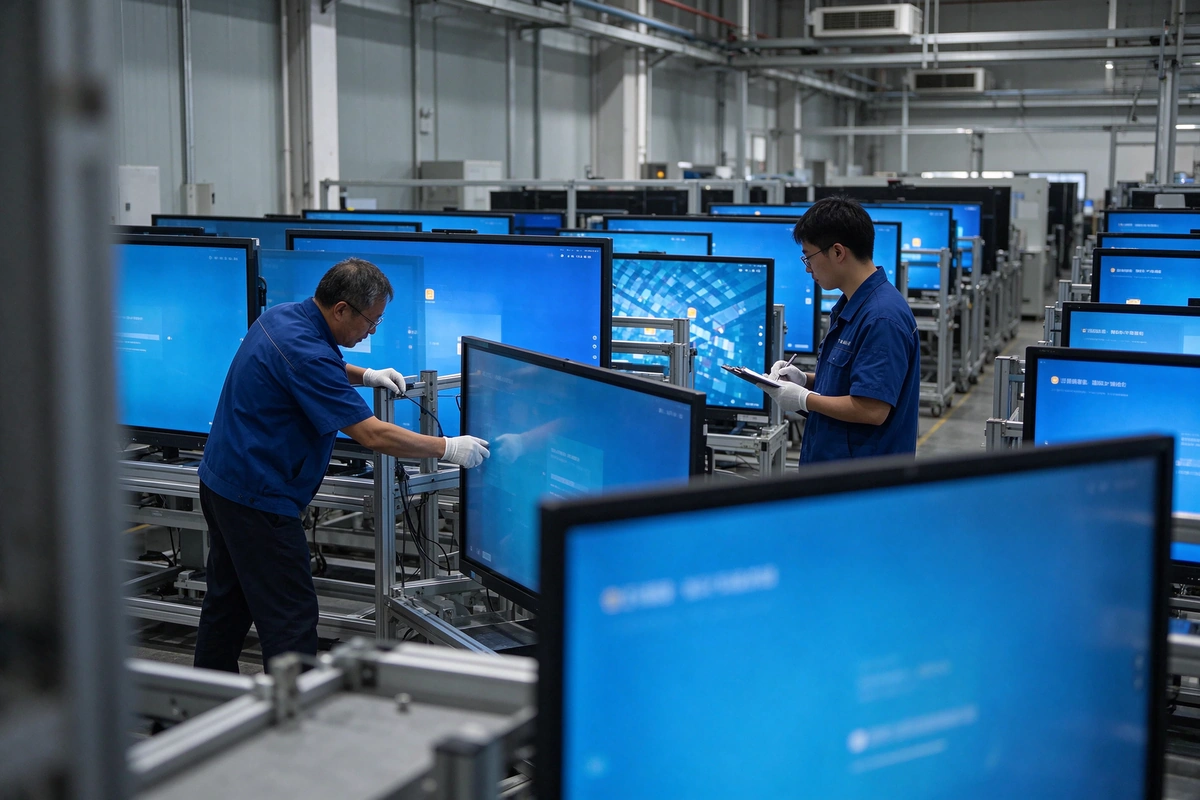
These are configuration templates drawn from the project types Qtenboard supports, not client name-drops. Each one describes the room, the build and the requirement it has to satisfy.
A 12–14 seat boardroom with a fixed annual calendar of regular and extraordinary sessions, plus audit committee meetings held in the same room.
One flagship boardroom at headquarters plus matching rooms at three to eight subsidiaries, all required to behave identically.
High-frequency sessions with deal documents, models and risk matrices reviewed side by side, often under time pressure and confidentiality constraints.
Formal governance sessions where equipment must be compliant, auditable and operable by staff without specialist training.
QWhat size interactive display does a boardroom actually need?
Size follows the furthest seat. As a working reference: 4–6 seats up to 4 m use 65", 8–10 seats at 4.5–5.5 m use 75", 10–14 seats at 5.5–7 m use 86", 15 or more seats at 7–9 m use 98", and governance halls beyond 9 m move to 105"–110". Qtenboard confirms the final size against a measured room survey rather than a generic chart.
QHow is this different from putting a large TV in the boardroom?
A TV is an output device. A Qtenboard interactive panel adds 40–50 point touch, pen and finger annotation on live documents, built-in computing with Android and optional Windows, integrated conferencing audio and video, session capture and central device management. The difference shows up the moment directors start marking up a document instead of requesting a scroll back.
QCan the boardroom panel run fully offline?
Yes. Whiteboard, annotation and local document review operate without network access, which is the configuration used for segregated boardrooms. Cloud features are enabled per project policy, not by default.
QWill meeting content be uploaded to a vendor cloud?
Storage location is a deployment decision. Content can remain on the device and on the corporate path you nominate, with retention and export rules defined at acceptance. Where AI transcription or minutes generation is used, the processing policy is set per project.
QWhich video conferencing platforms are supported?
The panel supports BYOM working, so the room runs a director's own Zoom, Microsoft Teams or Google Meet session rather than a proprietary client. Google EDLA certification on EDLA configurations provides native access to Google services.
QCan several directors write on the screen at the same time?
Yes. The boardroom range supports 40–50 simultaneous touch points with pen and finger input and palm rejection, so four or more participants can annotate without waiting for a turn.
QDo we need a separate PC in the room?
Not necessarily. Android 14 / Android 16 configurations cover casting, annotation, conferencing and capture on their own. If the board runs Windows-only financial or governance software, an OPS module (i5/i7 class) installs inside the panel, so there is still no external PC under the table.
QWill an existing boardroom need rewiring?
Usually no full rewire is required. The panel needs power, a data path and a mounting point; existing HDMI and network routes can often be reused. Cable routing and wall condition are assessed during the survey, because a visible cable bundle undermines the room before the meeting starts.
QHow are multiple boardrooms kept consistent?
Through one configuration standard and one DMS group: identical panel series, identical firmware, identical application set and identical permission profile. Subsidiary rooms can then be supported remotely, and a replacement unit behaves like the room it joins.
QWhat support is available for statutory board meetings?
Beyond warranty and scheduled inspection, Qtenboard can provide on-site or remote technical standby for high-stakes sessions, plus a dress rehearsal with a remote participant beforehand. Availability and scope are agreed per project.
QCan the display carry our own branding or software?
Yes. Qtenboard runs OEM / ODM and CKD / SKD programmes covering custom UI, boot identity, pre-installed applications and packaging, which is how integrators and distributors differentiate a boardroom offer without changing the hardware platform.
QWhat is the lead time for a boardroom project?
Lead time depends on panel size, system configuration, mounting and whether OEM customisation is involved. Qtenboard confirms a schedule against the board calendar once the configuration is fixed, and plans installation around statutory meeting dates.
Share the room dimensions, seat count, meeting types and confidentiality requirements. You receive a sized configuration, a mounting and cabling plan, a security profile and a delivery schedule aligned to your board calendar.
Project enquiries, tenders and OEM / ODM boardroom programmes are handled by the Qtenboard project team.

Ceo | interaktīva displeja un sadarbības risinājumu eksperts
Esmu Qtenboard dibinātājs, un man ir vairāk nekā 17 gadu praktiskas pieredzes skārienjūtīgo ekrānu nozarē. Pamatojoties uz globālās vadības perspektīvu, kas iegūta, izmantojot emba studijas šengenas universitātē, es vadu savu komandu, optimizējot katru darbības posmu-no produktu definīcijas līdz augstas efektivitātes piegādes ķēdes pārvaldībai-nodrošinot, ka mūsu ražošanas spējas paliek nozares priekšgalā.
Kā qtenboard līderis, es specializējos, lai nodrošinātu pielāgotus oem/odm risinājumus interaktīvajām tāfelēm, lcd video sienām, ciparu apzīmēm un rūpnieciskās kvalitātes pieskāriena termināļiem. Atbalstīts mūsu 330,000 m² mūsdienu rūpniecības parks shenzhen, mēs uzturēt pilnu dzīves cikla kontroli pār rūpniecisko dizainu, precizitāti ražošanu un stingru veiktspējas testēšanu.
Ar gandrīz divus gadu desmitus ilgu projekta pieredzi, qtenboard displeja risinājumi tagad tiek izvietoti vairāk nekā 120 valstīs un reģionos, nopelnījis vairāk nekā 15,000 uzņēmumu klientu uzticību visā pasaulē. Ja jūs meklējat atsaucīgu partneri ar dziļu ražošanas pamatu jūsu pielāgotiem touch displeja projektiem, mans komanda un es esam gatavi atbalstīt jūsu vīziju ar profesionālu izcilību.

 lav
 EN
 spa
 pt
 vie
 th
 est
 aze
 ukr
 bel
 ru