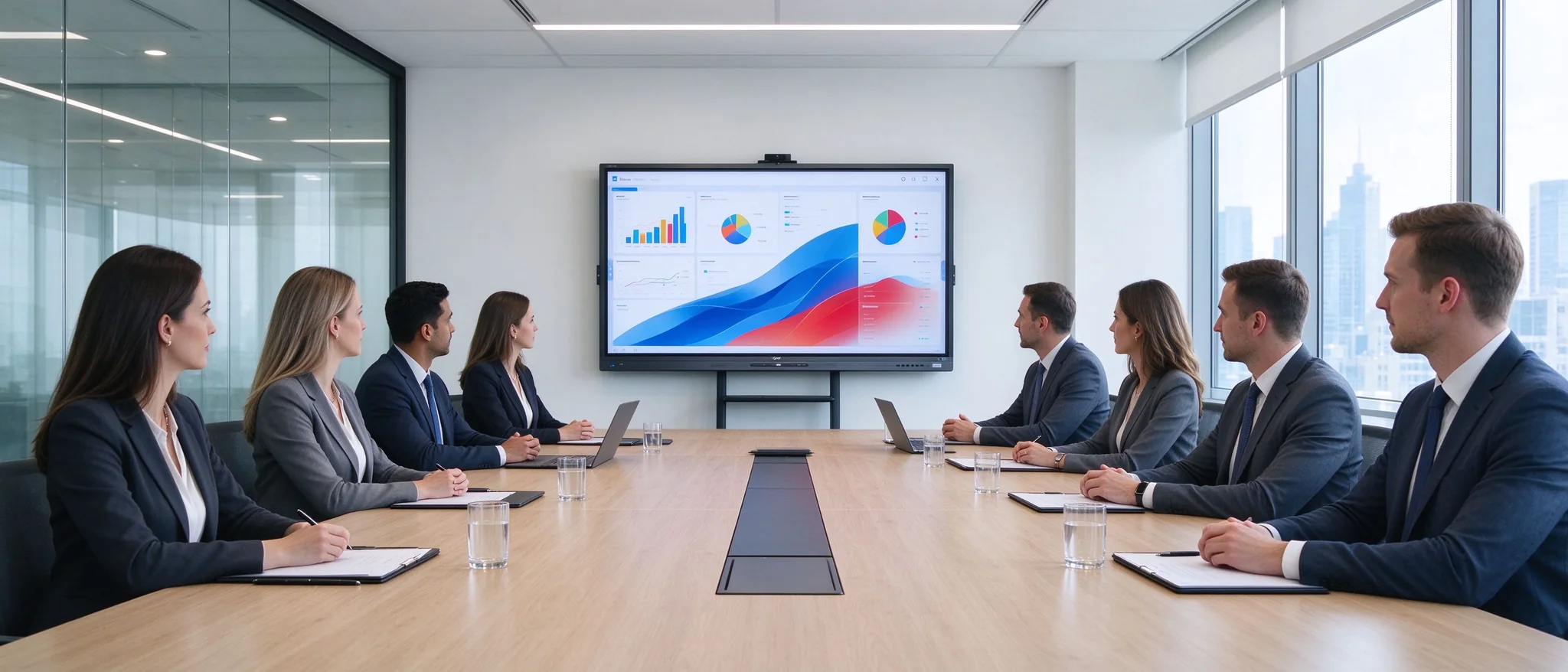
A commercial 4K interactive whiteboard installed in a conference room: touch collaboration, wireless screen sharing and video conference integration in one device.
Quick answer: the best interactive whiteboard for a conference room is a commercial 4K interactive flat panel that matches your room size, viewing distance, meeting workflow, existing IT stack and long-term support plan — not simply the largest or cheapest screen you can find.
For most companies that means a 55"–110" 4K interactive display with multi-touch, wireless screen sharing, video conference integration and remote device management. Qtenboardi manufactures this exact category factory-direct — 55" to 110" 4K panels with up to 40–50 touch points, Android 14/16 and Windows dual-system options, Google EDLA certification, DMS remote management, and OEM/ODM support — so the reference specs and supplier questions below use real, verifiable product data rather than marketing language.
Before comparing panels, map the equipment it will replace — that is where the business case is built.
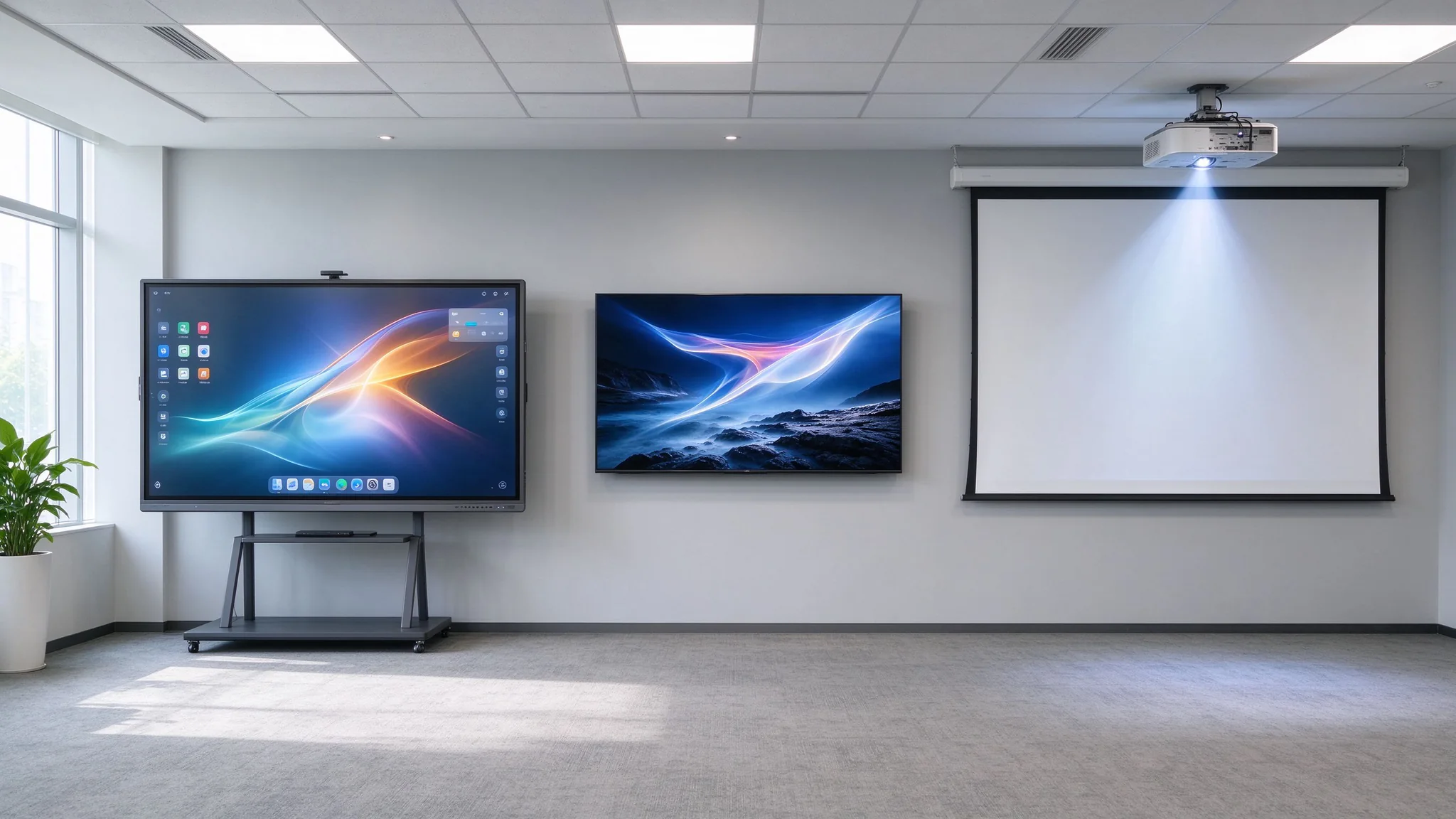
Interactive whiteboard vs. projector vs. commercial TV — where each option wins and loses for conference rooms.
A conference room interactive whiteboard is a commercial-grade 4K touch display with built-in Android/Windows computing, whiteboard software, wireless screen sharing and meeting-app integration. In a typical meeting room it replaces three separate purchases: the projector or TV, the physical whiteboard or flip chart, and often the standalone video bar for software-based meeting apps.
One boundary matters for budget accuracy: an interactive whiteboard reduces the need for separate presentation, annotation and collaboration equipment, but it does not automatically replace every camera, microphone, speaker or room-control system. Large boardrooms and hybrid rooms still need a certified camera/mic array and echo cancellation. Confirm what is built into the panel (camera, mic, speaker, OPS computer) and what remains on your AV list before you commit the number of panels you need.
| Buying decision | Interactive whiteboard (commercial IFP) | Commercial TV | Projector + screen |
|---|---|---|---|
| Touch & multi-user writing | Built in — 20 to 40–50 touch points depending on model | Not available without an add-on overlay | Pole kättesaadavus |
| Traadita ekraani jagamine | Built-in, cross-platform (Windows / macOS / iOS / Android) | Needs an external casting dongle or stick | Needs a media player or dongle |
| Whiteboard / annotation software | Included, with save & export to cloud/email | Ei ole kaasatud | Ei ole kaasatud |
| Video conference integration (Teams / Zoom / Meet) | Built-in apps + optional camera/mic | Only if a PC and webcam are connected | Only with external PC + camera |
| Durability for daily office use | Commercial panel, 4mm tempered glass, 24/7-rated | Consumer-grade, shorter duty cycle | Lamp/LED maintenance, ambient-light sensitivity |
| Bright room readability | 350–450 cd/m² with anti-glare glass | Varies; often lower-brightness consumer panel | Poor in daylight; best in dark rooms |
| Room appearance | One clean device on the wall | Clean, but still needs separate devices | Ceiling mount, cabling, screen clutter |
Three inputs determine 80% of the correct spec: room geometry, meeting workflow, and the technology your users already live in.
Size follows viewing distance and text legibility, not the wall that happens to be empty. Rule of thumb: the screen diagonal should be roughly one-third to one-half of the distance from the screen to the farthest seat, and the top of the panel should sit about 1.1–1.2 m above the floor so touch is comfortable standing.
| Conference room type | Typical users | Suggested panel size | Farthest viewing distance | Main use |
|---|---|---|---|---|
| Huddle room | 2–4 | 55–65" | 2–3 m | Quick stand-up meetings, fast casting |
| Väike koosolekutuba | 4–8 | 65–75" | 3–4 m | Presentations, short reviews |
| Standard conference room | 6–12 | 75–86" | 4–5 m | Management and client presentations |
| Executive boardroom | 10–20 | 86–98" | 5–7 m | Executive, hybrid, high-stakes reviews |
| Training / large meeting room | 20+ | 98–110" or multi-display | 7 m+ | Training, seminars, broadcast |
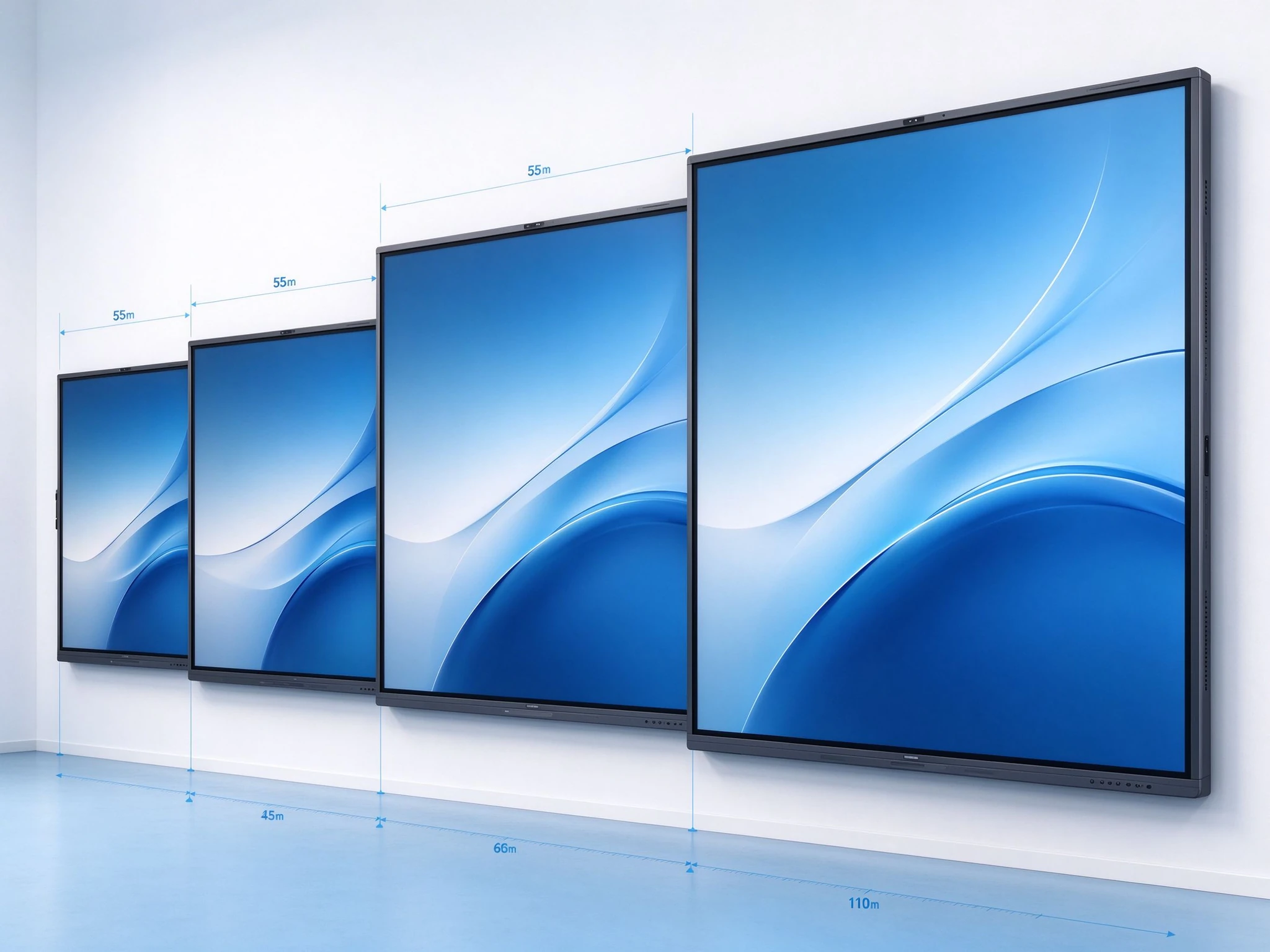
Viewing-distance based size selection: 55" for huddle rooms up to 110" for training halls. Qtenboard covers every step of this ladder (55/65/75/86/98/105/110 inch).
For 20+ seats or U-shaped tables, one 98–110" panel may not give every row a clear view. Options: one extra-large panel, two 75–86" panels side by side (mirror or extended), or one panel + companion TV for the back row. Decide before ordering wall plates.
Check the wall structure (drywall vs. concrete), panel weight and the mount's rated capacity — Qtenboard's 55–86" series is rated for 100 kg mount capacity with 4 mm tempered glass fronts. Also confirm space above/below the screen, cable routes and whether a mobile stand fits the room layout.
Each feature below is listed with the exact confirmation point to put in your RFQ. If a supplier cannot answer these, they are not yet a qualified bidder.
| Tüüp | Tähendus | What to confirm |
|---|---|---|
| Native 4K | Panel physical resolution is 3840 × 2160 | Ask for the panel spec sheet — Qtenboard's conference series is native 3840×2160 4K at 350–450 cd/m² brightness, 4000:1 contrast and 178° H/V viewing angles |
| 4K input support | Accepts a 4K signal, but the panel may render at 1080p | Confirm actual displayed resolution, not just the HDMI spec |
| 4K upscaling | Lower-resolution content is scaled to 4K | Check picture-processing quality with your own PPT and video files during the demo |
Match touch capacity to the meeting type. Qtenboard's conference panels support up to 40–50 touch points across the 55–110" range — practical for workshops where several people annotate at once — with pen and finger writing, palm rejection and 4 mm tempered glass in front of the panel.
| Meeting type | Recommended touch points | Miks see loeb? |
|---|---|---|
| Standard meetings & presentations | 20 punkti | Presenter + one or two annotators |
| Workshops & design reviews | 20-40 punkti | Several participants drawing simultaneously |
| Large collaboration / training | 40–50 points | Groups writing and interacting at the same time |
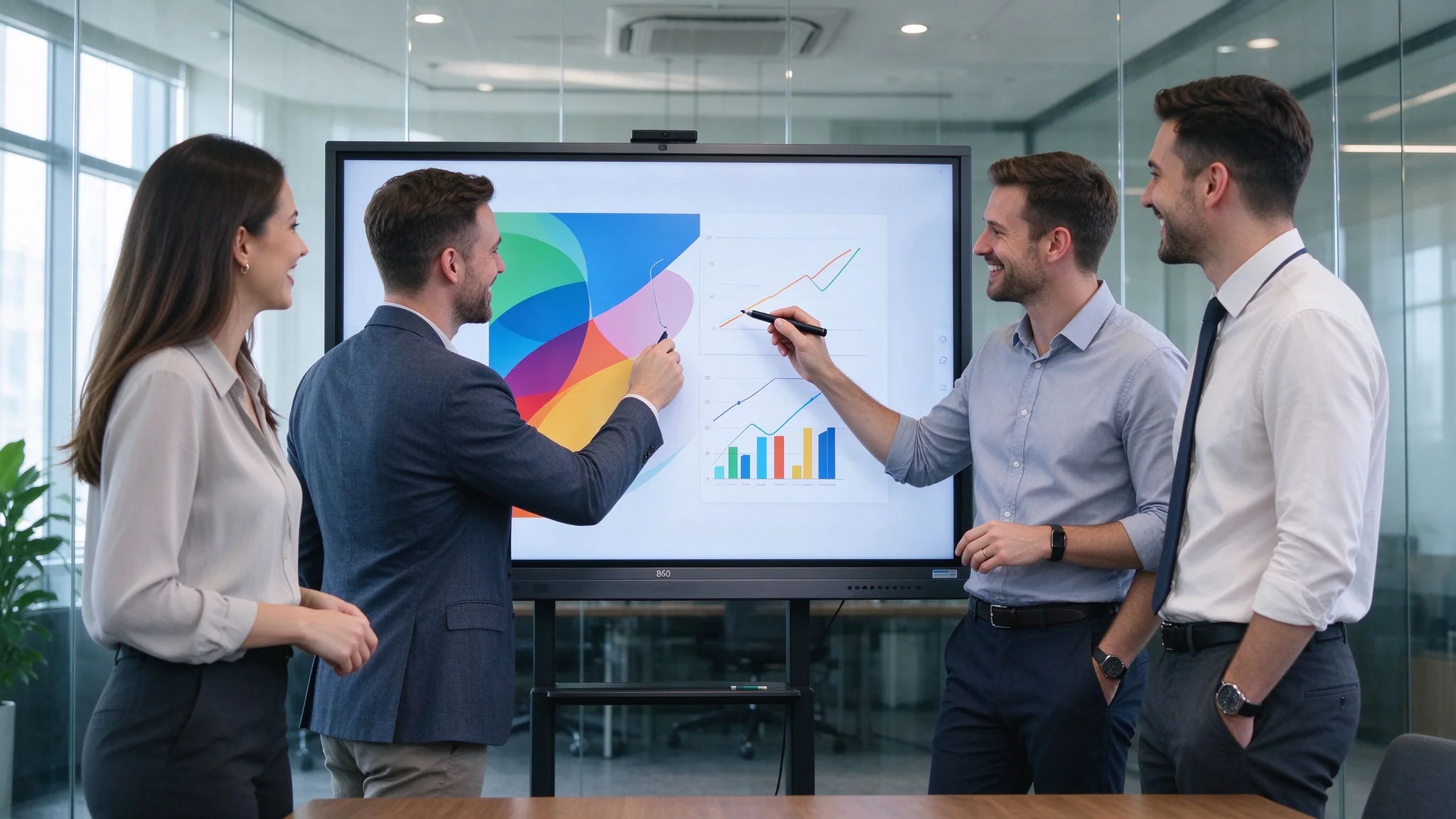
Multi-user touch collaboration: several participants annotating a 4K conference whiteboard simultaneously.
Built-in meeting apps are convenient, but built-in does not equal a full video conferencing room. Qtenboard's conference panels run Teams, Zoom and Google Meet natively on Android (and via the Windows/OPS option), with wireless sharing and annotation — but the camera, mic and speaker choice depends on room size. For rooms over ~6 people, plan a separate certified camera/mic bar with echo cancellation.
| Option | Parim. | Things to check |
|---|---|---|
| Android only | Cast-first rooms, low management overhead, Google ecosystem | Android version (14/16), Google EDLA / GMS, app store access, OTA updates |
| Windows (OPS module) | Rooms running Windows-only apps and full desktop meetings | OPS CPU/RAM/storage, driver support, IT image deployment |
| Dual system (Android + Windows) | Flexible rooms that switch between light casting and full PC use | One-touch system switch, storage split, licensing |
| External PC / BYOD | Rooms that prefer the panel as a pure display | Touch-over-HDMI/USB, EDID handling, cable management |
Put the I/O list in the RFQ. A conference-ready panel should include HDMI in/out, USB 3.0 and USB 2.0, USB-C with data/video, Ethernet (Gigabit), audio line in/out, RS232 for room control, and an OPS slot for a plug-in Windows PC. Qtenboard's 86" conference series ships with USB, HDMI, F-HDMI, Type-C, USB 3.0/2.0, VGA, RS232, ETH and line in/out, plus dual-band Wi-Fi 6, Bluetooth 5.0 and Gigabit LAN.
Consumer TVs are not built for 8+ hours of daily office use. Verify commercial-rated panels, 4 mm tempered glass, mount weight rating, warranty terms, spare-part availability and firmware support length. These items drive the total cost of ownership more than the panel price itself.
Two decisions come first — mounting and room layout — then a seven-step workflow covers the rest. The goal is a room any non-technical user can operate in under a minute.
| Installation option | Parim. | Must confirm before ordering |
|---|---|---|
| Seinale paigaldatud | Fixed meeting rooms, executive boardrooms, clean appearance | Wall structure & load capacity, VESA pattern, mounting height (~1.1–1.2 m center), maintenance access, power/network behind the wall, camera sight lines |
| Mobile trolley / stand | Multi-purpose rooms, training rooms, boards that move between rooms, rented space | Stand weight rating, screen stability, locking casters, cable management, camera/mic position after moving, power-cable safety |
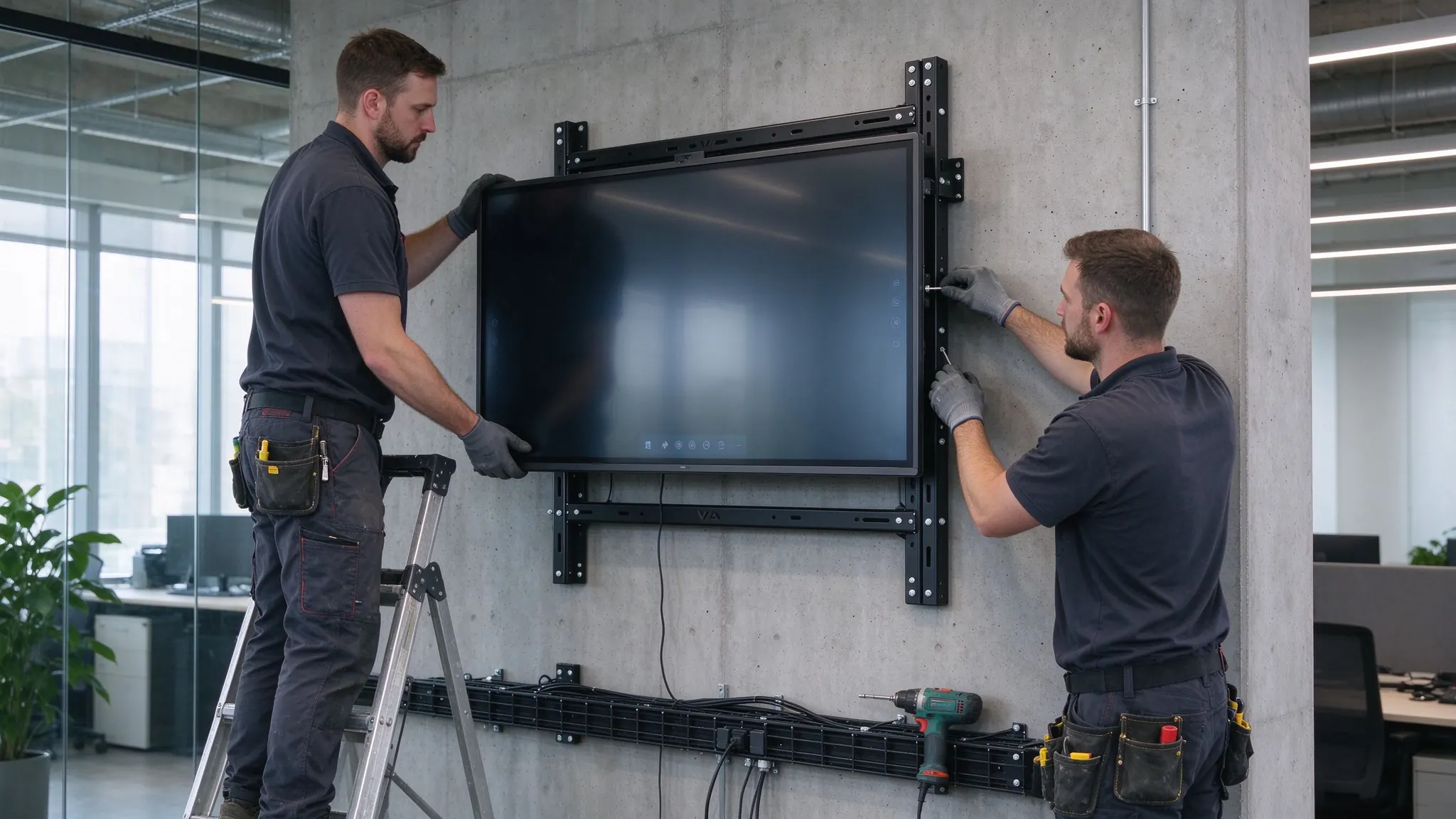
Wall-mount installation: VESA plates, power and network routing, and correct mounting height for comfortable touch.
Run this checklist with the supplier before final acceptance — it is the same list to include in your PO as an acceptance clause.
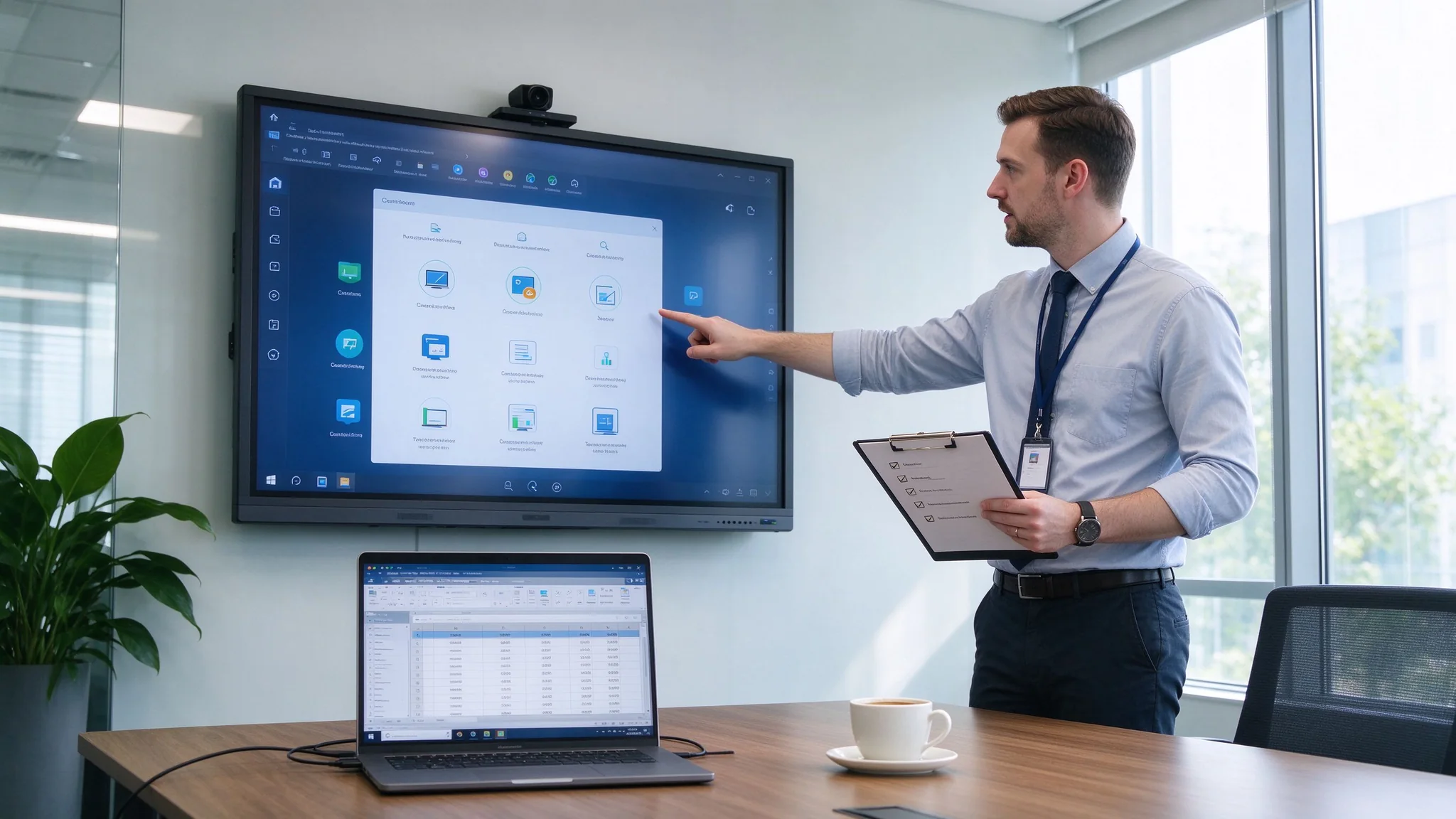
Acceptance testing before sign-off: display, touch, casting, video conference and management/security checks.
Reference configurations — adjust to your room data, then send them to the supplier as an RFQ baseline. The right column maps each room type to the Qtenboard line.
| Room type | Suggested setup | Main buying priorities | Qtenboardi suunas |
|---|---|---|---|
| Huddle room | 55–65" panel, wireless casting, basic audio | Fast start, simple operation, low cost per room | QM-55HY / QM-65HY, Android, wall mount |
| Standard koosolekual | 75–86" 4K panel, touch, whiteboard app, camera/mic | Presentation quality + collaboration | QM-75HY / QM-86HY with USB camera and soundbar |
| Executive boardroom | 86–98" panel, premium install, secure casting, dual system | Visibility, appearance, reliability, security | QM-86HY / QM-98HY, Windows OPS option, DMS |
| Large training room | 98–110" panel or multi-display | Long-distance viewing, group interaction | QM-98HY / QM-105HY / QM-110HY |
| Hybrid meeting room | Display + certified camera/mic bar + meeting software | Remote participation quality, echo cancellation | 86" panel + external camera/mic bar, Teams/Zoom/Meet |
| Multi-room office | Standardized sizes, DMS, remote updates, service plan | Consistency, lifecycle management, spares | Standardized QM series + batch DMS deployment + spares kit |
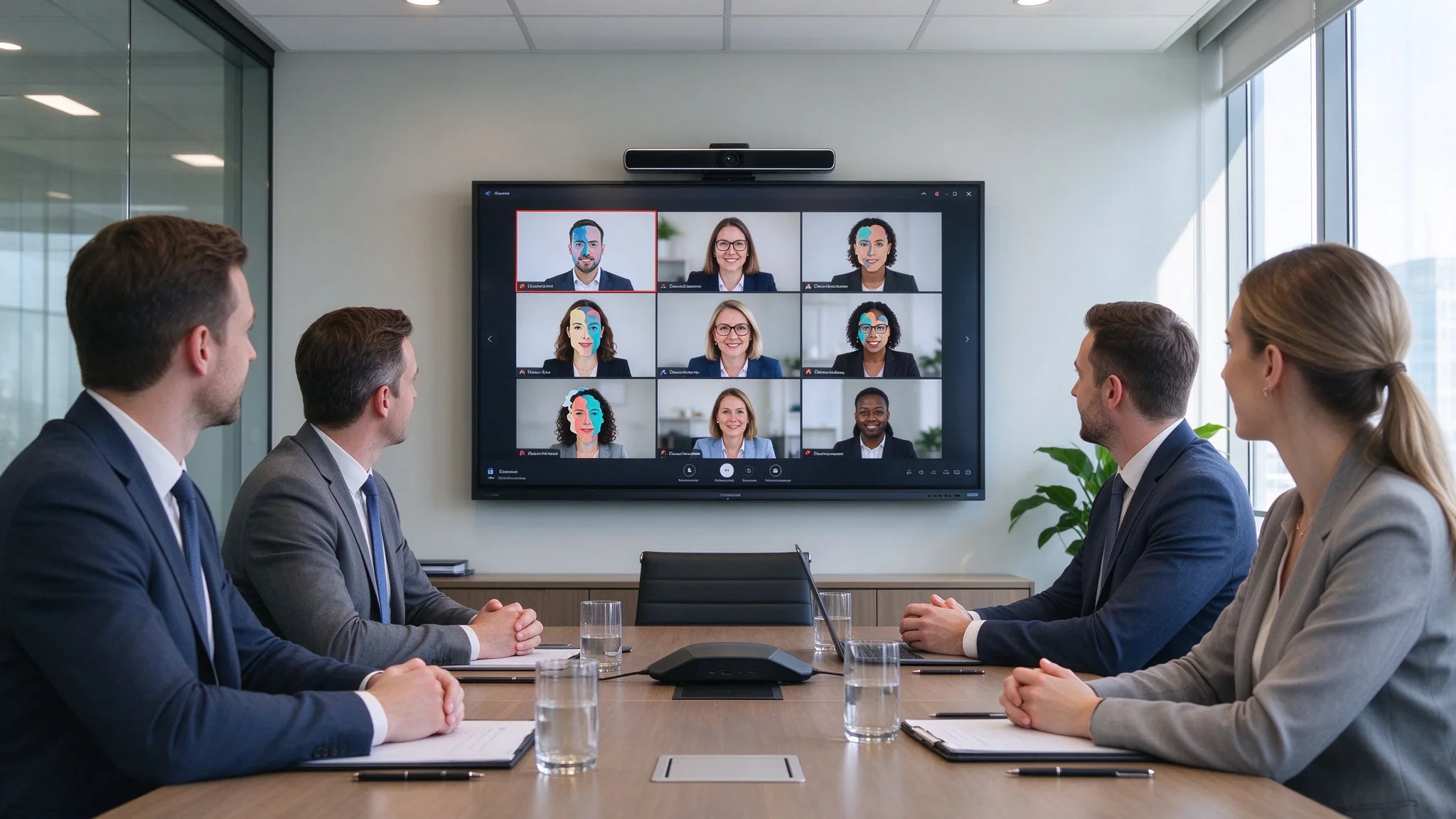
Hybrid meeting room configuration: 4K interactive display plus external camera and mic bar for remote participants.
Six developments now separate a 3-year-proof purchase from an obsolete one. Add them to your supplier questionnaire.
EDLA-certified panels get full Google Mobile Services — Google Play, Google Meet, Google Drive and Classroom preloaded with guaranteed GMS licensing. For Google-workspace companies this is a must-have check.
Certified devices ship with tuned camera, mic and audio profiles. Ask which platforms the panel is certified or field-tested for, and test echo cancellation with your own room.
Expect guest-cast PINs, VLAN isolation, camera/mic permission control, app allowlists, OTA firmware and central device management as standard for multi-room projects.
USB-C with 4K video + data + power simplifies BYOD; AV-over-IP extends panels across floors. Confirm both in the I/O spec and in your network plan.
AI meeting notes, AI noise reduction and auto-framing cameras are moving from premium to standard. Decide which are table-stakes for your rooms versus nice-to-have.
Standardized models across floors cut training, spares and DMS cost; energy ratings and low-power standby matter for ESG reporting and electricity bills.
The panel price is only part of the number your CFO will sign. Use the full TCO formula below when comparing suppliers.
Conference Room TCO = Interactive Panel + AV Equipment + Installation + Software + Network + Support
Assumptions (replace with your own): 8 meeting rooms × 6 meetings per week × 52 weeks × 15 minutes saved per meeting × 8 participants × $60 average loaded hourly cost.
Two further savings to model: equipment replacement (projector + screen + whiteboard + video bar collapsed into one panel) and IT operations (central DMS management instead of per-room maintenance calls). Include all three in the business case you send to finance.
If you are evaluating suppliers rather than a single screen, verify these four layers: product line, factory capability, certification and project support. Below is what Qtenboard publishes publicly.
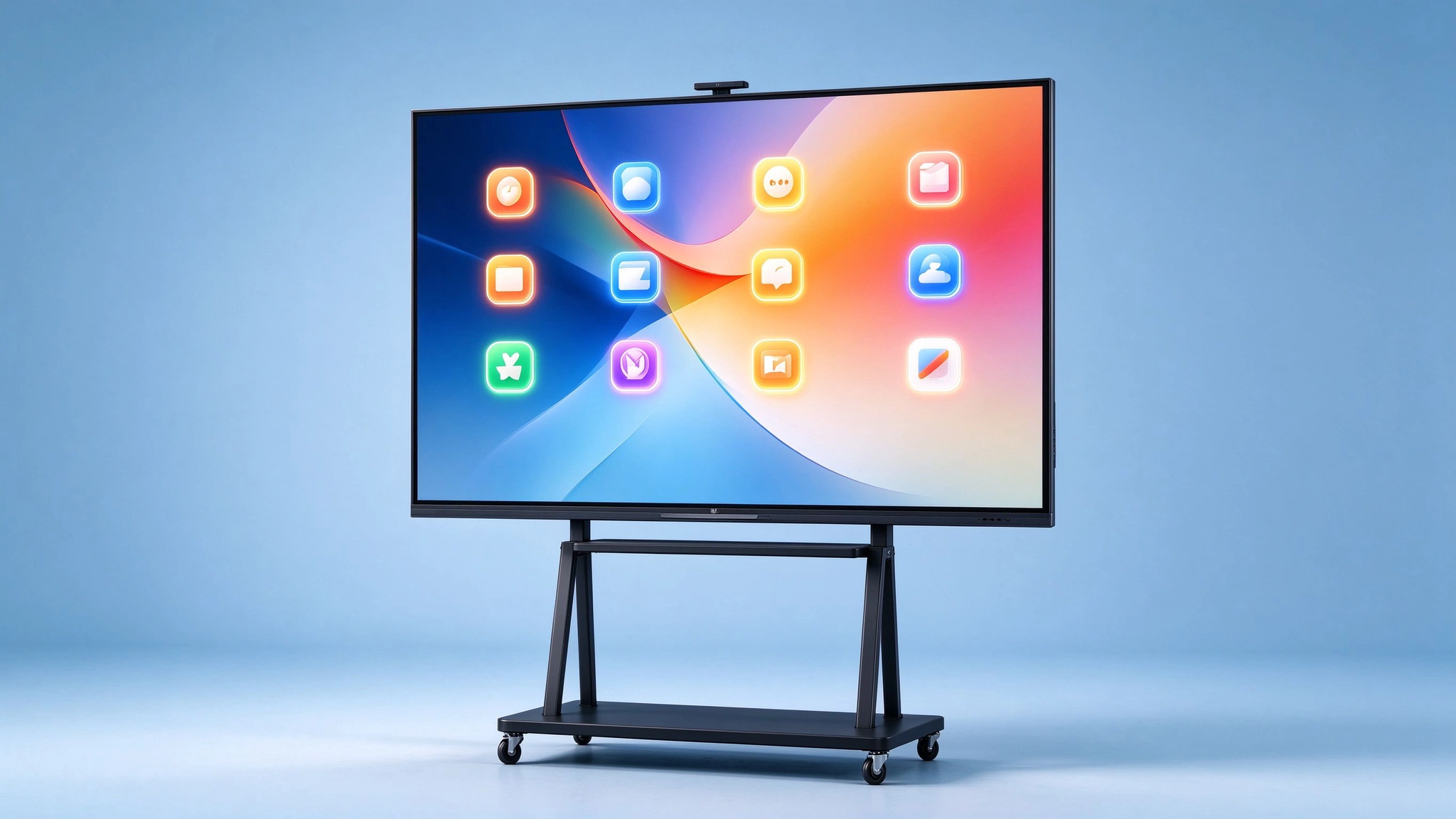
Qtenboard conference series: 55"–110" native 4K interactive panels with multi-touch, dual system and OPS slot.
Qtenboard operates SMT lines, automated assembly, dust-free bonding workshops and test labs, and controls the process from R&D to final assembly and aging tests. For buyers this means factory-direct pricing, batch consistency on multi-room projects and direct engineering access — the difference between a vendor and a manufacturing partner.
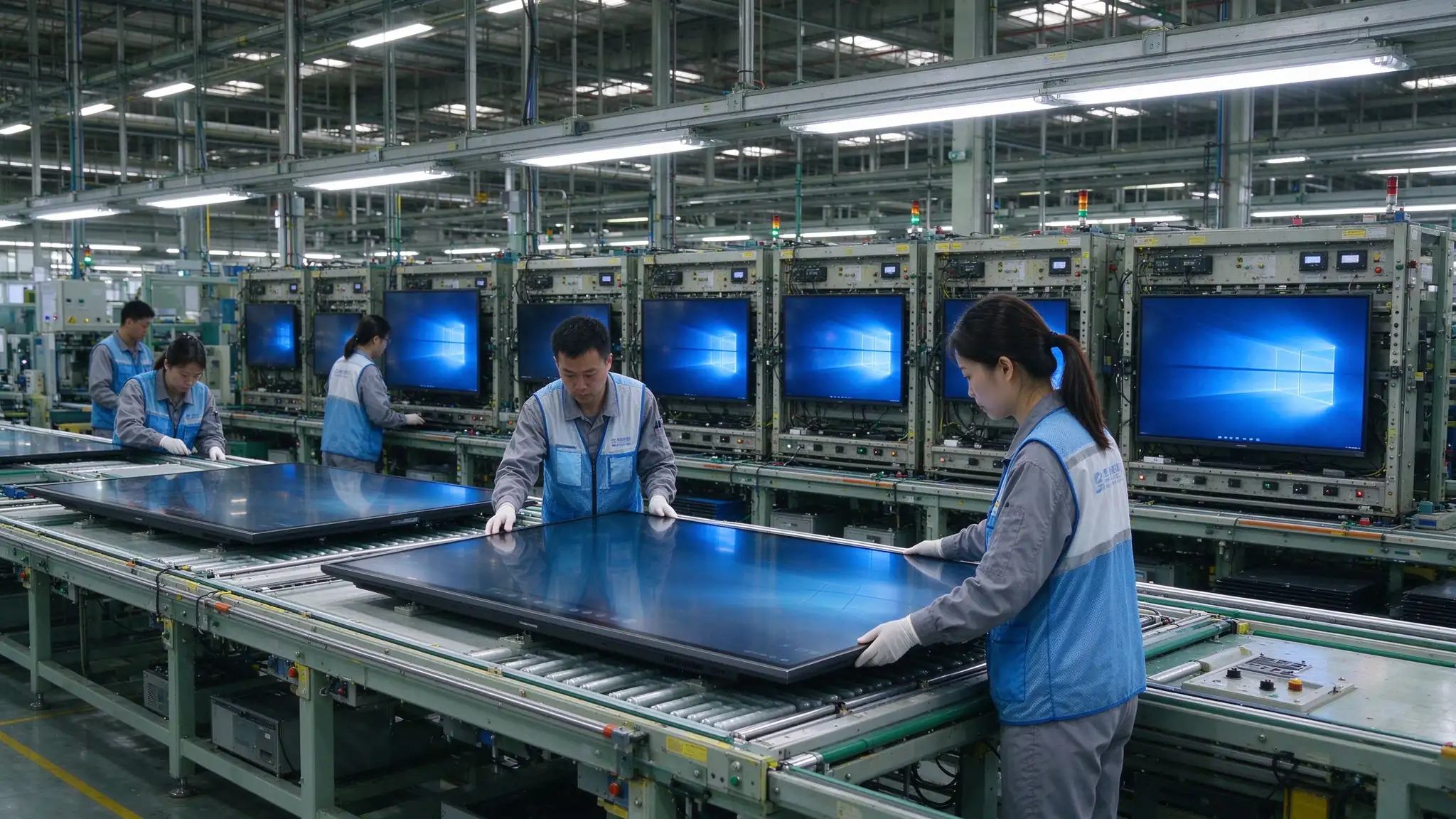
Factory quality control: SMT lines, dust-free bonding and aging tests before shipment.
Certification coverage varies by model and destination market — request the certificate package for your target countries before PO. It is a concrete supplier-competence check, not a decoration.
Five European offices deployed Qtenboard 86" displays with custom UI branding, integrated with Microsoft Teams and Zoom. Per the published case study: 50% reduction in inter-office travel costs, 3× faster cross-team decisions, full ROI within 8 months, later expanded to 24 units across all meeting rooms.
A 4-week pilot with Qtenboard 75" EDLA-certified boards scaled to 32 units across all grade levels, using Google Classroom integration and multi-touch tools. Reported results: 40% higher student participation, 60% less lesson prep time, 95% teacher satisfaction in 3 months.
A LATAM distributor supplied 65" and 75" boards with Portuguese UI localization and full Anatel documentation for a government "Digital Classroom" initiative covering 200+ schools. Reported: 5-year supply contract worth $2.4M annually, 99.2% on-time delivery, zero certification-related customs delays.
Fix: measure the farthest seat, then select size from the distance-to-diagonal rule before comparing prices.
Fix: verify wall structure and mount rating (Qtenboard 55–86" series is rated to 100 kg) before signing the PO.
Fix: model camera, mic, soundbar, cables and installation in the TCO from day one.
Fix: test Windows, macOS, iOS and Android on the actual guest network during the demo.
Fix: run a real remote call with your platform and check echo cancellation.
Fix: annotate, save, export by QR/email and reopen on a laptop before acceptance.
Fix: demo at your brightest time of day; prefer anti-glare 4 mm glass and 400+ cd/m² panels.
Fix: have 4 people write simultaneously; confirm touch points meet your workshop pattern.
Fix: configure PIN casting, guest VLAN and content wipe; add it to the security checklist.
Fix: compare warranty, spares, firmware support and DMS — that is where multi-room projects overspend.
A commercial 4K interactive flat panel matched to your room size, viewing distance, meeting workflow and IT environment — with multi-touch, wireless screen sharing, meeting-app integration and remote management. Qtenboard's 55"–110" native 4K series is a factory-direct reference point for this category; verify the same criteria with any competing bid.
Huddle rooms: 55–65". Small meeting rooms: 65–75". Standard conference rooms: 75–86". Boardrooms: 86–98". Training rooms: 98–110" or multi-display. Choose by farthest-seat viewing distance first, not by wall size.
For conference rooms, usually yes: built-in touch, whiteboard software, wireless casting and meeting apps replace a TV plus multiple add-on devices. A TV remains viable only if the room never needs touch or annotation.
Choose wall or mobile mount, plan height (~1.1–1.2 m center) and power/network/camera lines, connect sources and OPS, configure OS and meeting apps, calibrate touch, test AV, then post a one-page user flow. See the 7-step workflow and acceptance checklist in this guide.
Most commercial panels — including Qtenboard's Android/Windows series — run Microsoft Teams, Zoom and Google Meet natively with wireless sharing and annotation. For rooms over ~6 people, add a certified camera/mic bar with echo cancellation and test on your network.
Wall-mount for fixed rooms and clean appearance; mobile trolley for multi-purpose or training rooms that move the display between spaces. Confirm wall load rating (Qtenboard's 55–86" series: 100 kg) or stand stability and locking casters respectively.
Panel price is the headline, but the decision number is TCO: panel + AV extras + installation + software + network + support. Build the illustrative ROI model in the cost section with your own room count and meeting data before comparing quotes.
Yes — a dedicated conference series from 55" to 110" (QM-55HY … QM-110HY): native 4K, up to 40–50 touch points, Android 14/16 and Windows 10/11 dual system, Wi-Fi 6, OPS slot, EDLA-certified options, DMS support and camera/mic configurations for hybrid rooms.
Yes. Qtenboard is an OEM/ODM factory (3 factories, 330,000 m², 20+ years in global trade) supporting white-label branding, custom UI/boot logo, preloaded apps, hardware configuration, CKD/SKD export modes, samples, certification documentation and batch delivery for distributors in 50+ countries.
Confirm warranty length, DOA policy, spare parts, firmware update period and remote support in writing before PO. Qtenboard's published terms cover a one-year official warranty with extended coverage options depending on contract; make this a scored line in your supplier comparison.
Send room dimensions and meeting workflow; get a sized configuration, spec sheet and pricing — or start an OEM/ODM project.

Tegevjuht | Interaktiivne ekraani ja koostöö lahendusekspert
Olen Qtenboardi asutaja, tuues üle 17-aastase praktilise oskusteadmisega puute kuvatööstusesse. Võttes arvesse ülemaailmse juhtimise perspektiivi, mis on saavutatud minu EMBA uuringud ShenZheni ülikoolis, Ma juhin Tootmisvõime jääb tööstuse esirinnas.
Qtenboardi juhina olen spetsialiseerunud kohandatud OEM/ODM-lahenduste pakkumisele interaktiivsetele valgeplaatidele, LCD video seinad, digitaalsed signaalid ja tööstusliku kvaliteediga puuteterminalid. Toetas meie 330.000 m nüüdisaegse tööstuspargi Shenzhenis, säilitame täispuhastuse kontrolli tööstusdisaini, täpsuse tootmise, ja range jõudluse testimine.
Peaaegu kaks aastakümne pikkune projektikogemus kasutatakse Qtenboardi ekraani lahendusi nüüd rohkem kui 120 riigis ja piirkonnas, teenis usaldust üle 15000 ettevõtluskliendi üle maailma. Kui otsite tundlik partner sügava tootmise aluse oma kohandatud touch kuva projekte, Minu meeskonnaga oleme valmis toetama teie nägemust professionaalselt.

 est
est
 EN
EN  pt
pt  spa
spa  th
th  vie
vie  aze
aze  bel
bel  lav
lav  ukr
ukr  ru
ru