A club does not need more screens. It needs the right screen at one point in the member route — and one place to control all of them. This page follows the full project chain rather than the product catalogue: the signals that trigger an upgrade, the zone-by-zone specification, the rear-wall layout logic, what Qtenboard ships, what your own team and software vendors must supply, and what the budget really splits into.
Typical project inputs we need: number of sites, floor area, the zone list, viewing distances, and who owns the member and class software.
Gym display projects rarely start because someone wants a bigger screen. They start because a business event has made the old arrangement untenable. If any two of the four below are true, the conversation is about a system, not a purchase.
The per-site remote-control model breaks the moment the second club opens: two marketing calendars, two playlists, two staff members who know how to change them. Multi-location gym signage is a headcount problem long before it is a hardware problem.
Franchise rolloutStudios now sell an experience: interval timers, heart-rate zones, instructor feeds, next-class teasers. A schedule screen fed by a USB stick cannot carry that, and members notice within one term.
Class experienceCourt hire on Monday, league night on Thursday, a concert on Saturday. Signage built for one of those modes is wrong two-thirds of the time — unless content is scheduled by day-part instead of installed on site.
Multi-purpose venueConsumer panels rated for six to eight hours are running sixteen in a dusty, vibrating room. Failure arrives as one dead tile nobody notices until a member photographs it.
Duty cycleThe failure is not that consumer screens look bad on day one. It is that the arrangement produces three separate kinds of damage, and each lands on a different desk.
A campaign brief lands club by club, so the January promotion reaches four sites in February. Every local manager becomes a part-time media operator, and nobody measures whether the poster was ever changed.
Panels from one supplier, brackets from a second, the player from a third. When the wall will not align or the CMS will not talk to the panels, each party points at the other, and the opening date is the thing that pays for it.
No front access, no spare tile, no colour calibration record. A single dead panel means moving six neighbours and closing the floor for a day — so in practice it stays broken for a quarter.
| Otsustamise tegur | Tarbijatele mõeldud telesaade | Commercial LCD (Qtenboard) | Where it hurts if you get it wrong |
|---|---|---|---|
| Daily duty cycle | Rated for roughly 6–8 hours of home viewing | Industrial panels engineered for continuous commercial operation | Panel and backlight wear shows as dimming and blotching in year two |
| Brightness under club lighting | Falls away as the panel ages; glare from mirror walls | 300–700 cd/m² selectable on kiosks; 500 cd/m² standard, 700 cd/m² for glazed zones | Legibility drops exactly where members are standing furthest away |
| Splicing and alignment | None — separate boxes with separate picture settings | Bezel classes 8 / 3.5 / 1.8 / 1.7 / 0.88 / 0 mm, single canvas | A "video wall" of consumer TVs reads as four televisions, not one image |
| Sisu haldamine | USB stick, remote, or a consumer app | Cloud CMS: playlists, day-parting, split-screen, multi-site groups | Every update requires someone physically in the building |
| Failure visibility | None until someone complains | Online status, playback status, remote restart, offline alerts | Dark screens during peak hours, discovered by members instead of staff |
| Teenuse juurdepääs | Dismantle from the front by hand, no documented spare parts | Front-service structure option; panel and mainboard spare parts held | One failure closes a zone and takes neighbouring tiles with it |
| Vibration, dust, humidity | Designed for a living room | Reinforced metal chassis, engineered airflow, industrial mainboards, 24–72 h aging test | Repeat call-outs that the warranty does not cover as "environmental" |
| Five-year cost shape | Low entry price, replacement and labour heavy | Higher entry price, single BOM, one accountable supplier | The cheap route usually costs more by year three — with worse uptime |
If you only take one line from this table: in a fitness club the screen is not a display, it is equipment. It is specified like equipment, maintained like equipment, and should be bought from someone who stocks its parts.
The layout that works is not "screens everywhere". It is two anchors and one control plane — a pillar kiosk at the front doing the transactional work, and a spliced LCD wall set back on the training floor's rear wall doing the immersive work.
Members move through a club in one direction. Nobody walks backwards to read a screen, which is why entrance-mounted walls mostly decorate a wall that is already crowded with turnstiles, sanitiser stations and queue tape. The rear wall of the cardio and free-weight floor is the one surface the whole room faces for twenty to sixty minutes, and it is the only place where a video wall earns attention without competing with circulation.
Putting the wall at the back also solves a specification problem. A rear-wall viewing distance of two to six metres is precisely the band where a 3.5 mm bezel reads as a continuous image at a sane budget; the same wall at the entrance buys nothing, because people pass it at walking speed and never stop. And because rear-wall walls are usually specified with a front-service structure, a technician can swap one tile without moving its neighbours — the floor stays open, which is the only maintenance promise a club actually cares about.
That is the whole architecture: interaction at the front, immersion at the rear, announcements at the edges, and a single dashboard above all three. If the wall is a later phase, specify the rear wall's mount, circuit and data run in phase one — the cost of pre-wiring now is trivial against reopening a finished floor later.
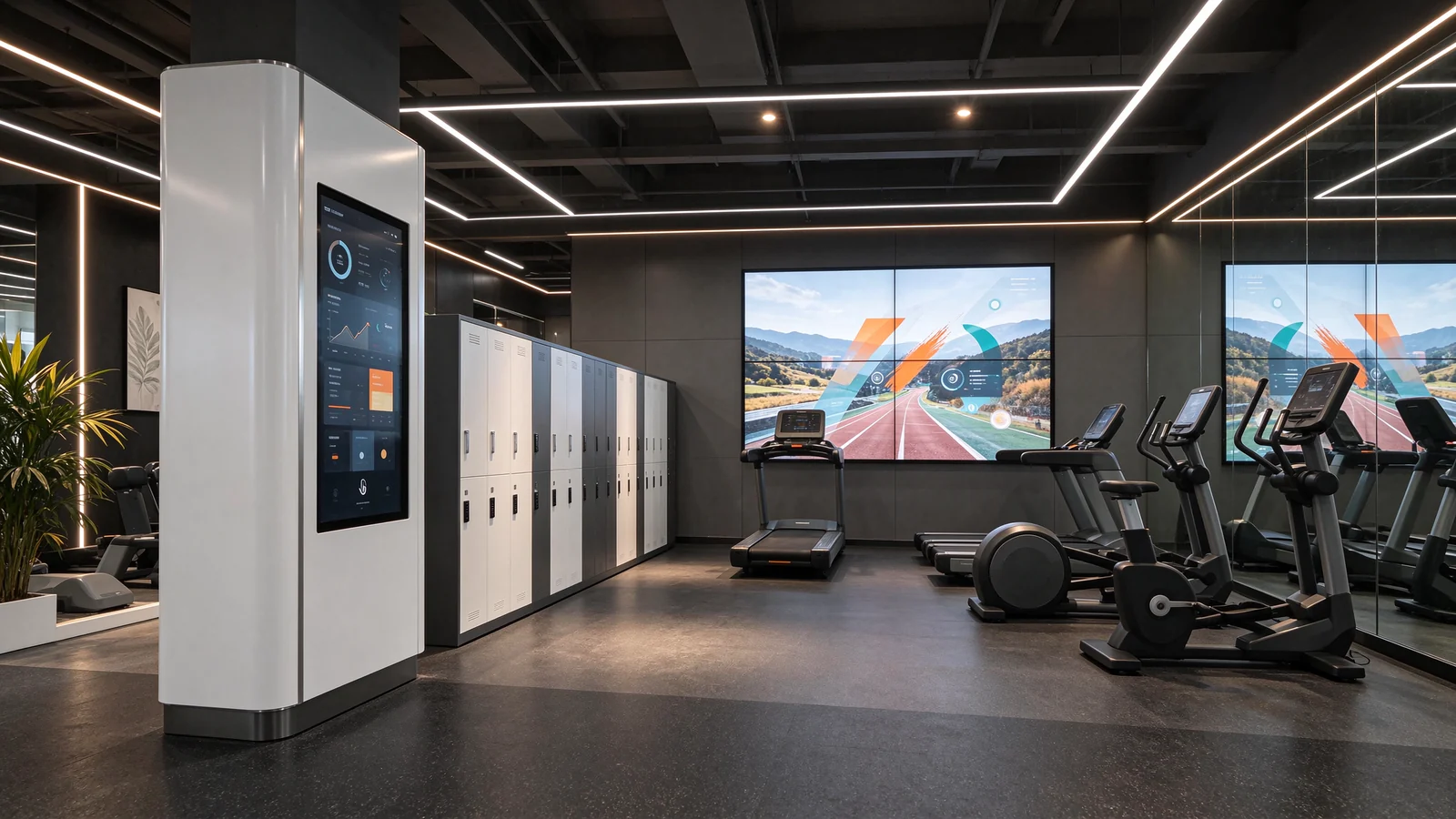
An L-shaped 43″ or 50″ floor-standing unit handles check-in prompts, today's timetable, personal-training booking and wayfinding to the studio, pool or changing room. It is the only interactive surface in the scheme, and it replaces a laminated timetable and a queue at the desk.
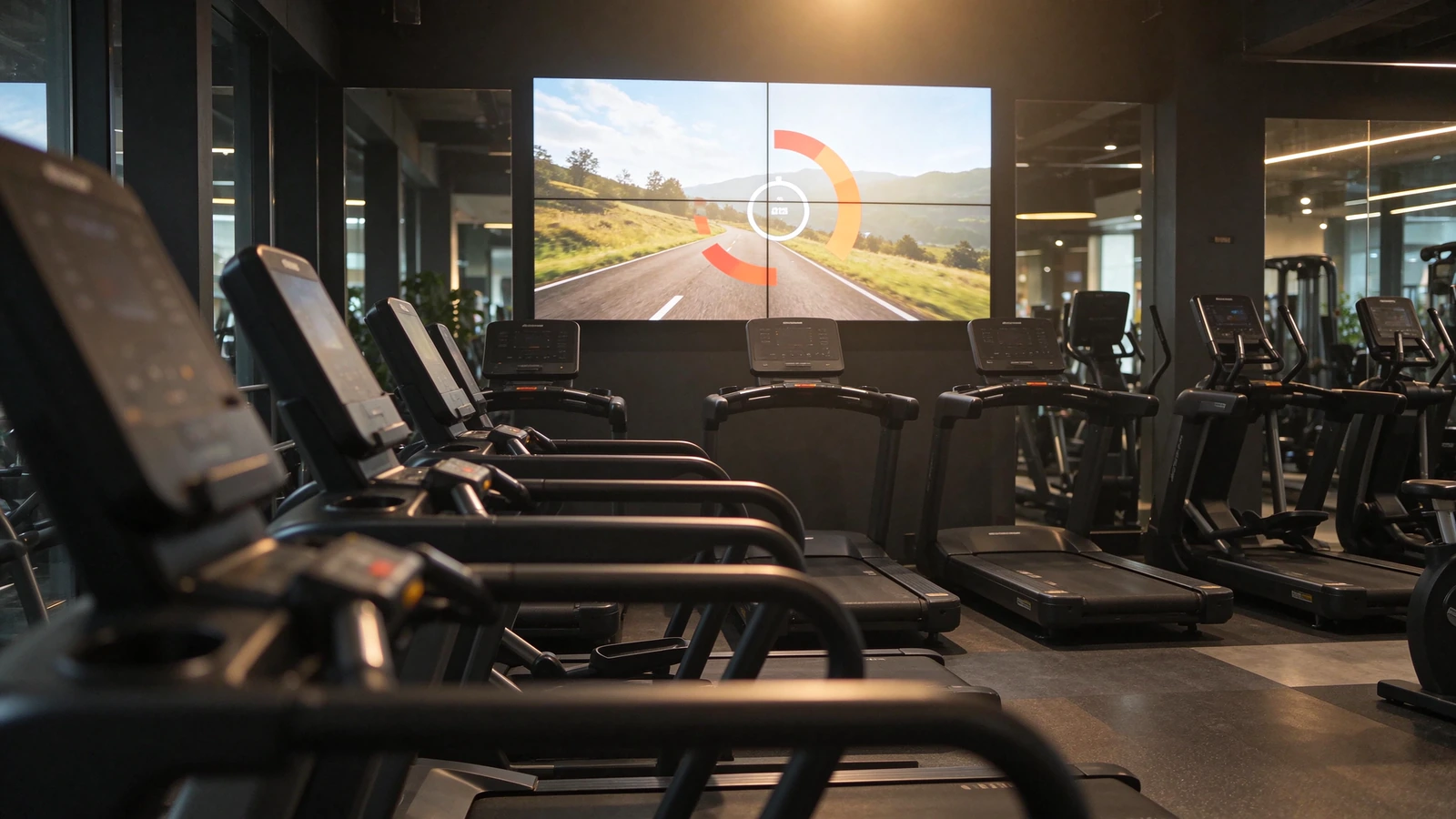
L-shaped interactive kioskA 2×2 or 2×3 array of 55″ panels on the training floor's rear wall carries virtual routes, interval prompts, heart-rate zones and brand film. One canvas, one player path, one schedule — not four televisions with four remotes.
LCD video wall for gymStudios, changing-room entrances, lounge and retail counters take 43″–65″ single screens. These carry the short-burst content — class countdown, next class, towel service, supplement offer — and they are the cheapest place to start a rollout.
Indoor commercial displaysA gym display solution is not evenly distributed screens. Each zone has a viewing distance, a dwell time, an ambient light level and a content owner — and those four numbers decide the product. Use the table as a quotation input sheet: the last column is what we need from you to price the zone correctly.
| Püügipiirkond | Display & layout | Bezel / brightness | What plays | Inputs we need from you |
|---|---|---|---|---|
| Entrance & front desk | L-shaped pillar kiosk, 43″ or 50″; floor-standing | 300–700 cd/m²; IR touch standard, PCAP optional | Check-in, today's timetable, PT booking, join offer, wayfinding | Member-system API, door access, who owns class software |
| Cardio floor — rear wall | LCD video wall 2×2 or 2×3, 55″; rear-mounted | 3.5 mm bezel at 2–6 m; 500 cd/m² | Virtual routes, interval prompts, heart-rate zones, brand film | Wall load and finish, viewing distance band, ceiling height, power and data runs |
| Strength & free-weight zone | 2×1 wall or single 55″–65″; wall-mounted | 3.5 mm if spliced; 500 cd/m² | Technique loops, coaching cues, PT and programme promotion | Mounting surface, whether audio is needed, content owner |
| Group studio | 65″ wall-mounted, or 2×2 where the room is deep | 3.5 mm if spliced; 500 cd/m² | Class timer, next class, heart-rate zones, instructor support | Room depth and ceiling, audio/lighting integration owner |
| Changing room & pool entrance | 43″–55″ wall-mounted, sealed enclosure advice | 500 cd/m², high-humidity placement guidance | Rules, lane timetables, towel service, pool closures | Humidity and chlorine exposure, cleaning regime |
| Lounge, retail & smoothie bar | 43″–55″ wall-mounted, or 49″–55″ rotatable floor unit | 500 cd/m²; split-screen capable | Menu boards, supplement retail, QR ordering, member offers | POS or menu owner, price-update frequency, languages needed |
| Venue stand, concourse & check-in channel | 3×3 or ribbon 1×4 / 1×6, 55″; or 4×3 for large halls | 700 cd/m² for daylight concourse; 0.88–3.5 mm | Event mode, sponsor rotation, replays, court allocation | Event calendar, sponsor contracts, daylight level, structural survey |
| Outdoor, car park & street frontage | IP56 street-pole LCD with optical bonding | High-brightness module; anti-glare bonding | Opening hours, court booking, directions, seasonal campaigns | Sun exposure, local power standard, permits |
Two rows of 55″ is the standard answer up to about 120 m² of floor. Above that, or where the room is wider than it is deep, move to 2×3 — the extra column matters more than extra inches, because a 2×2 array seen from the far corner of a wide floor is read at an angle and loses half its usable brightness. If the wall faces glazing, specify the 700 cd/m² variant; if it faces only mirrors and LED downlights, 500 cd/m² is enough and the saved budget is better spent on the controller.
Group fitness class display work is a timing problem, not a picture-quality problem: the timer has to be readable from the last row while the instructor moves in front of it. Put the screen high on the rear wall, keep the countdown in the top third, and let the middle band carry demonstration loops. Touch is normally wasted money here — the instructor controls the session from a tablet or the CMS schedule, not from the wall.
A sports venue is not a large gym. The same hall is a hire court on Monday, a league venue on Thursday and a production set on Saturday. Hardware that is correct in all three modes is ordinary; a content plan that switches between them without sending anyone to site is what actually gets bought.
| Mode | What is lit | Content priority | Control and permissions |
|---|---|---|---|
| Class / hire day | Concourse, court entry, changing rooms; main wall at low duty | Court allocation, session times, safety notices, wayfinding | Venue operations manager; template locked to booking system data |
| League / event day | All zones; concourse at 700 cd/m²; main wall at full duty | Fixtures, sponsor rotation, replays, queue and gate information | Event controller with temporary override; sponsor playlists pre-approved |
| Production / shoot day | House lights down; walls set to brand or black canvas | Brand film, neutral canvas, or dark screens to avoid talent glare | Single technical operator; all other roles read-only |
Most budget is lost in two places: buying a finer bezel than the viewing distance can resolve, and buying a Windows PC where a scheduled Android player would do. Work these four decisions in order and the rest of the specification writes itself.
| Otsus | Specify this | Avoid this | Rule of thumb |
|---|---|---|---|
| Ekraani suurus | 43″–49″ at 2–3 m; 55″ at 3–4 m; 55″–65″ at 4–6 m; 65″–75″ or an array beyond 6 m | A 75″ panel pushed to the back of a 12 m room | If a member cannot read the timer from the last row, the size is wrong — not the content |
| Bezel class | 8 mm for distant large-format walls; 3.5 mm as the gym standard; 1.8 / 1.7 mm for premium; 0.88 mm for entrance statements | 0.88 mm on a wall nobody stands closer than six metres to | Bezel is bought against viewing distance, not against a brochure photo |
| Heledus | 300–500 cd/m² for controlled indoor; 700 cd/m² for glazed floors and daylight concourses | One brightness figure for every zone in the building | Match the worst lighting condition the zone sees, then stop |
| Operating platform | Android for scheduled playback and simple apps; Windows where the member or class software needs a local client; dual boot per project | Windows at every kiosk "to be safe" | Android ships faster and patches easier; Windows earns its price only when integration demands it |
| Puutehnoloogia | IR multi-touch as the high-traffic standard; PCAP for glass-flush flagship reception | PCAP at a kiosk staff clean with a wet cloth hourly | Both support ten-point gestures; the difference is aesthetics versus abuse tolerance |
| CMS | Cloud CMS included, with site grouping, day-parting, split-screen, offline alerts and role permissions | A separate CMS licence bought later, per site | Ask about the licensing model before signing — this is the line that grows as you expand |
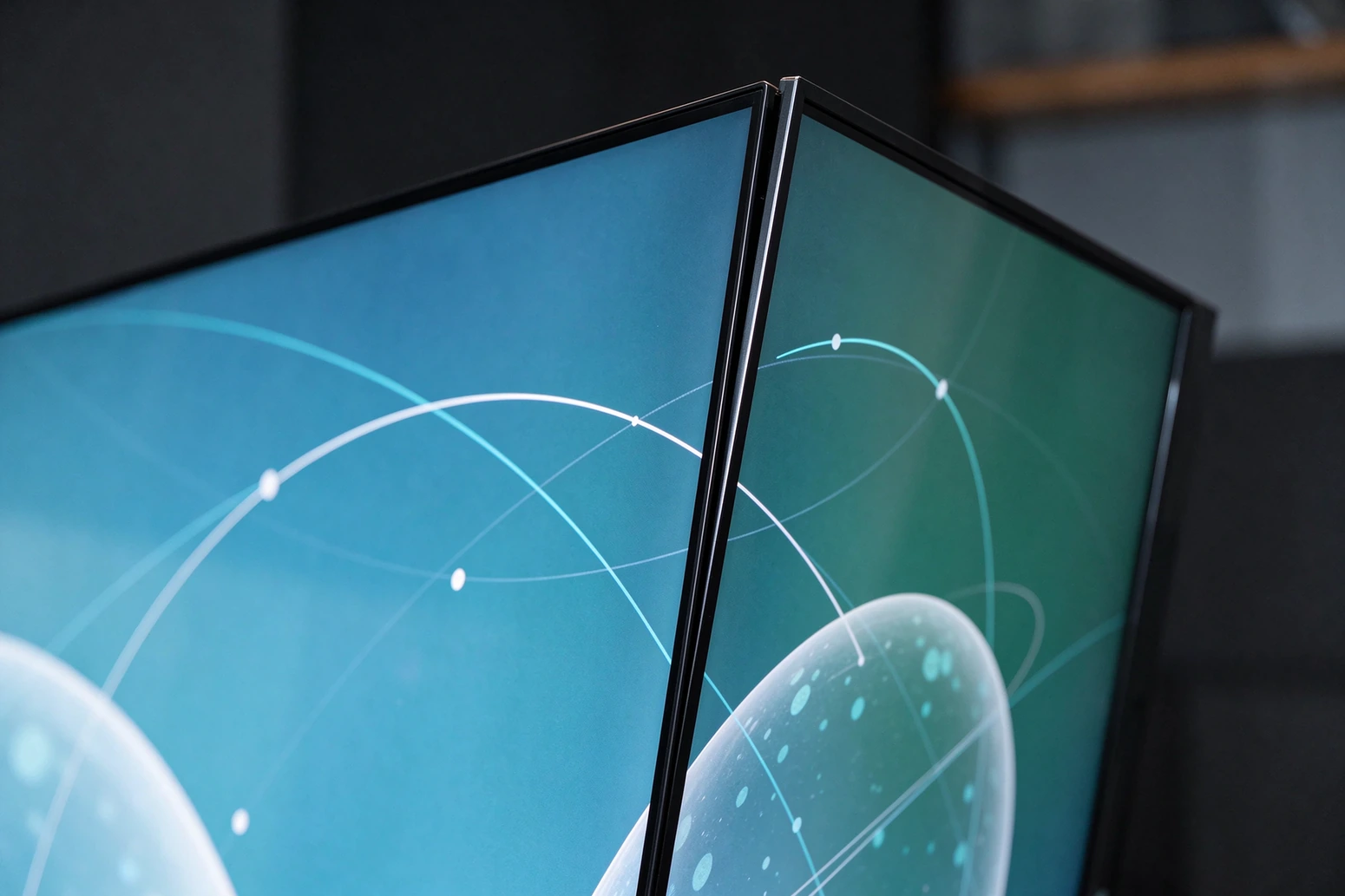
Qtenboard builds the three hardware anchors as separate product families, so a project can start with one and add the others without changing platform: the L-shaped interactive touch kiosk in 43″ and 50″, the LCD videoseina in 43 / 46 / 49 / 55 / 65 / 75″, and the indoor signage range including a rotatable floor-standing unit for retail corners. All three accept the same cloud CMS.
Every unit is built to order in Shenzhen and Guangzhou, aged for 24–72 hours before packing, and shipped CE / FCC / RoHS / CB certified. As an OEM gym display supplier, colours, logo, boot animation and preinstalled apps are available from roughly 10–50 units depending on customisation depth.
Gym display projects fail at coordination far more often than at hardware. The sequence below is the one we run, and every step produces a document the client keeps — because the second site should be a copy, not a re-invention.
Zone dimensions, ambient light, viewing distance bands, wall construction, power and data routes. Output: a zone sheet per surface, with a recommended size and bezel class.
Panel count, gap class, controller and processor needs, mounting, player boxes, CMS seats. Output: one priced BOM with every line visible, so nothing appears as a surprise later.
A single kiosk or a two-panel test array, shipped as a sample order from one unit, so the client tests content and integration before committing the fleet.
Assembly, 24–72 hours of aging, pre-shipment inspection, then CE / FCC / RoHS / CB documentation and export packing. Standard models 7–15 days; custom OEM 15–30 days.
Mechanical alignment, then colour and brightness calibration across the whole wall. Skipping this step is why two identical walls look different in two clubs.
CMS roles configured, templates loaded, staff trained on the five actions they will actually perform, and a spare panel or mainboard agreed per site group.
We do not publish client names or claim other operators' installations as our own. What follows is drawn from Qtenboard deliveries and is described by region, scale and configuration — enough for you to judge whether the model fits your rollout, without borrowing someone else's logo.
A regional integrator won a public self-service hall programme and needed the entire estate delivered inside a single contract window. Windows-version units were pre-integrated with the local queue system, the CMS was deployed in the local language, and the whole order shipped in one container sequence.
A multi-site chain replaced staff-updated posters with floor kiosks and wall screens. Marketing publishes a playlist once; every store is live the next morning, and store teams are back to serving customers instead of changing signage.
A mid-scale hotel group rolled out 43″ L-shaped kiosks for arrival. Guests check in, collect Wi-Fi details and call the lift without queueing; the desk moved to concierge work.
A 3×3 55″ array at 0.88 mm bezel carried campaign hero content at a brand entrance; a 4×3 55″ array at 700 cd/m² ran 15-second motion graphics with a dynamic QR on a busy mall passage. Same platform, two different brightness and bezel decisions.
We quote per project, so this section gives structure rather than prices: what sits inside each tier, how the budget splits, and the three places a club recovers the spend.
One front-of-house kiosk, one 2×2 rear wall, three wall screens. Enough to test both business cases before committing the estate.
The Tier 1 template repeated, with site grouping, regional playlists and a spares pool per region.
Larger walls, daylight concourses, outdoor frontage and event-mode permissions — usually quoted with a structural survey.
A typical gym video wall cost line splits roughly like this — the exact shares move with panel count and bezel class, but the shape does not:
Keep the arithmetic plain — no modelling, just countable items:
Hand this list to whoever installs the system. Nine of the ten are cheap to fix during commissioning and expensive to fix afterwards.
By failure behaviour, not by picture. A single 75″–98″ screen is simpler and cheaper; a 2×2 array keeps running at three-quarters output if one tile fails, which matters in a room members face for an hour. Arrays also scale to wider floors, where a single panel becomes a letterbox the far corner cannot read.
3.5 mm is the standard answer across that band and is where most gym budgets land. Step to 1.8 mm or 1.7 mm when the wall is a brand statement seen from closer, and to 0.88 mm for entrance or flagship zones. Going below what the distance can resolve buys nothing visible.
Yes, through the open SDK and REST API included with the platform. The kiosk runs Android or Windows, so a local client can be installed where your vendor requires one. In practice the integration is owned by your software vendor and tested before shipping — we support the interface, we do not replace your membership platform.
Android for scheduled playback, timetables and light apps — faster to deploy, simpler to patch, cheaper per unit. Windows where the member system or class software needs a desktop client, or where multiple local applications must run together. Dual boot is available per project when both are needed.
From one cloud dashboard: site groups by country, region or brand line, playlists published to a group or a single site, day-parting per zone, and role permissions separating head office, regional managers and club managers. Screens that go offline raise an alert rather than waiting for a complaint.
They are industrial panels built for continuous commercial operation, not consumer televisions, with a reinforced chassis and engineered airflow. Each unit passes 24–72 hours of aging before shipping, and the warranty runs 1–3 years with core parts replaced rather than repaired.
Standard models ship in 7–15 days; custom OEM — logo, colour, boot animation, preinstalled apps — takes 15–30 days. Sample orders start from a single unit so you can test the hardware and CMS first; standard OEM minimums fall around 10–50 units depending on customisation depth. CKD and SKD kits are available for local assembly.
On walls specified with a front-service structure, the failed tile is removed from the front without disturbing its neighbours, so the floor stays open. We recommend holding one spare panel and one mainboard per site group; that single spare is what turns a three-week outage into a same-day swap.
We do not quote from a catalogue page. Tell us the shape of the project and we will return a configuration per zone, the bezel and brightness class each zone needs, the CMS grouping that fits your rollout, and a costed BOM with lead time and spares included.
Qtenboard — commercial LCD display manufacturer since 2005, Shenzhen and Guangzhou. CE / FCC / RoHS / CB certified, exported to 100+ countries, OEM and ODM including CKD / SKD. One supplier from the front-desk pillar kiosk to the rear-wall video wall, with a single CMS across every site.

Tegevjuht | Interaktiivne ekraani ja koostöö lahendusekspert
Olen Qtenboardi asutaja, tuues üle 17-aastase praktilise oskusteadmisega puute kuvatööstusesse. Võttes arvesse ülemaailmse juhtimise perspektiivi, mis on saavutatud minu EMBA uuringud ShenZheni ülikoolis, Ma juhin Tootmisvõime jääb tööstuse esirinnas.
Qtenboardi juhina olen spetsialiseerunud kohandatud OEM/ODM-lahenduste pakkumisele interaktiivsetele valgeplaatidele, LCD video seinad, digitaalsed signaalid ja tööstusliku kvaliteediga puuteterminalid. Toetas meie 330.000 m nüüdisaegse tööstuspargi Shenzhenis, säilitame täispuhastuse kontrolli tööstusdisaini, täpsuse tootmise, ja range jõudluse testimine.
Peaaegu kaks aastakümne pikkune projektikogemus kasutatakse Qtenboardi ekraani lahendusi nüüd rohkem kui 120 riigis ja piirkonnas, teenis usaldust üle 15000 ettevõtluskliendi üle maailma. Kui otsite tundlik partner sügava tootmise aluse oma kohandatud touch kuva projekte, Minu meeskonnaga oleme valmis toetama teie nägemust professionaalselt.

 est
 EN
 spa
 pt
 vie
 th
 lav
 aze
 ukr
 bel
 ru